
ERPNext lessons, straight from the field
Short, practical reads on accounts, stock, HR and payroll, implementation, security and development, drawn from real ERPNext deployments.
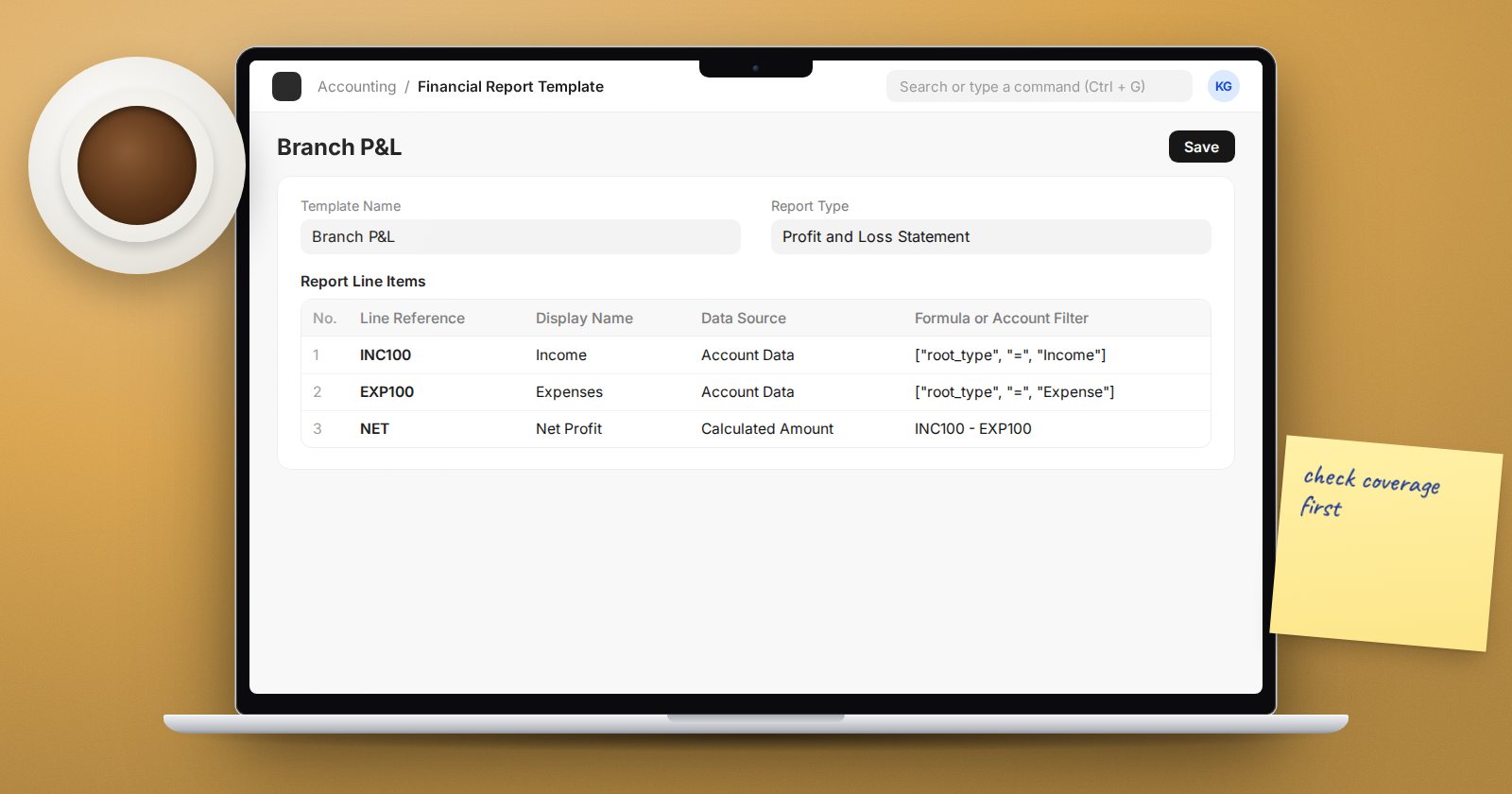
Custom Financial Statements with Financial Report Templates
ERPNext v16 adds Financial Report Templates for custom Balance Sheet, P&L and cash flow layouts. Here is how account categories, rows and formulas fit together.
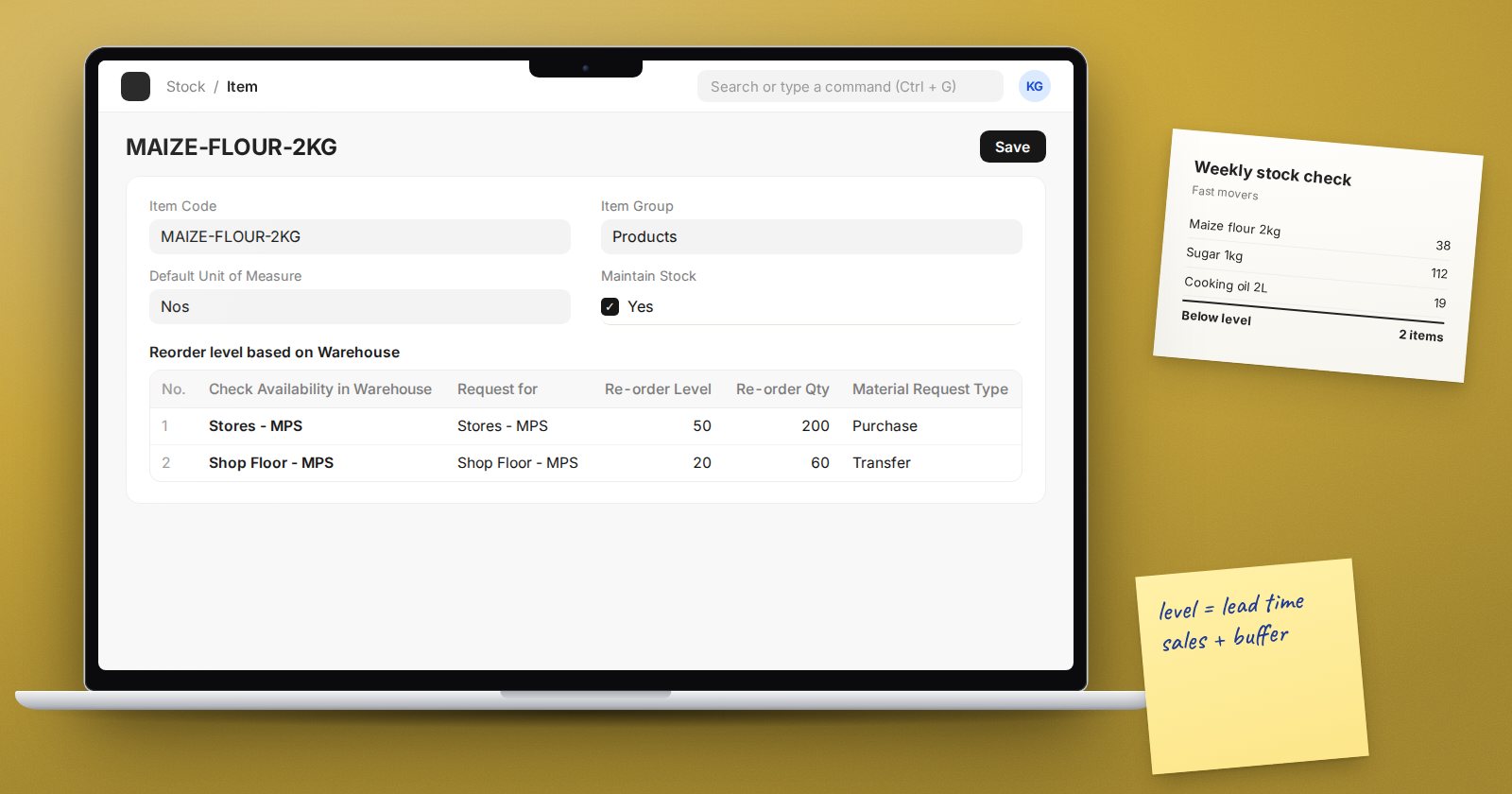
Setting Reorder Levels in ERPNext So Stock Never Runs Out
Set warehouse reorder levels in ERPNext so it raises Material Requests automatically, understand projected quantity, and choose sensible levels.
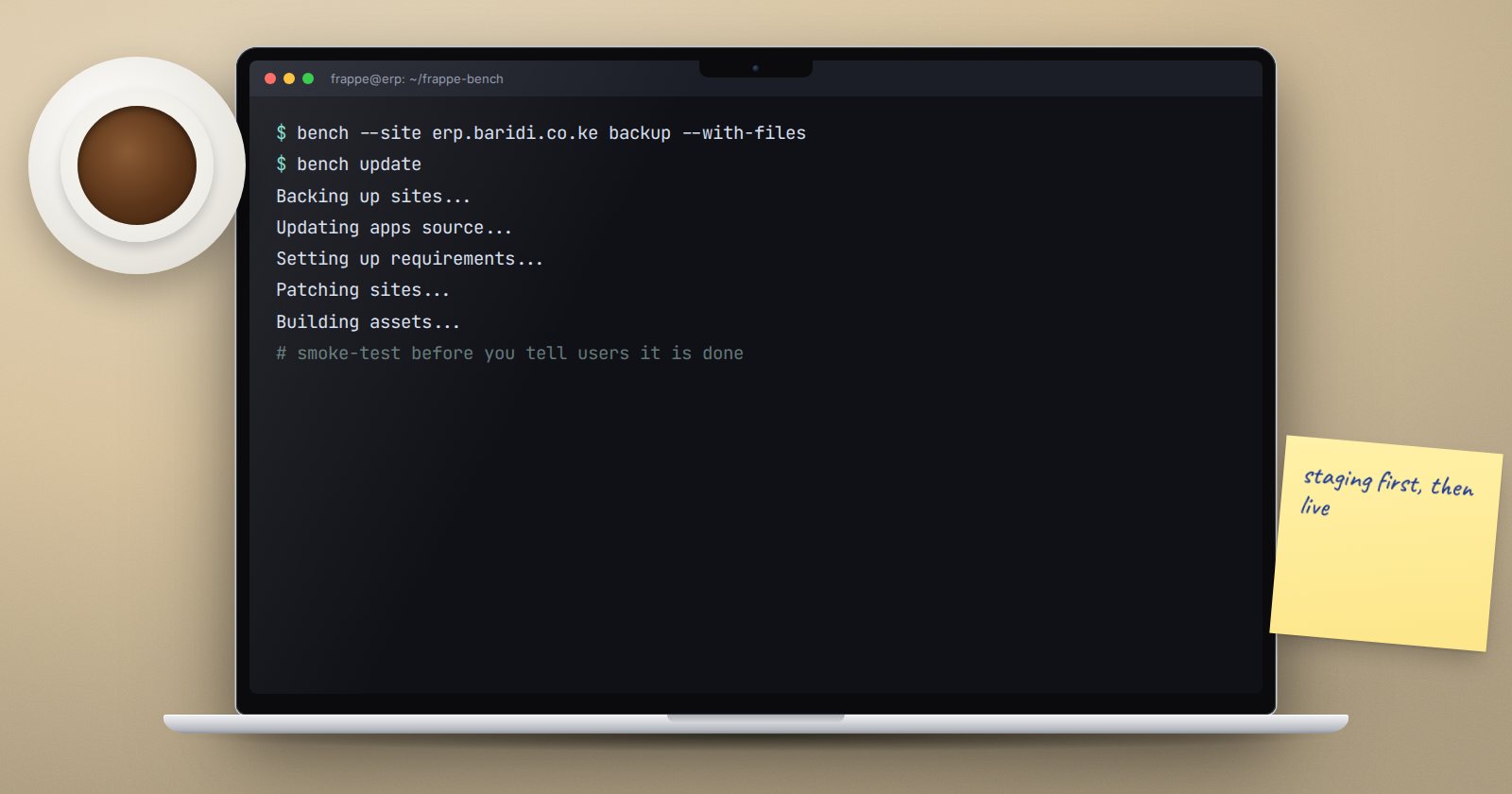
How to Update ERPNext Safely Without Breaking Production
What bench update really does, step by step, and a safe routine for minor ERPNext updates: staging first, backups, drift checks and a rollback plan.
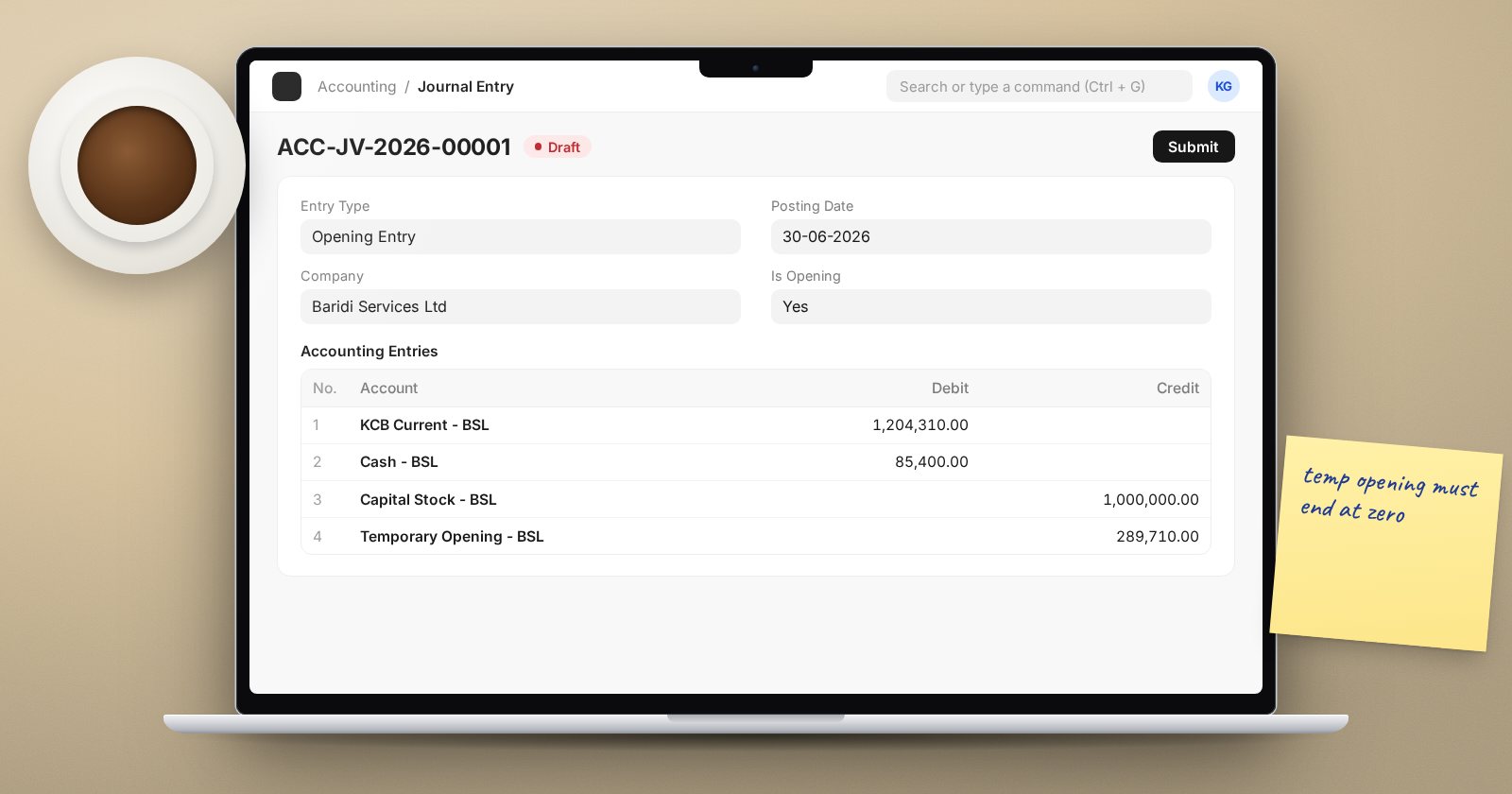
Loading Opening Balances in ERPNext at Cutover
How to plan and load opening balances when moving to ERPNext: the cutover date, the order of entries, the Temporary Opening account and the checks.
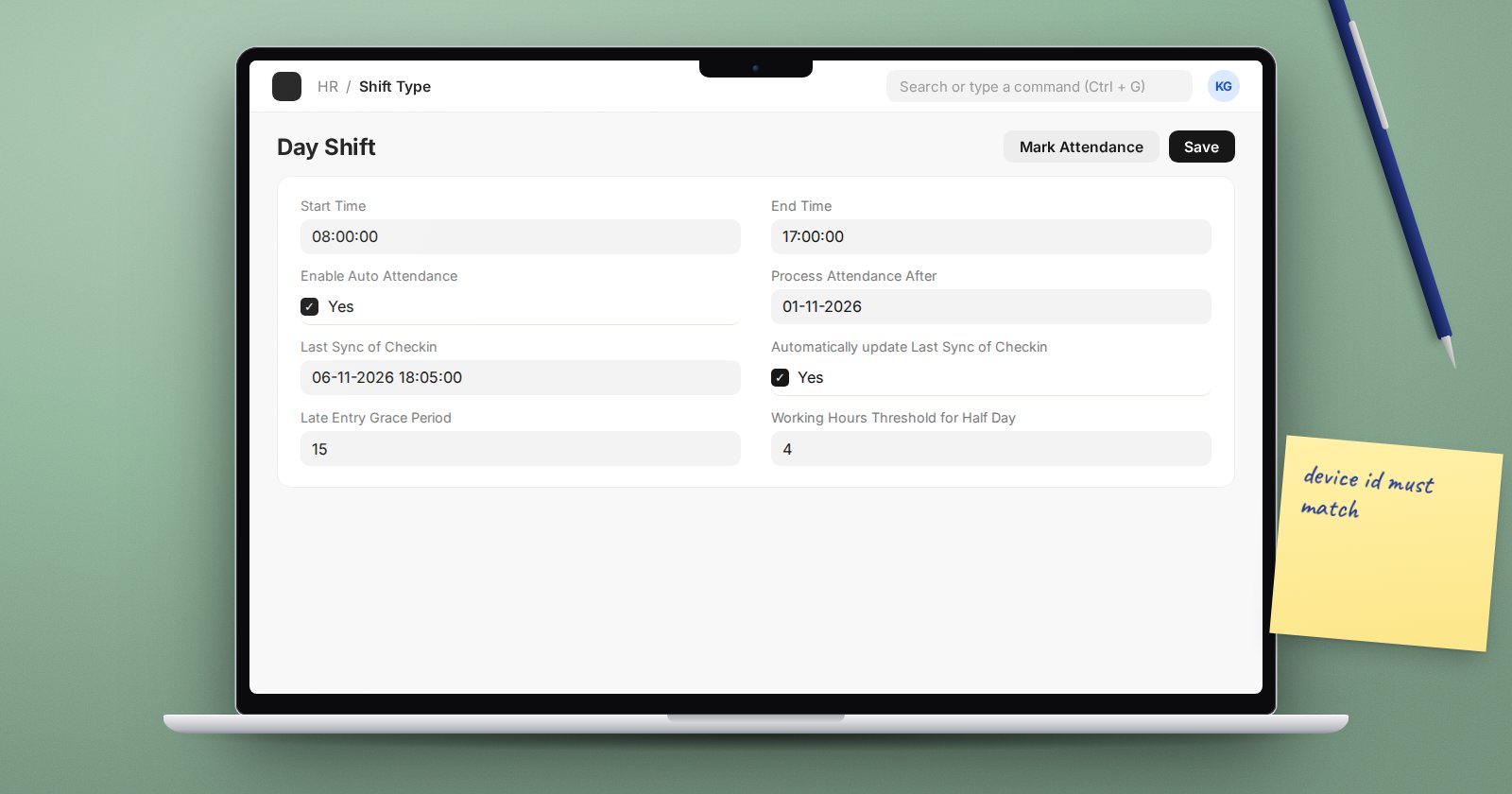
Auto Attendance from Biometric Check-ins in ERPNext
Turn biometric or mobile check-ins into attendance automatically in ERPNext: device IDs, shift thresholds, grace periods and the sync setting that matters.
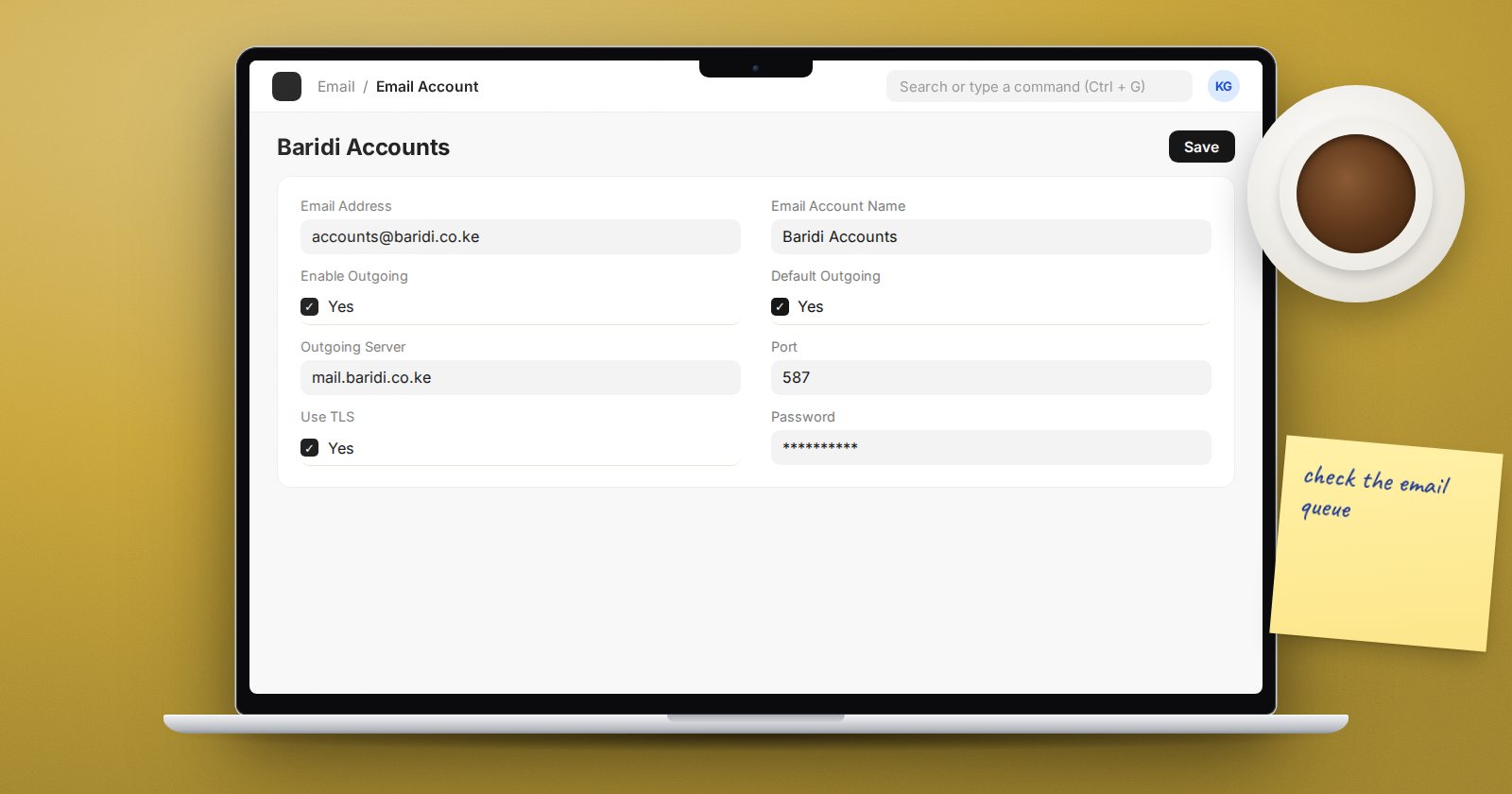
Setting Up Email Accounts in ERPNext: Outgoing and Incoming
Configure outgoing and incoming email in ERPNext: default accounts, SMTP and IMAP settings, Append To, and how to read the Email Queue when mail fails.
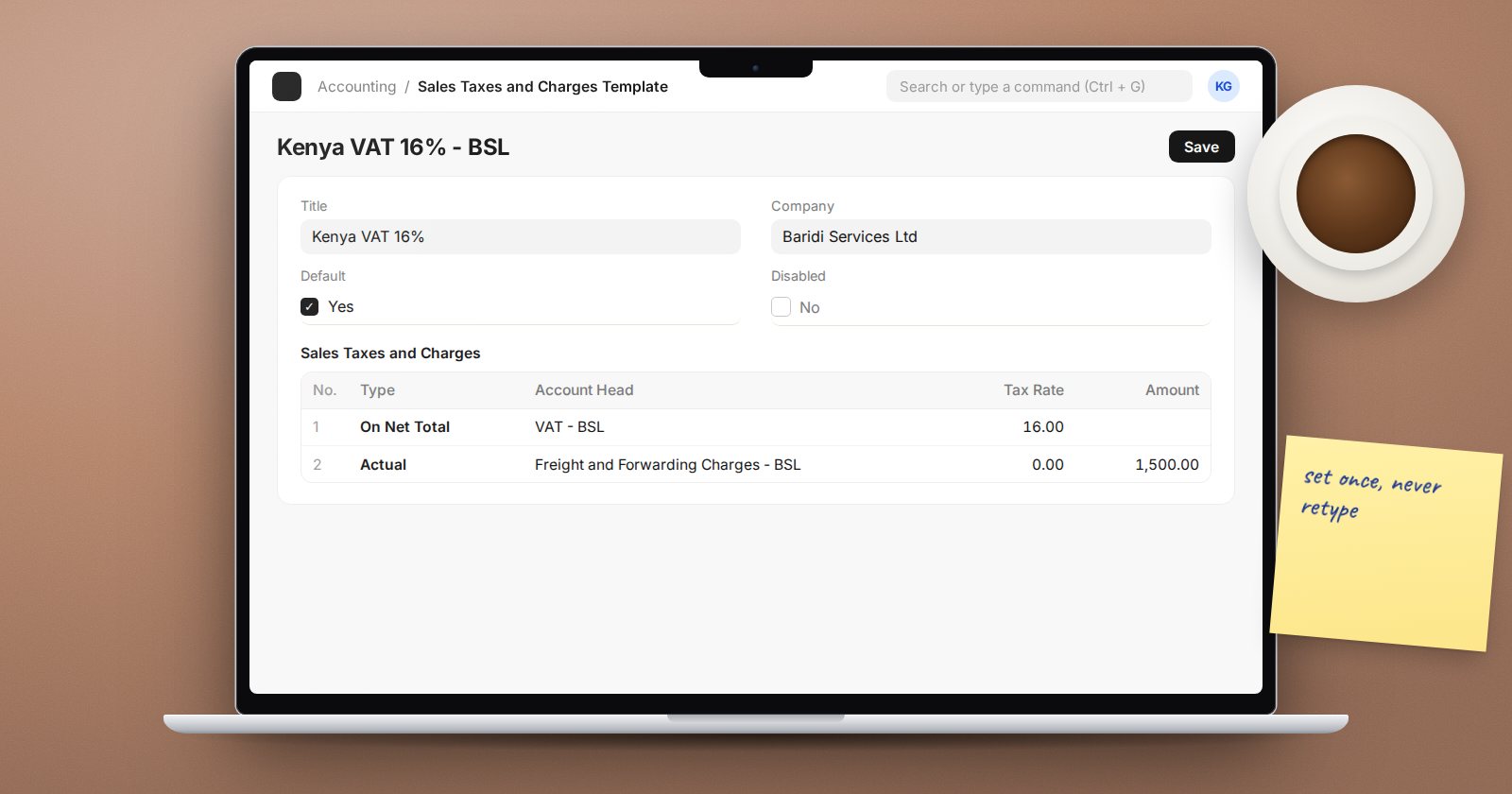
Tax Templates in ERPNext: Sales, Purchase and Item Tax
How ERPNext applies taxes: Sales and Purchase Taxes and Charges Templates, Item Tax Templates for exempt or special items, and Tax Rules that pick the template.
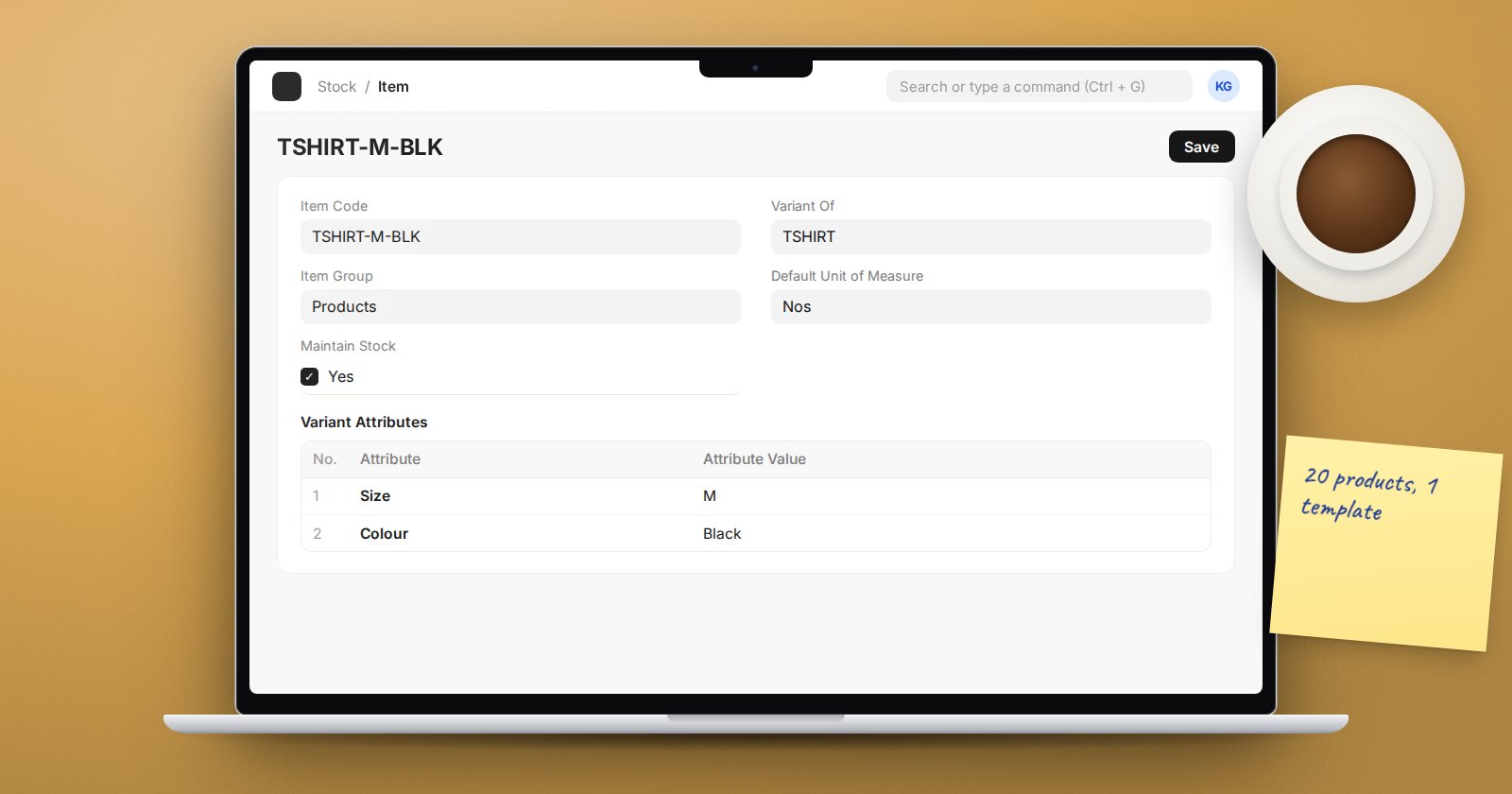
Item Variants in ERPNext: Sizes, Colours and Templates
Use item templates and variants in ERPNext for products that come in sizes and colours: attributes, abbreviations, creating variants and what to avoid.
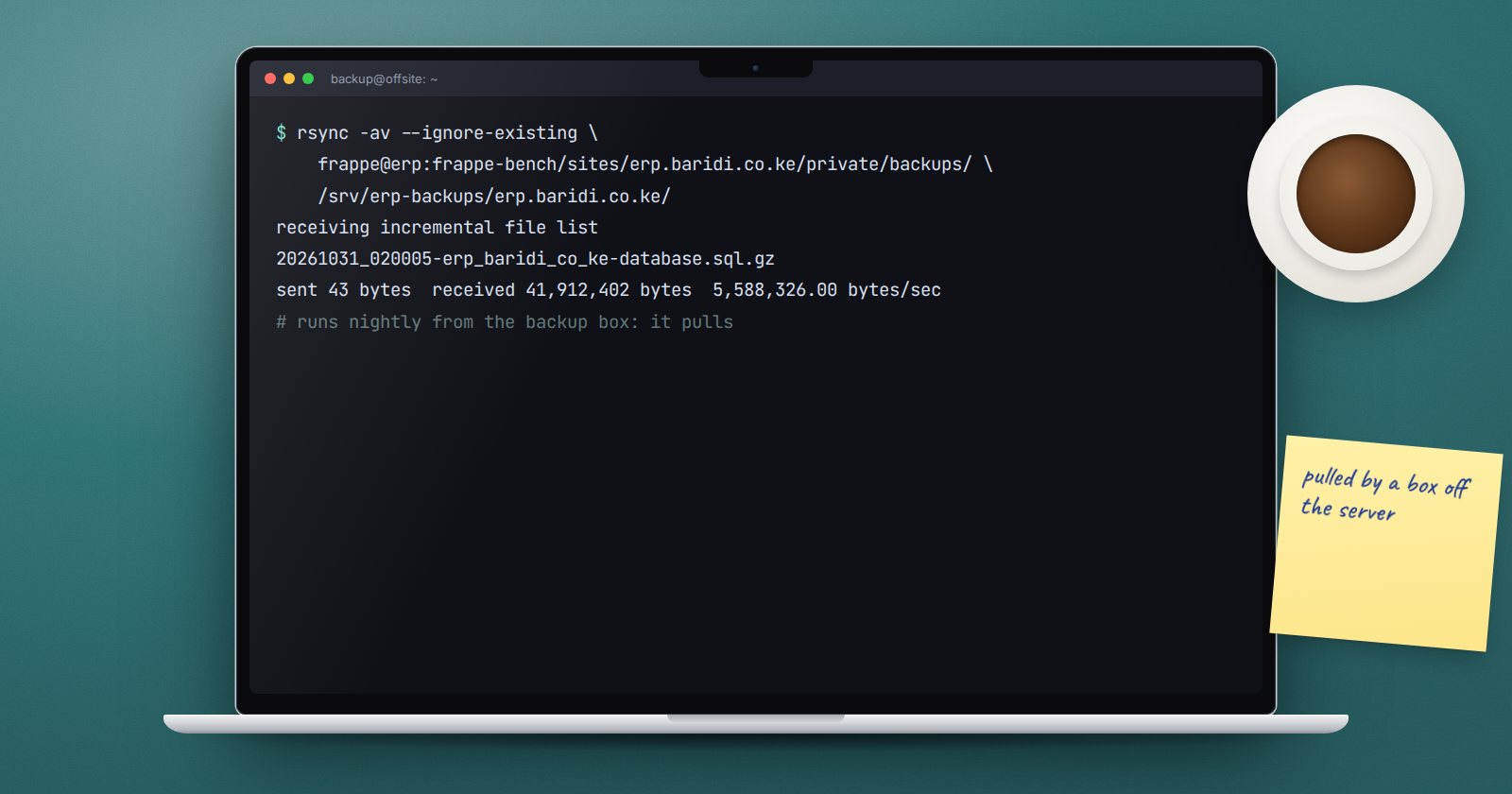
Offsite Backups for ERPNext: Getting Copies Off the Server
Why ERPNext backups kept on the server are not enough, and a simple, safe way to pull copies to another location and keep a longer history.
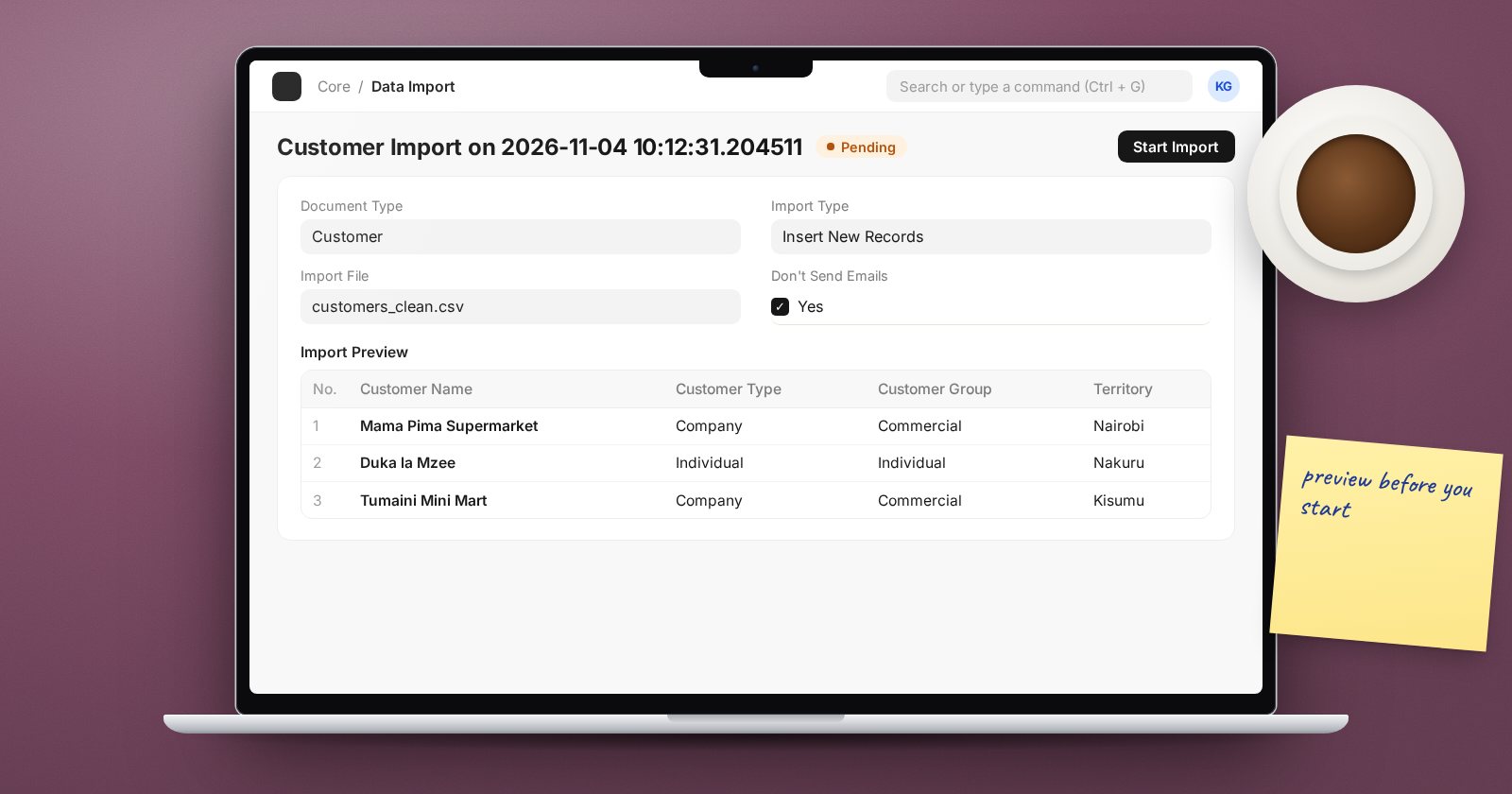
Migrating Data into ERPNext with Data Import, Step by Step
A step-by-step way to migrate master data into ERPNext with the Data Import tool: templates, import order, test loads and fixing rows that fail.
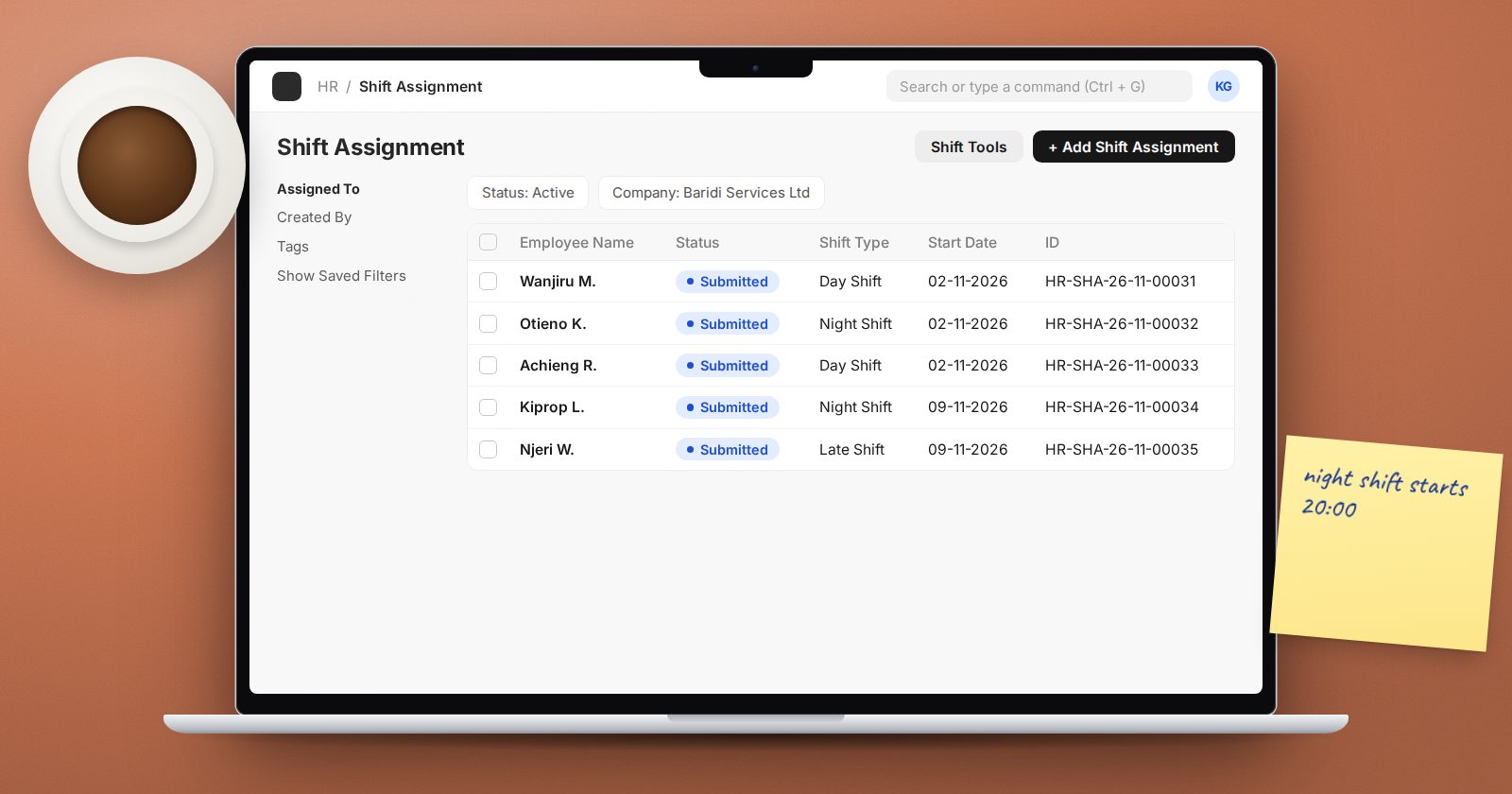
Shift Types and Shift Assignments in ERPNext HRMS
Define shifts in ERPNext with Shift Type, give them to staff with Shift Assignment or the bulk tool, and handle rotations and shift change requests.
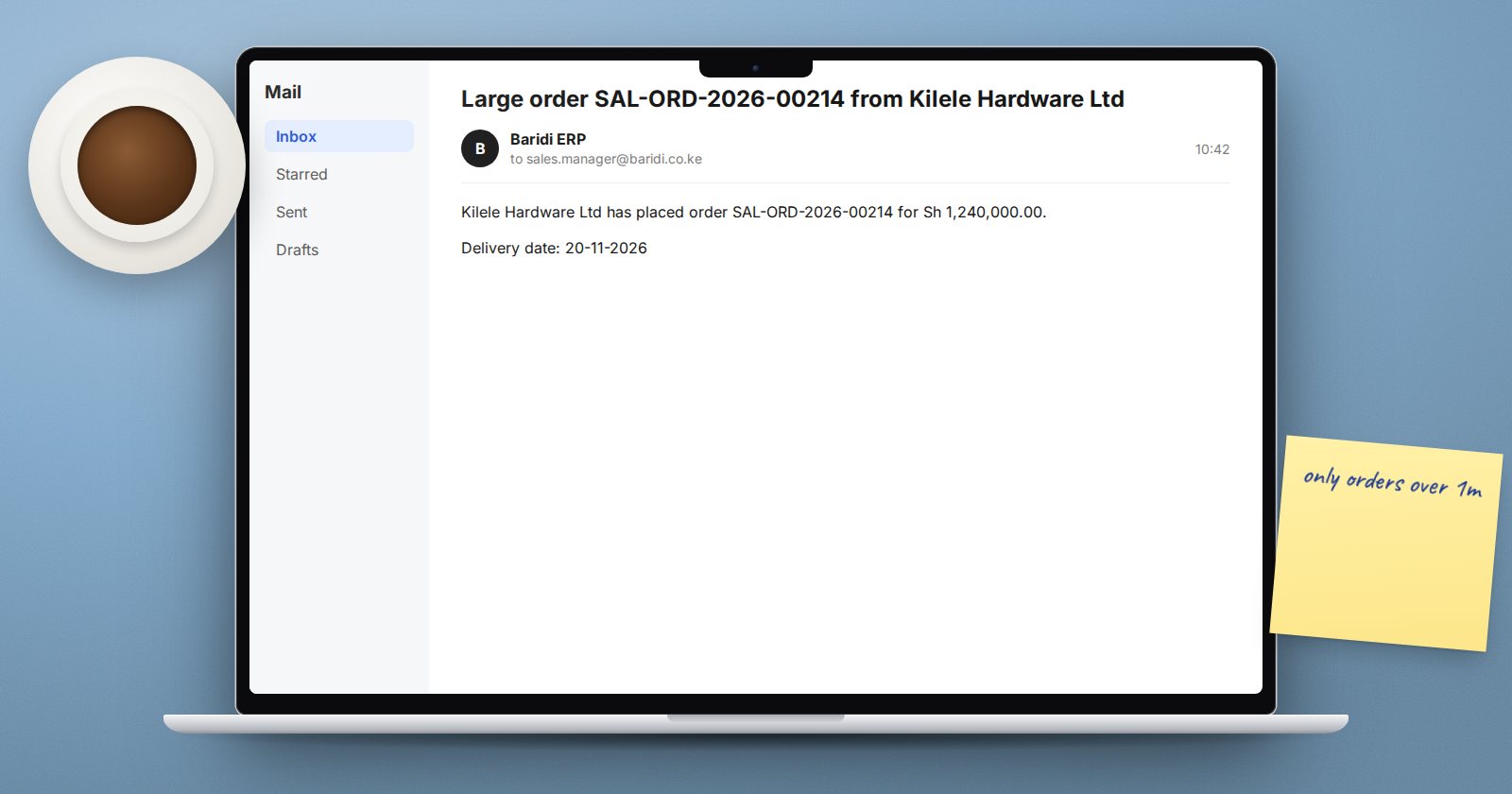
ERPNext Notifications: Automatic Alerts Without Writing Code
Set up ERPNext Notifications that email or alert the right people on save, submit, value change or a date, with conditions and Jinja messages.
Get notified when we publish
One email when new articles are published, never more than one a day. Unsubscribe any time.