
ERPNext lessons, straight from the field
Short, practical reads on accounts, stock, HR and payroll, implementation, security and development, drawn from real ERPNext deployments.
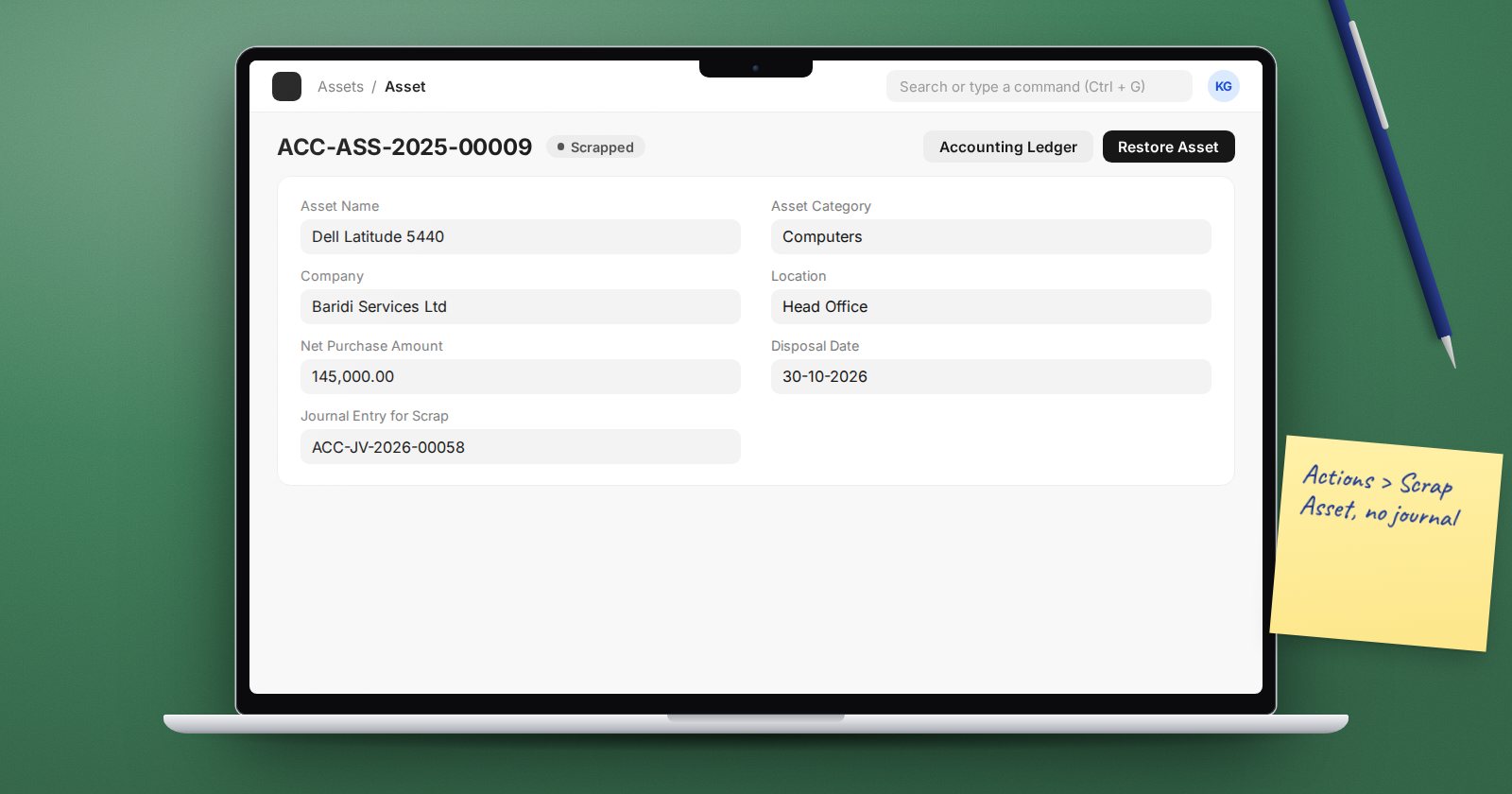
Selling or Scrapping a Fixed Asset in ERPNext
Dispose of an asset the ERPNext way: Sell Asset raises the invoice and books the gain or loss, Scrap Asset writes it off, and Restore undoes a mistake.
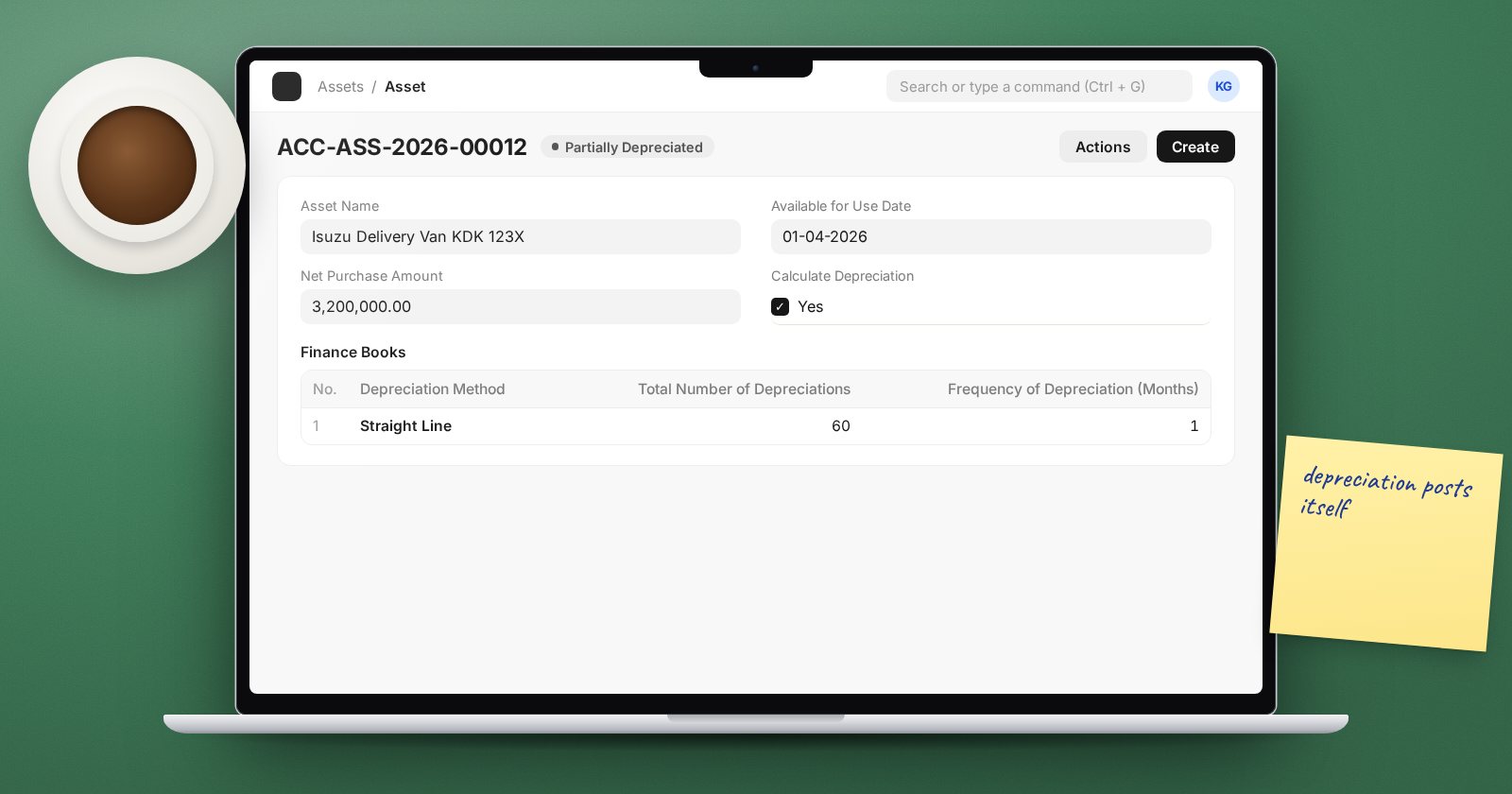
Fixed Assets in ERPNext: From Purchase to Monthly Depreciation
Set up asset categories, record a purchase as an Asset, choose a depreciation method and let ERPNext post the monthly depreciation entries for you.
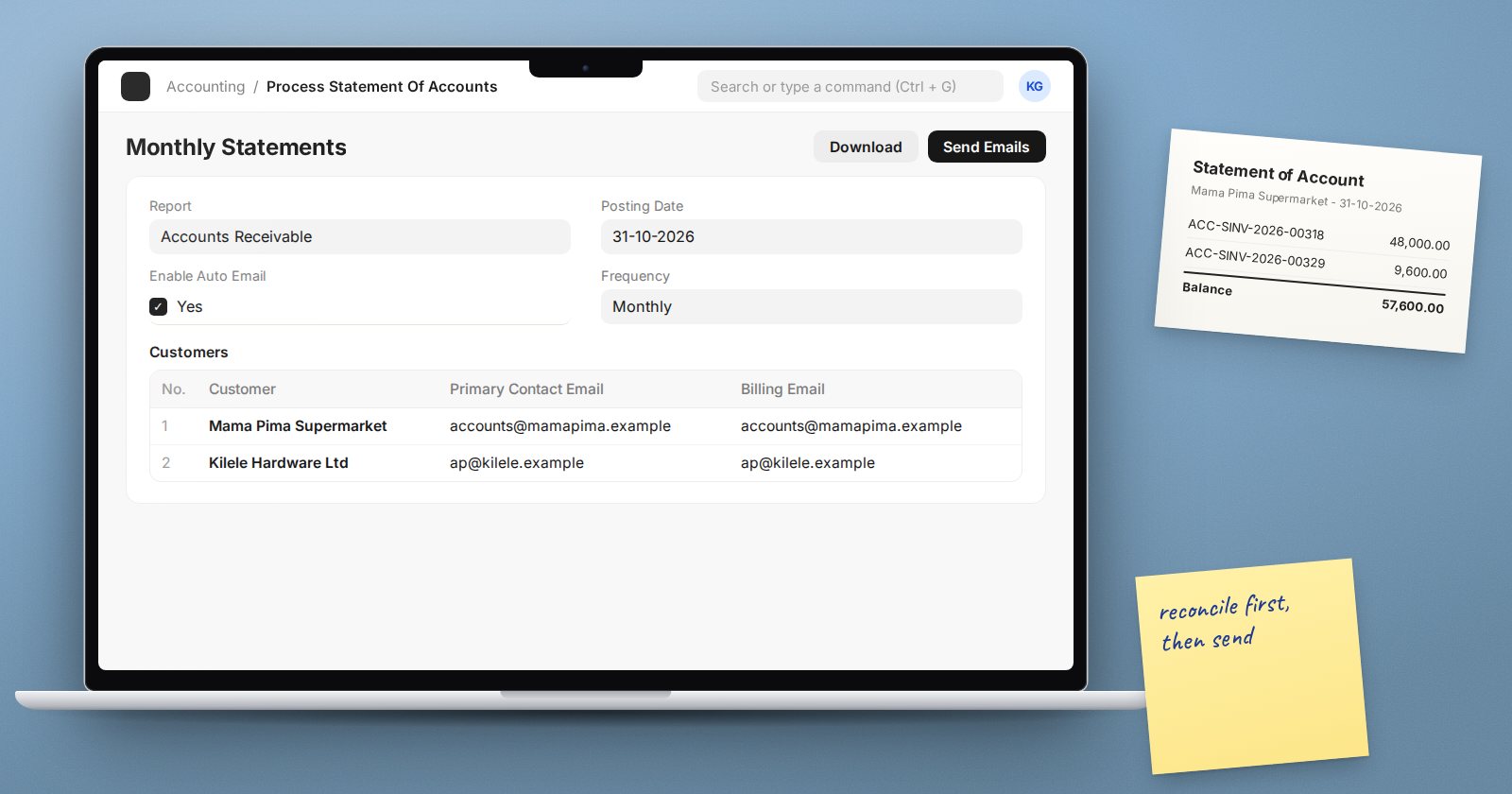
Sending Customer Statements Automatically from ERPNext
Use Process Statement Of Accounts in ERPNext to email customer statements or ageing in bulk, on a schedule, with your own letter text and PDF settings.
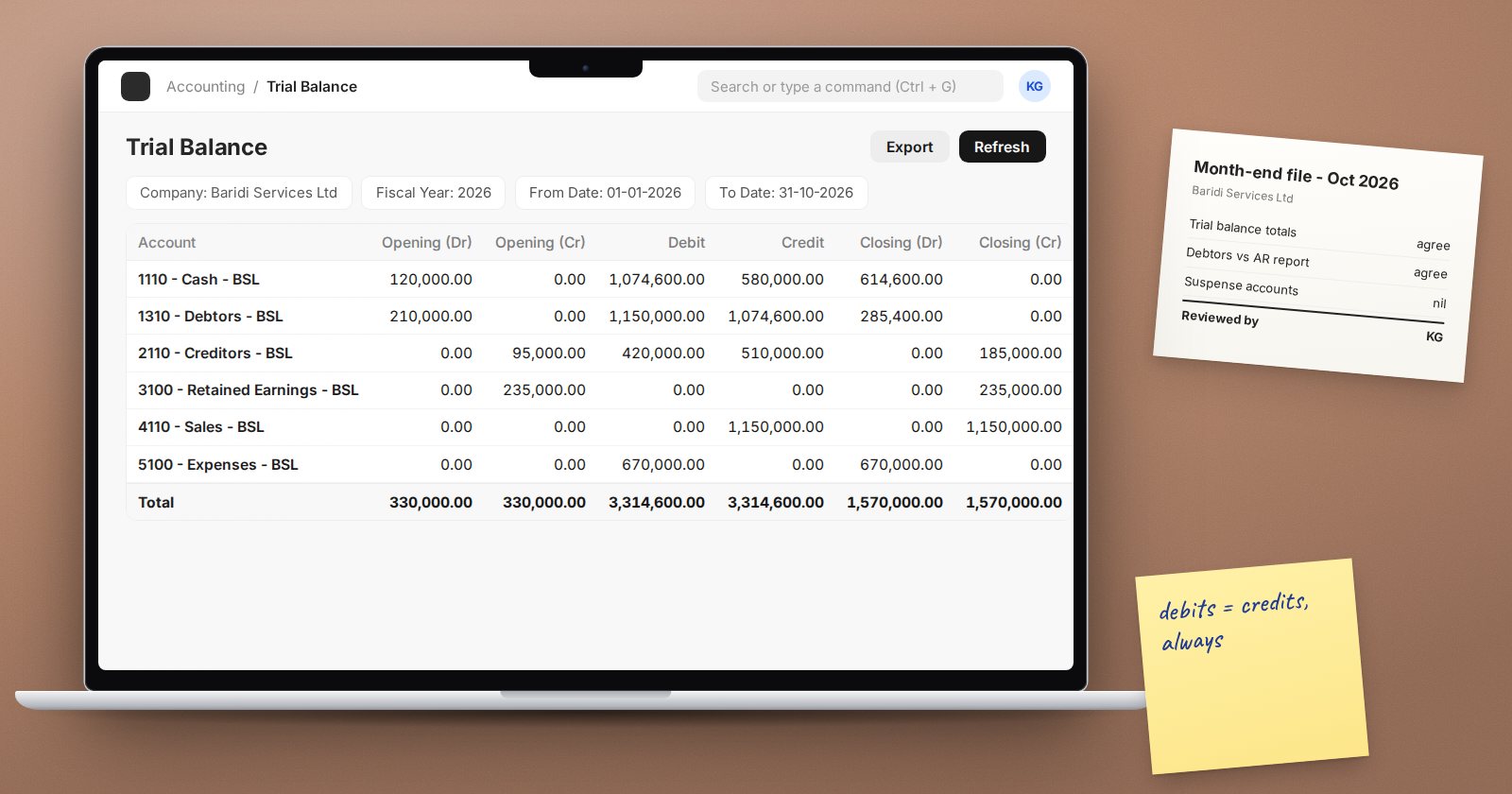
Reading the Trial Balance in ERPNext: Filters That Change It
How the ERPNext Trial Balance works: opening, movement and closing columns, period closing filters, unclosed prior-year profit, and how to use it in review.
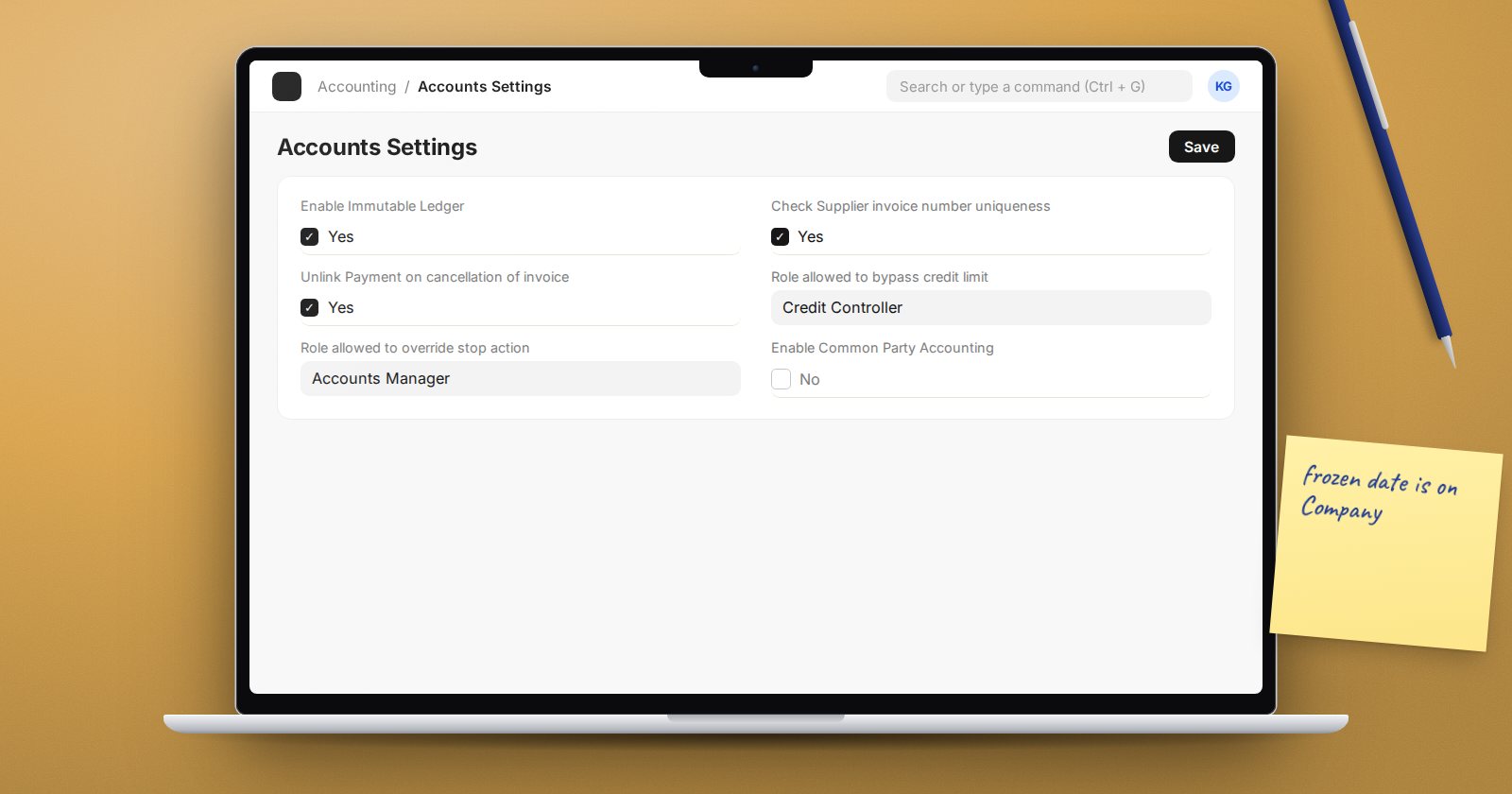
Internal Controls and Audit Trail in ERPNext Accounts
ERPNext settings that protect your accounts: change history, Audit Trail, immutable ledger, duplicate bill checks, credit limits and ledger health.
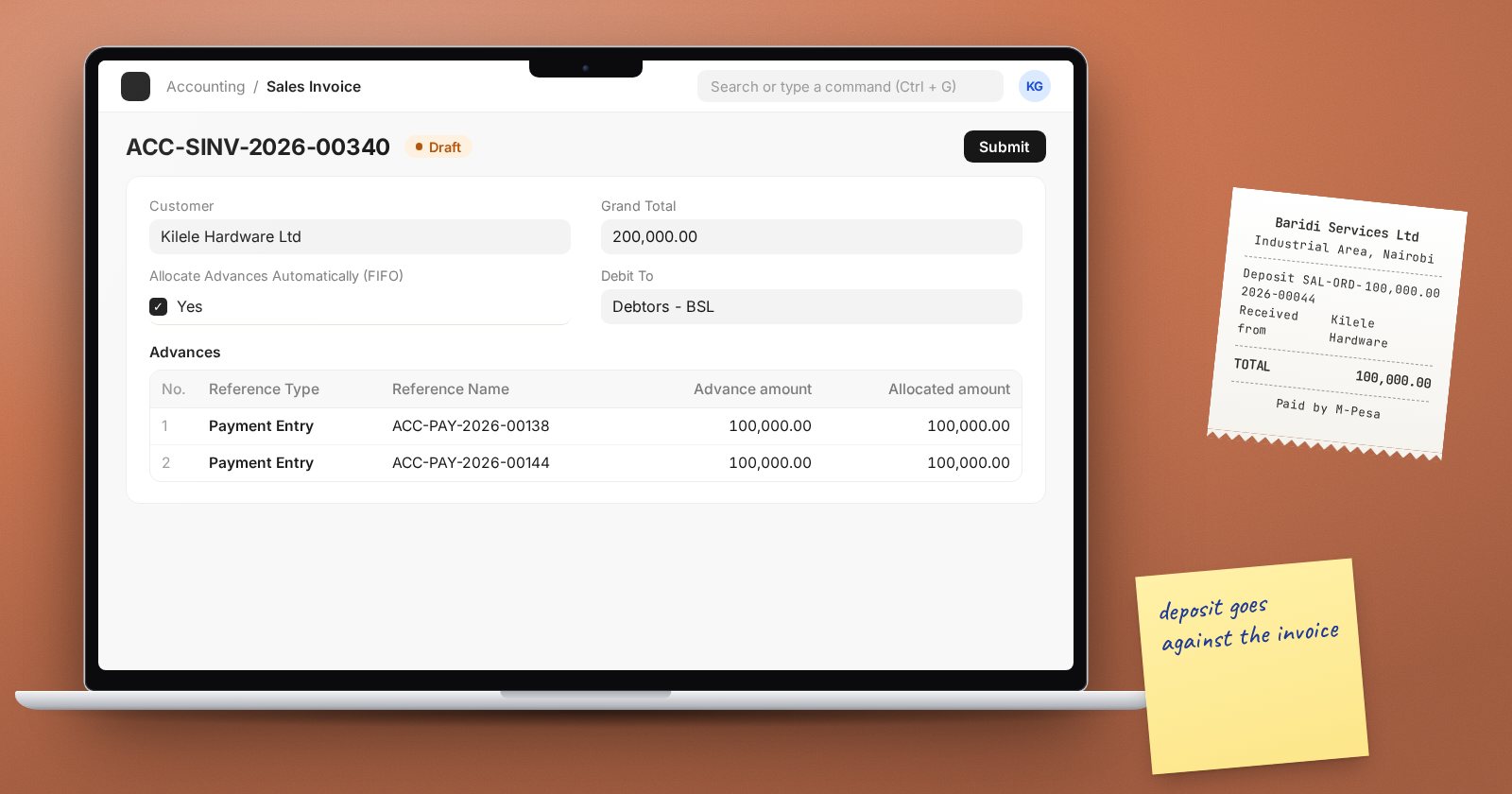
Handling Customer and Supplier Advances in ERPNext
Record deposits and prepayments in ERPNext: advances against orders, allocating them on invoices, and booking advances in separate accounts.
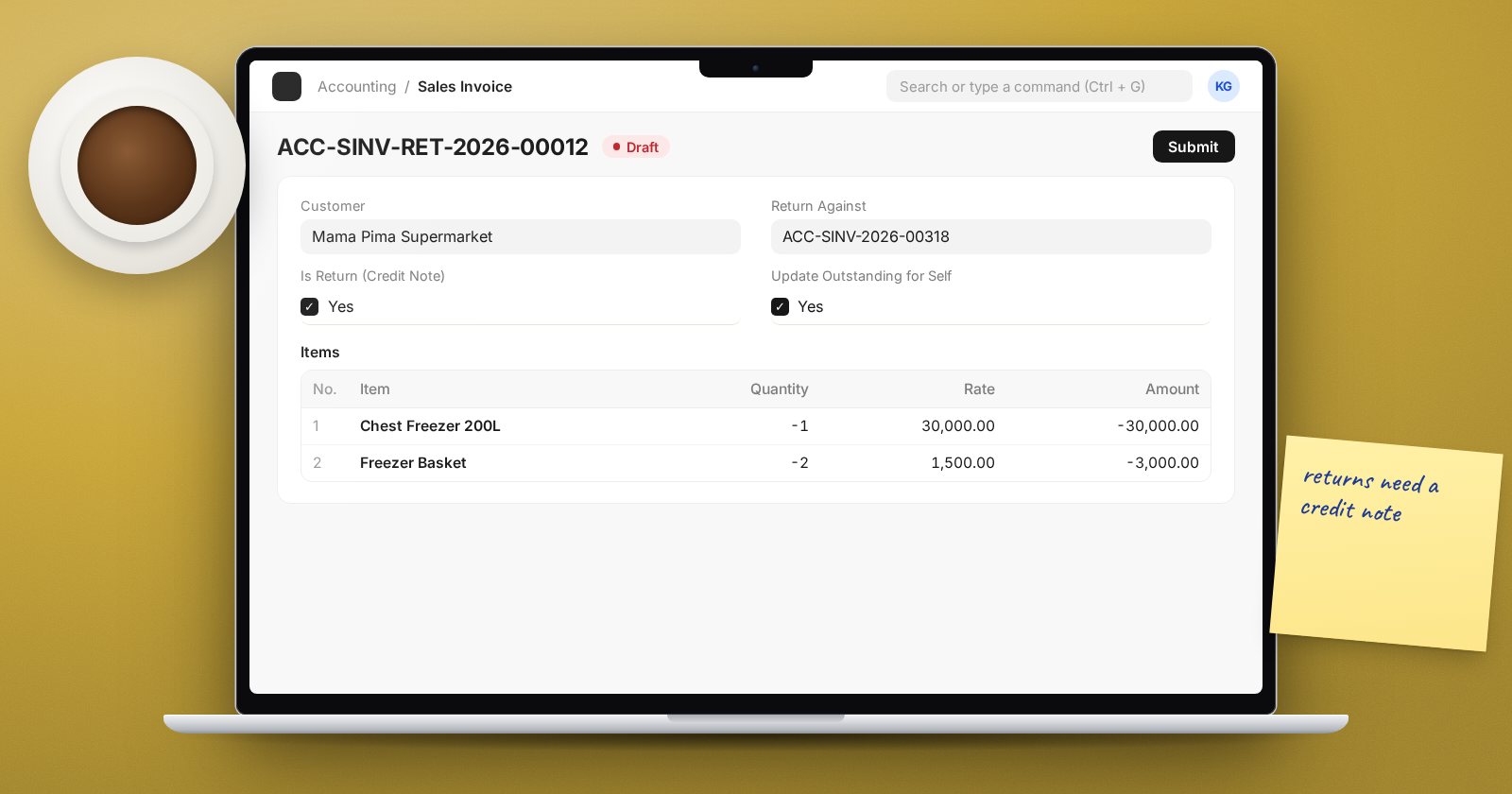
Credit Notes and Debit Notes in ERPNext: Getting Returns Right
How to raise credit and debit notes in ERPNext from returns, why Update Outstanding for Self matters, and when to use a rate adjustment or journal.
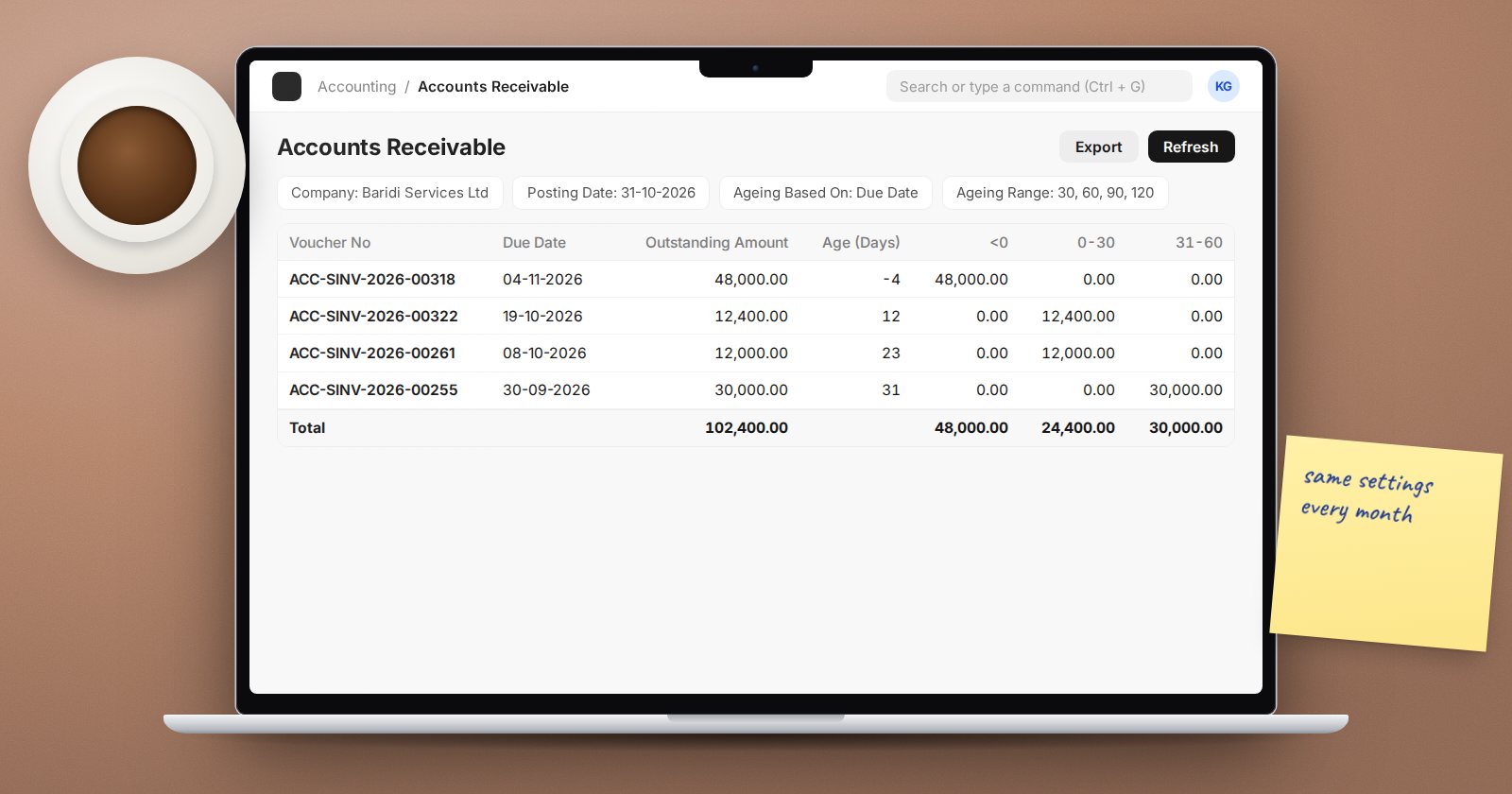
The Accounts Receivable Ageing Report: Settings That Matter
Get a trustworthy debtors ageing from ERPNext: due date versus posting date, ageing ranges, payment terms, future payments and grouping by customer.
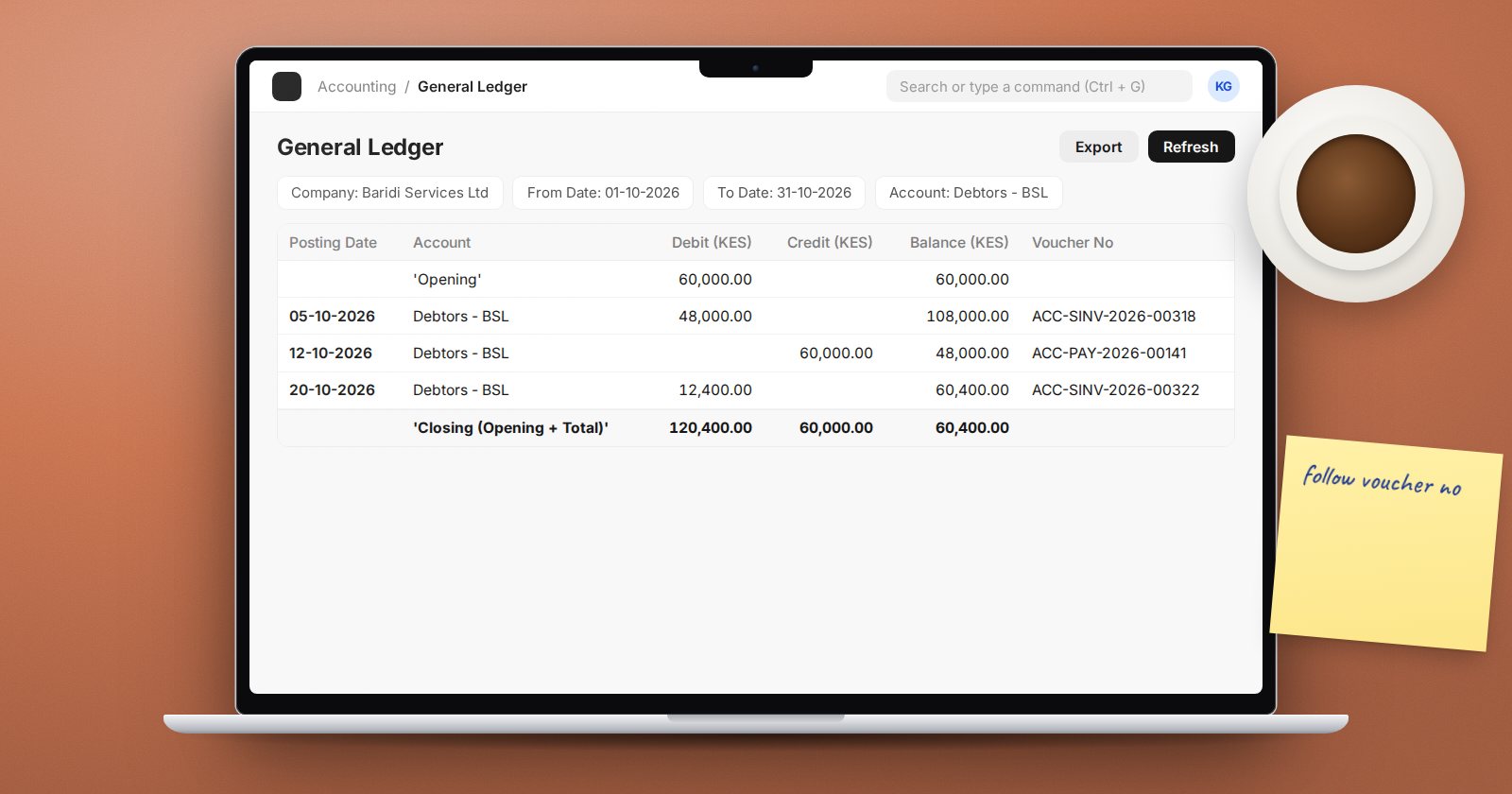
How to Read the General Ledger Report in ERPNext
The ERPNext General Ledger report answers most what-happened questions. The filters, columns and grouping options that make it useful day to day.
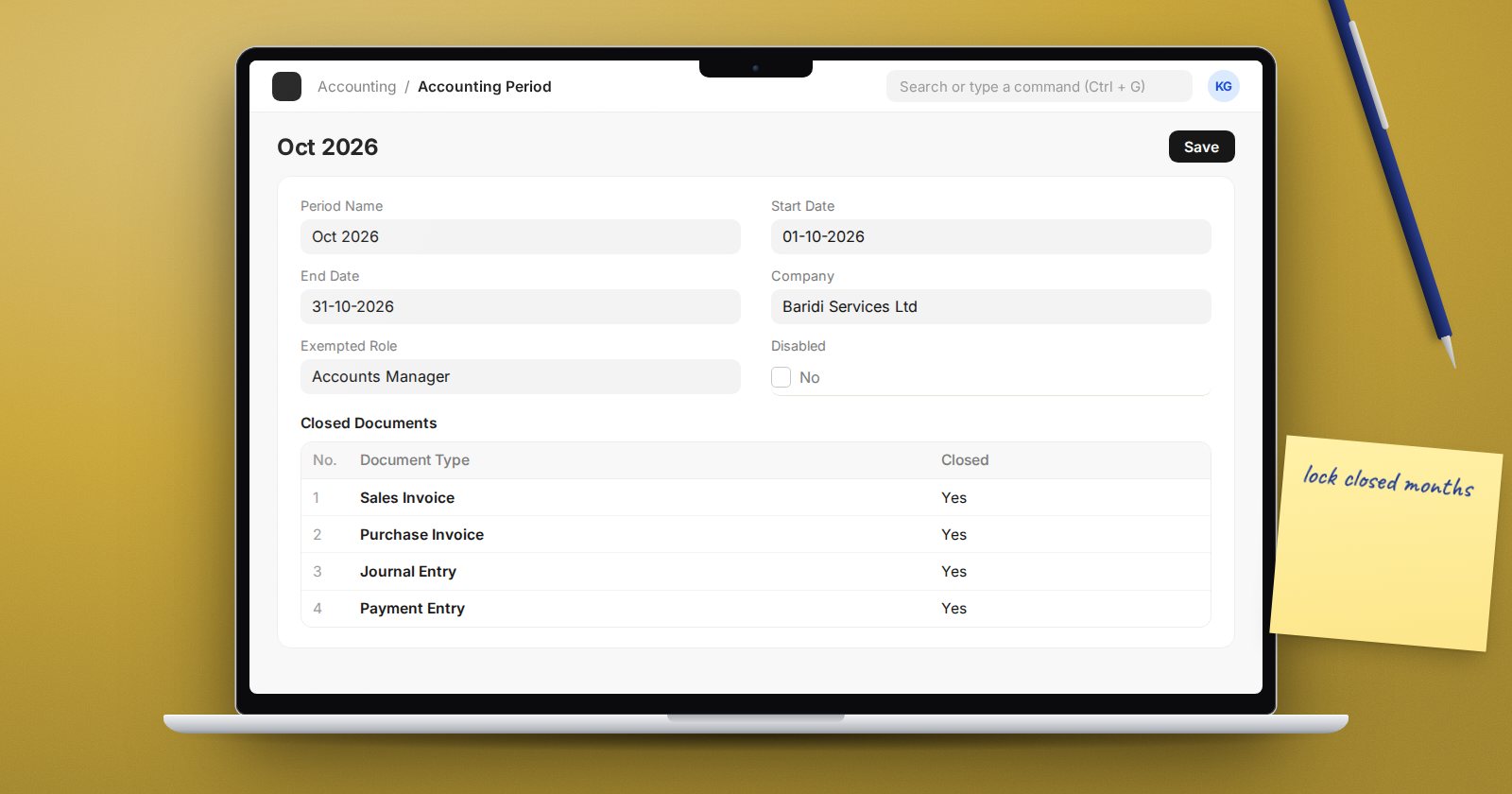
Locking Closed Months in ERPNext: Three Ways Compared
ERPNext can lock past periods three ways: Accounts Frozen Till Date, Accounting Period and the Period Closing Voucher. What each one blocks and when to use it.
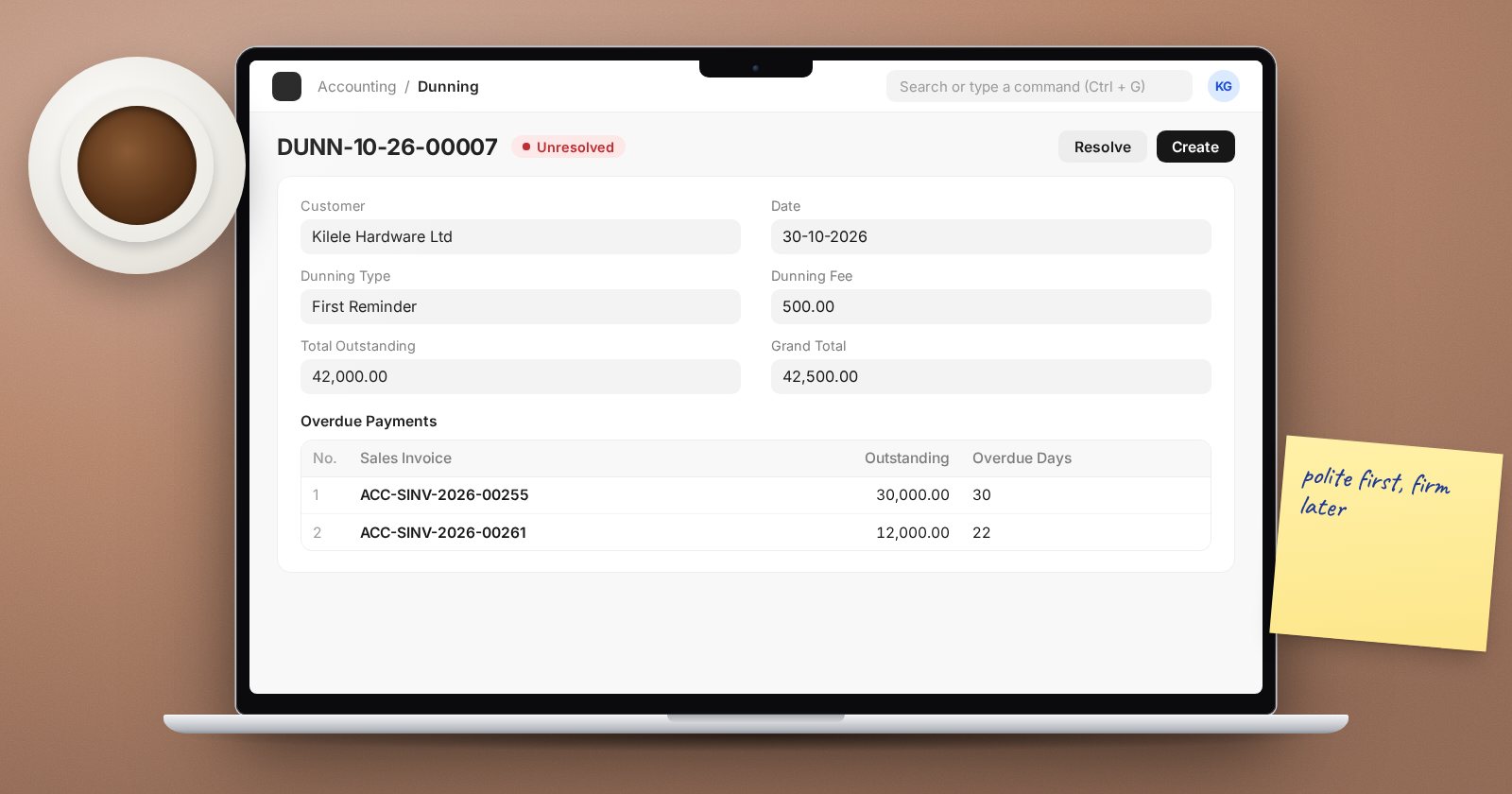
Chasing Overdue Invoices with Dunning in ERPNext
Use Dunning in ERPNext to send reminder letters for overdue invoices, add fees or interest, track reminder levels and close them automatically on payment.
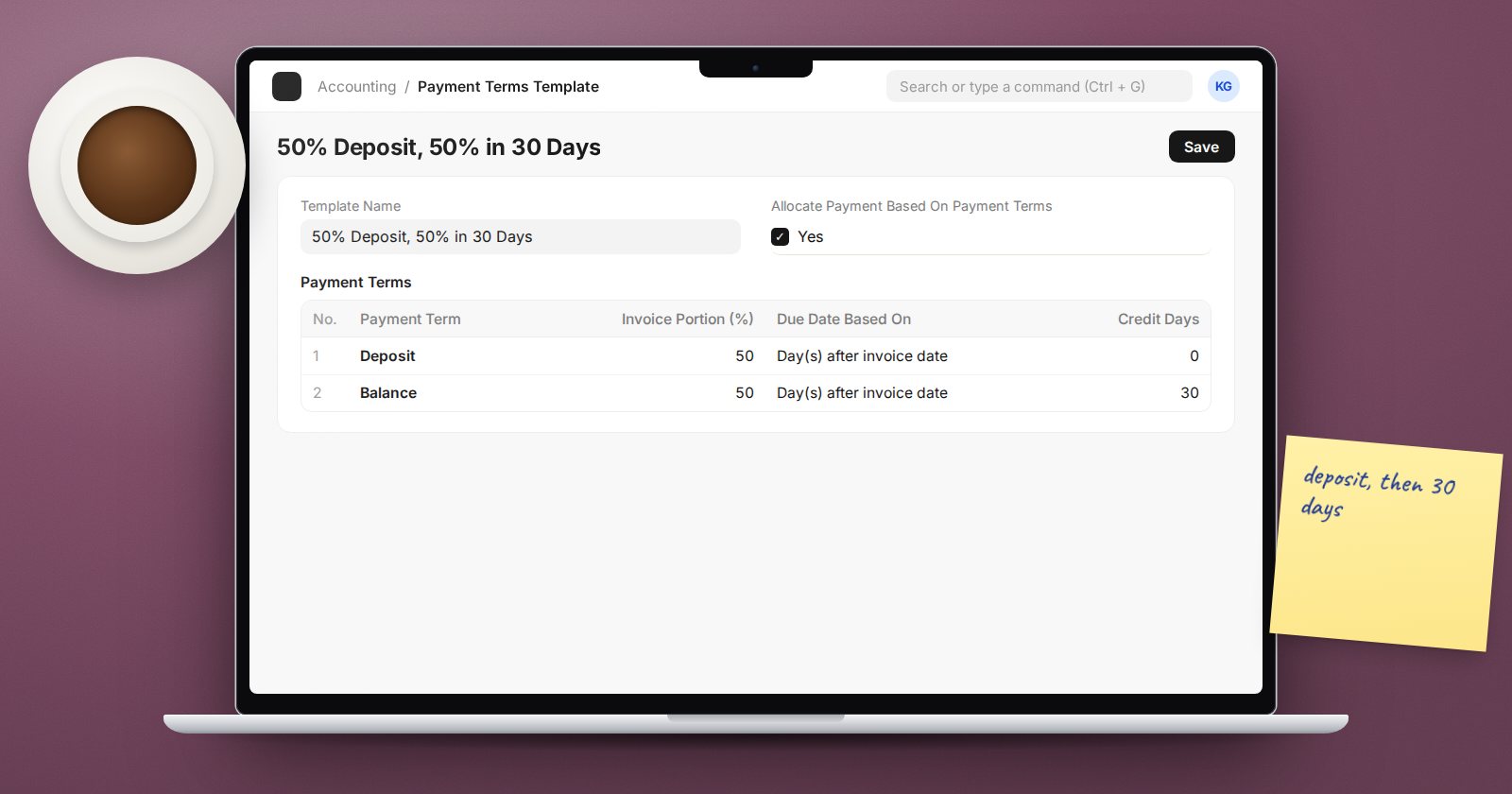
Payment Terms Templates in ERPNext: Split Due Dates Properly
Set up Payment Terms and templates in ERPNext so invoices carry the right due dates, deposits and early payment discounts, and ageing reports stay accurate.
Get notified when we publish
One email when new articles are published, never more than one a day. Unsubscribe any time.