
Updating ERPNext is routine work, but routine is exactly when people skip steps. One bench update run on production without a plan can leave you with a broken site at nine in the morning. This is a safe routine for minor updates within the same major version.
What bench update actually does
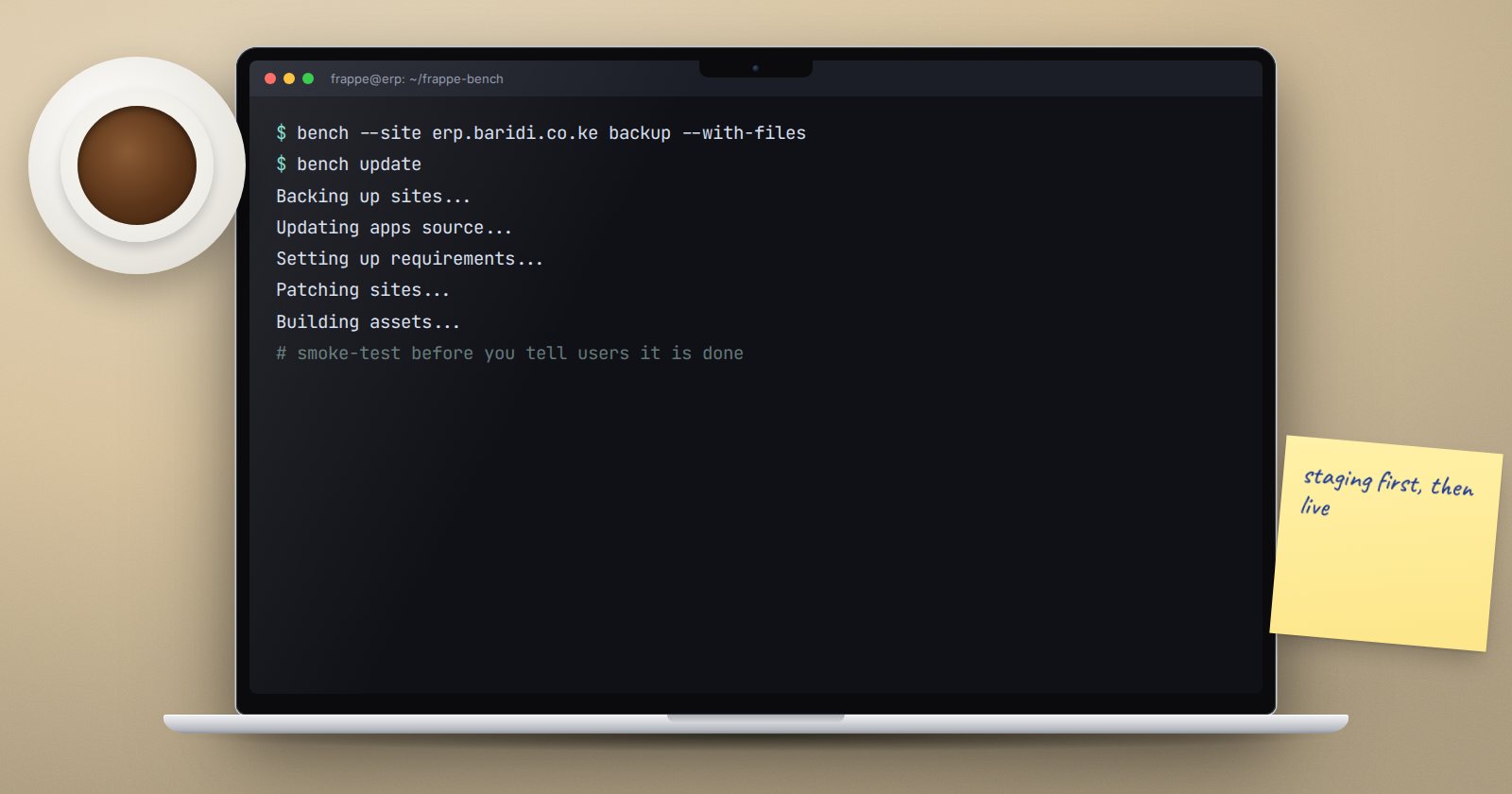
Run with no options, bench update works through these steps for the whole bench:
- Sets maintenance mode and pauses the scheduler in the bench configuration.
- Backs up all sites (unless you pass
--no-backup). - Pulls new code for every app.
- Updates Python and Node requirements.
- Runs
migrateon every site (patches and schema changes). - Builds JavaScript and CSS assets.
- Restarts processes and turns maintenance mode and the scheduler back on.
Every site on the bench is affected, not only the one you are thinking about. You can run parts alone with --pull, --patch, --build or --requirements.
Update staging first
Keep a staging bench that mirrors production: same apps, same branches, and a recent copy of production data with emails muted. Update there first. Then test the things your business actually uses: create and submit a sales invoice, a purchase receipt, a payment, and run your key reports and print formats. Only then schedule production.
Check for drift before you pull
Someone may have edited code directly on the server. Check each app:
cd apps/erpnext
git status
cd ../..
If git status shows modified files, stop and find out why. Those changes may be fixes the business relies on.
Warning: bench update --reset hard-resets each app to the upstream branch and discards local code changes without asking. Never use it until you have saved or committed any local changes.
Take your own backup too
bench update backs up first, but take and copy off your own full backup as well, so you have a known-good restore point stored away from the server:
bench --site erp.example.com backup --with-files
Also note the current versions with bench version. That tells you exactly where to roll back to.
Choose the window
Pick a time when nobody is posting transactions: after month-end close, not during it. Tell users in advance and give them a time when the system will be back.
Run the update
bench update
Watch the output instead of walking away. If a patch fails during migrate, read the error carefully. Do not reach for bench migrate --skip-failing as a fix; skipping a patch can leave data in a half-updated state.
Smoke-test before you announce
After the update finishes:
- log in as a normal user, not only as Administrator
- open and save the documents you tested on staging
- run
bench --site erp.example.com doctor - check
logs/web.error.logandlogs/worker.error.logfor new errors
Have a rollback plan
Before starting, write down how you would go back: which backup to restore and which commit or version each app was on. If the update fails badly and cannot be fixed within your window, restore rather than debugging live.
Update checklist
- [ ] Staging updated and tested first
- [ ]
git statusclean in every app, or local changes understood - [ ] Full backup taken and copied off the server
- [ ] Current versions recorded with
bench version - [ ] Users told about the window
- [ ] Update run and output watched
- [ ] Smoke tests passed and logs checked
- [ ] Rollback steps written down before starting
Planning updates around a client's business calendar is part of what we teach in the ERPNext Implementation Consultant course.
