
ERPNext lessons, straight from the field
Short, practical reads on accounts, stock, HR and payroll, implementation, security and development, drawn from real ERPNext deployments.
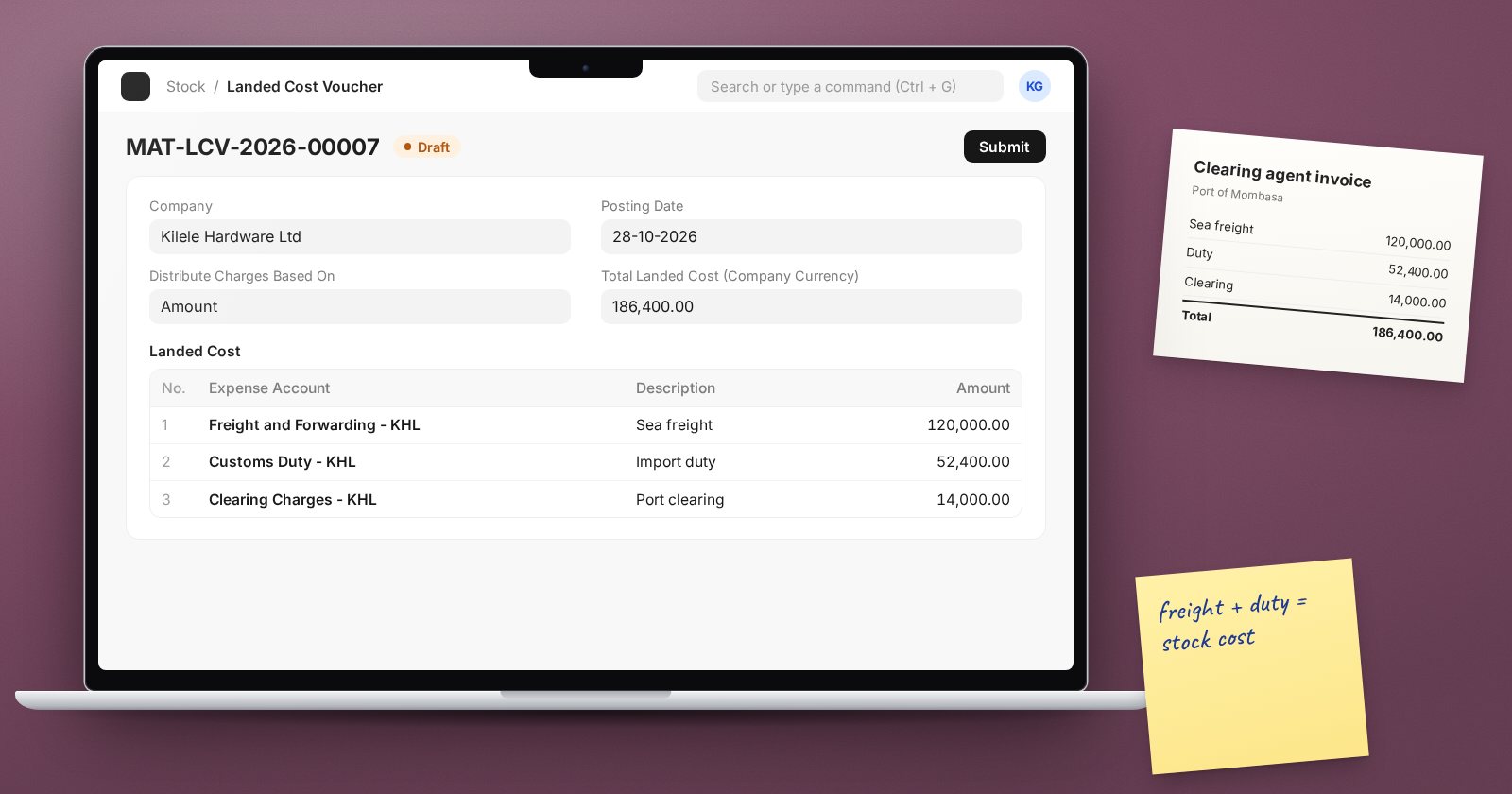
Landed Cost Voucher: Adding Freight and Duty to Stock Cost
Use a Landed Cost Voucher in ERPNext to add freight, duty and clearing charges to the value of received stock, and choose how the costs are shared.
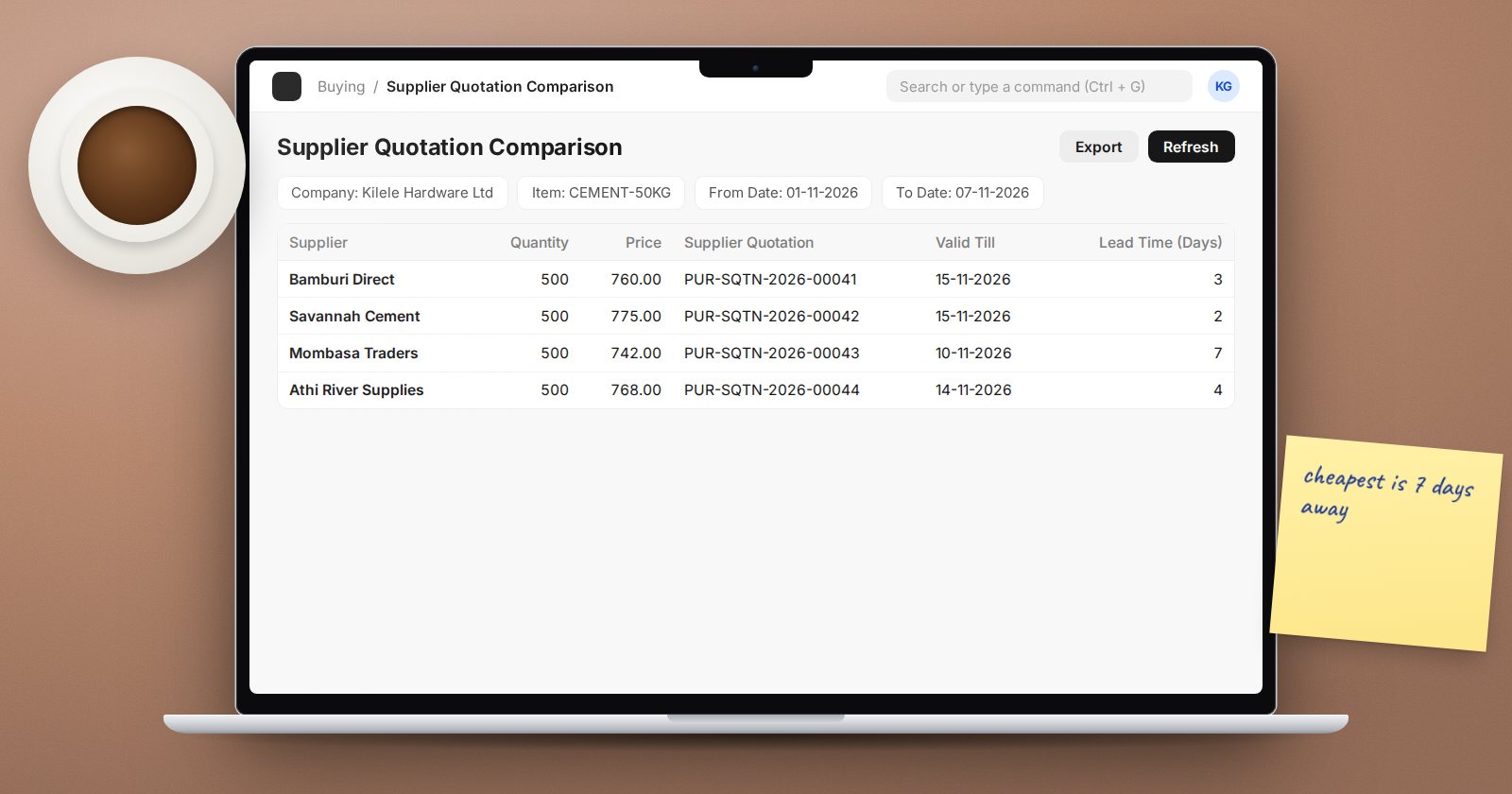
Comparing Supplier Quotes in ERPNext with RFQs
Send one Request for Quotation to several suppliers, capture their Supplier Quotations, compare them side by side and order from the winner in ERPNext.
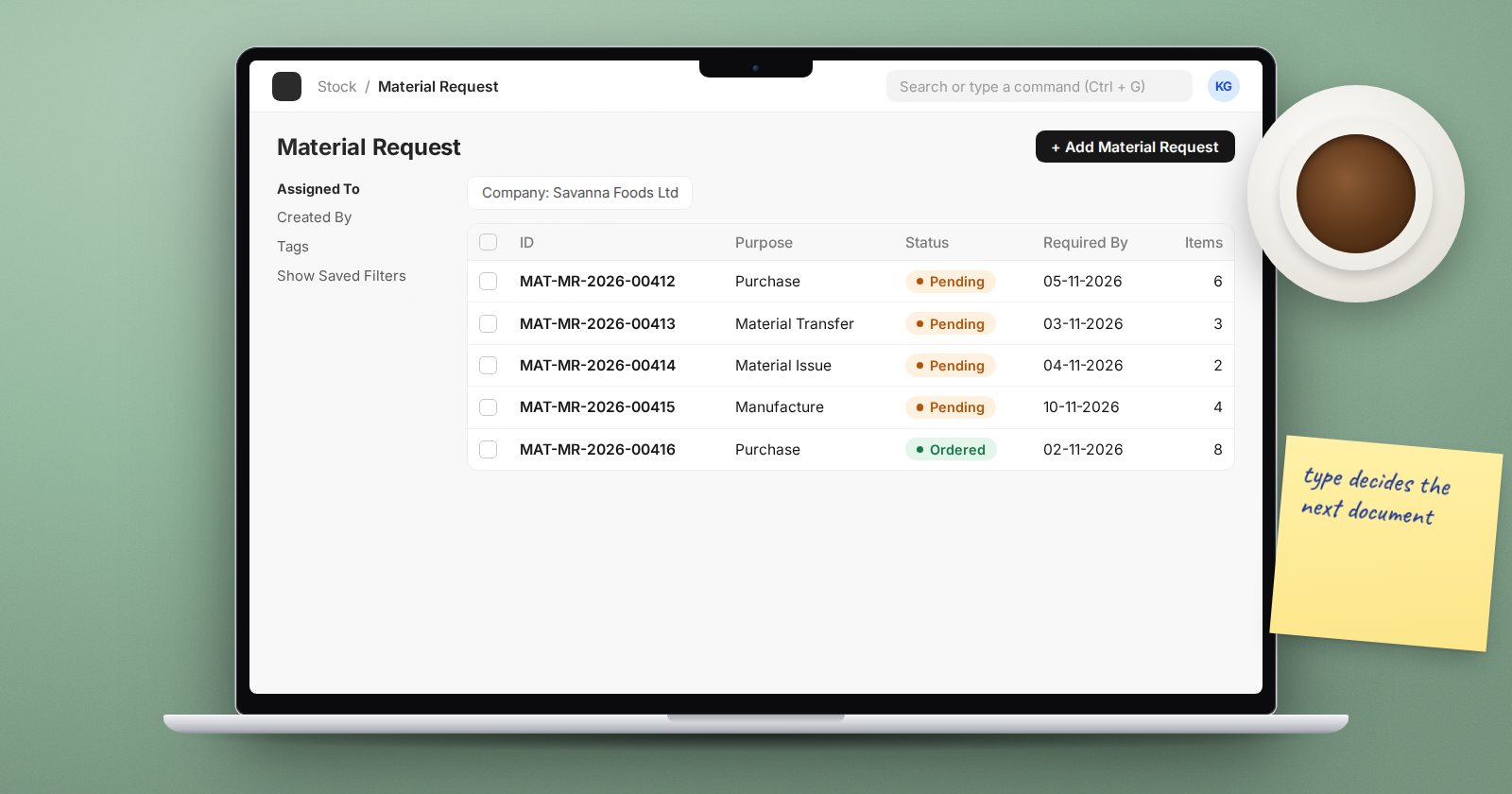
Material Requests in ERPNext: Which Type to Use
Purchase, Material Transfer, Material Issue, Manufacture, Subcontracting or Customer Provided: choosing the right ERPNext Material Request type.
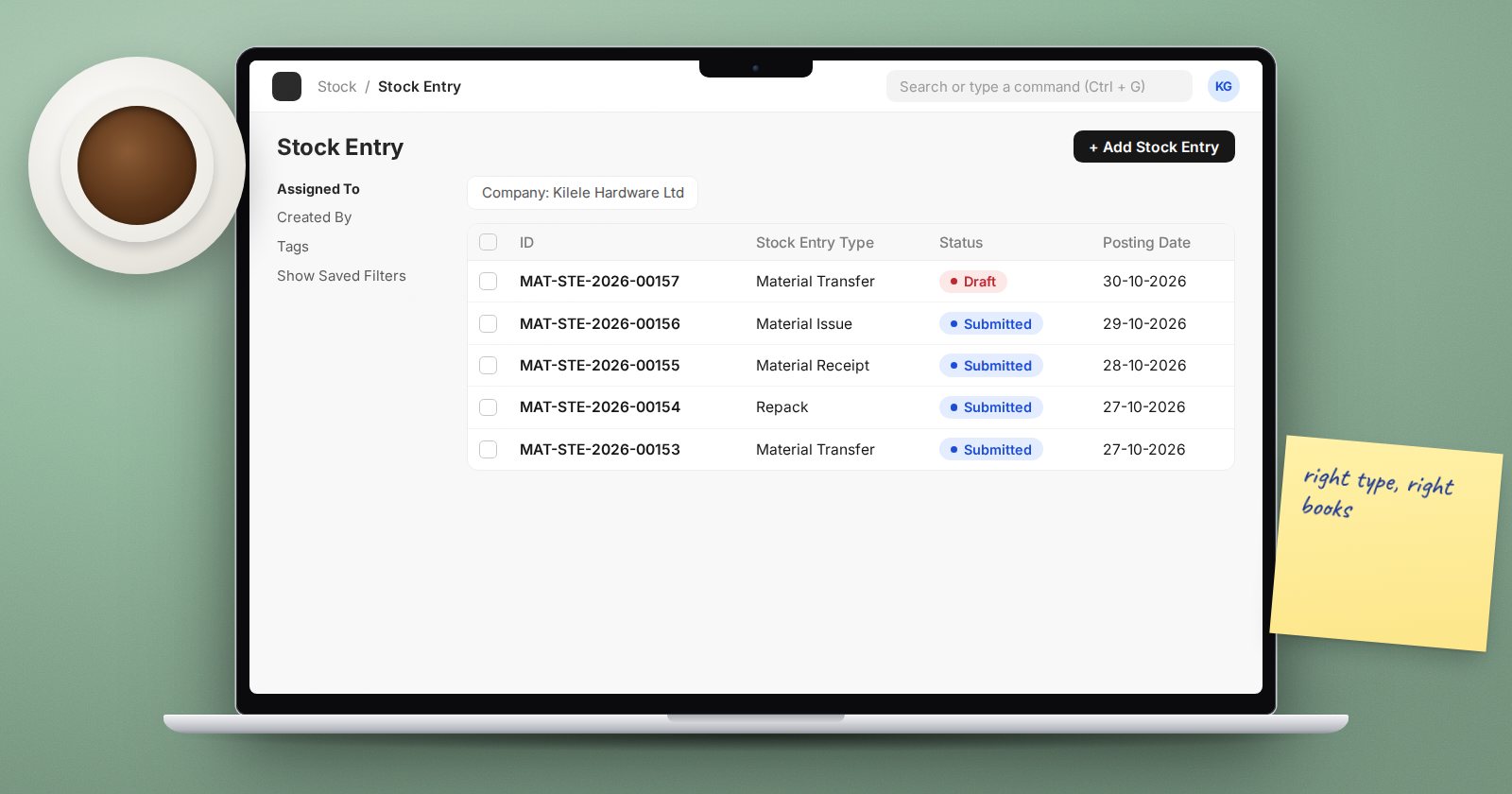
Stock Entry Types in ERPNext Explained
Material Issue, Receipt, Transfer, Repack, Manufacture and the rest: what each ERPNext Stock Entry purpose does and which one to use for everyday moves.
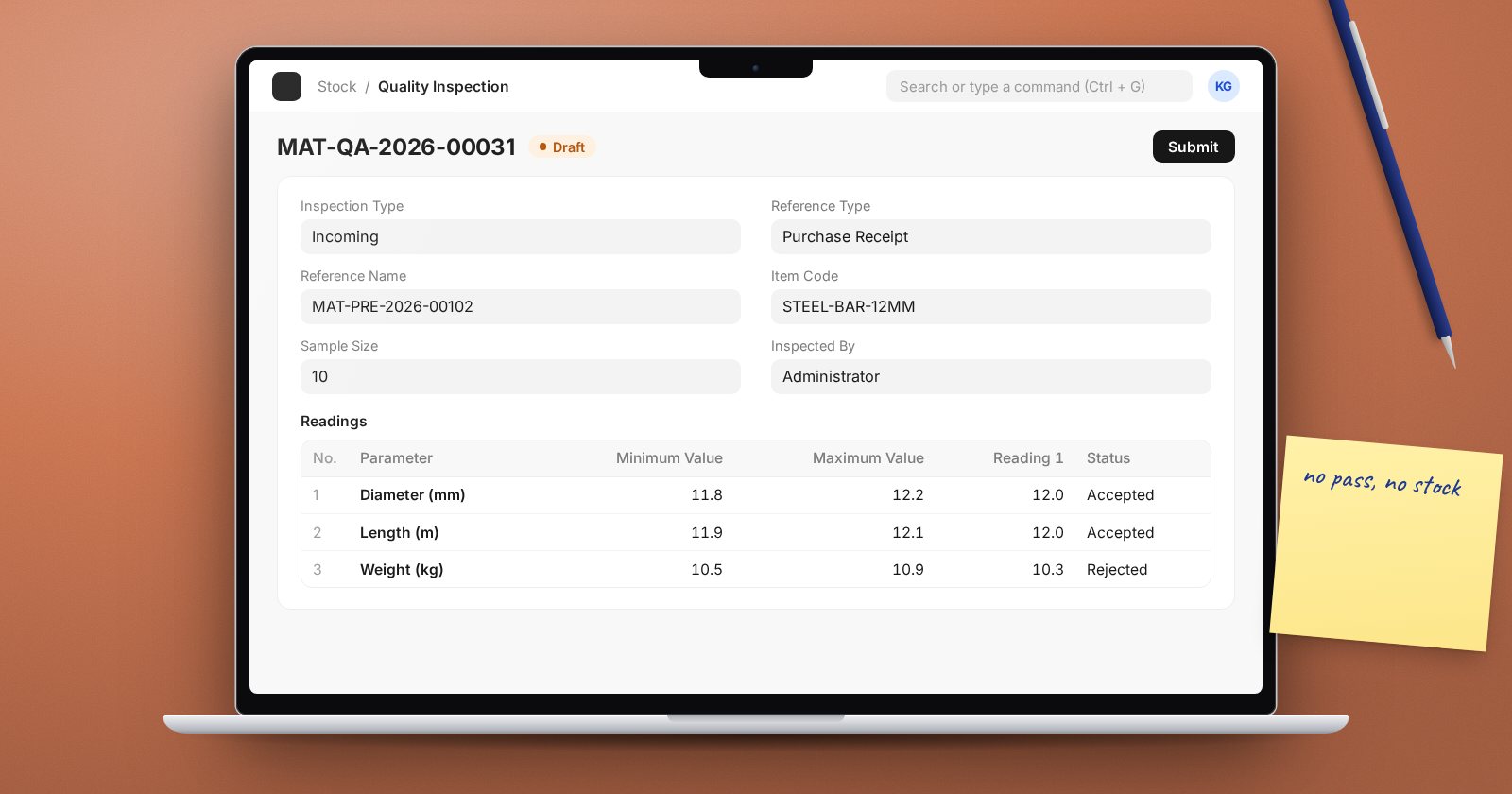
Quality Inspection on Goods Received in ERPNext
Make ERPNext require a Quality Inspection before a Purchase Receipt is submitted, use inspection templates, and handle rejected goods cleanly.
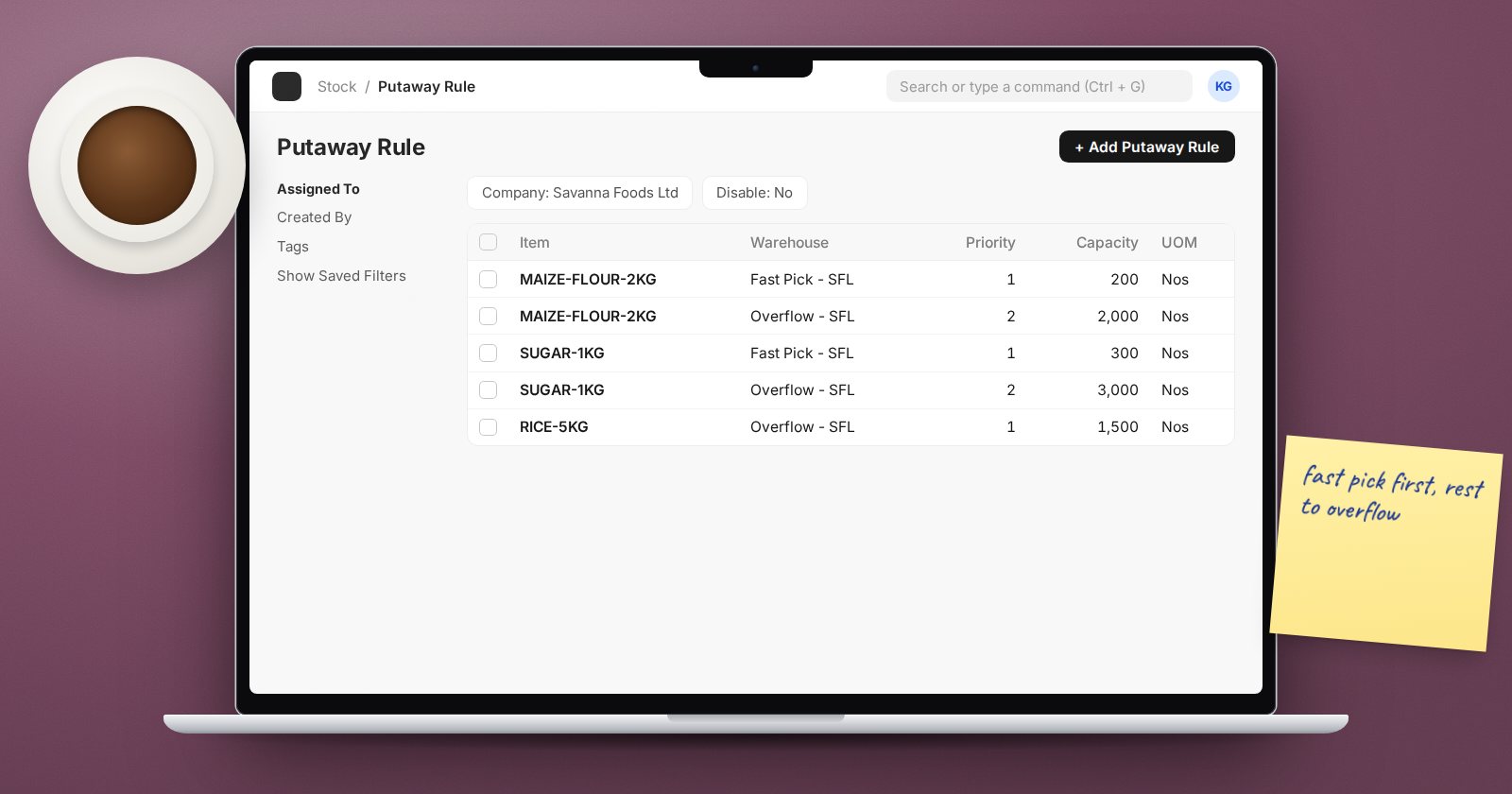
Putaway Rules in ERPNext: Sending Stock to the Right Shelf
Use Putaway Rules in ERPNext to split incoming stock across warehouses by priority and capacity on Purchase Receipts and stock transfers.
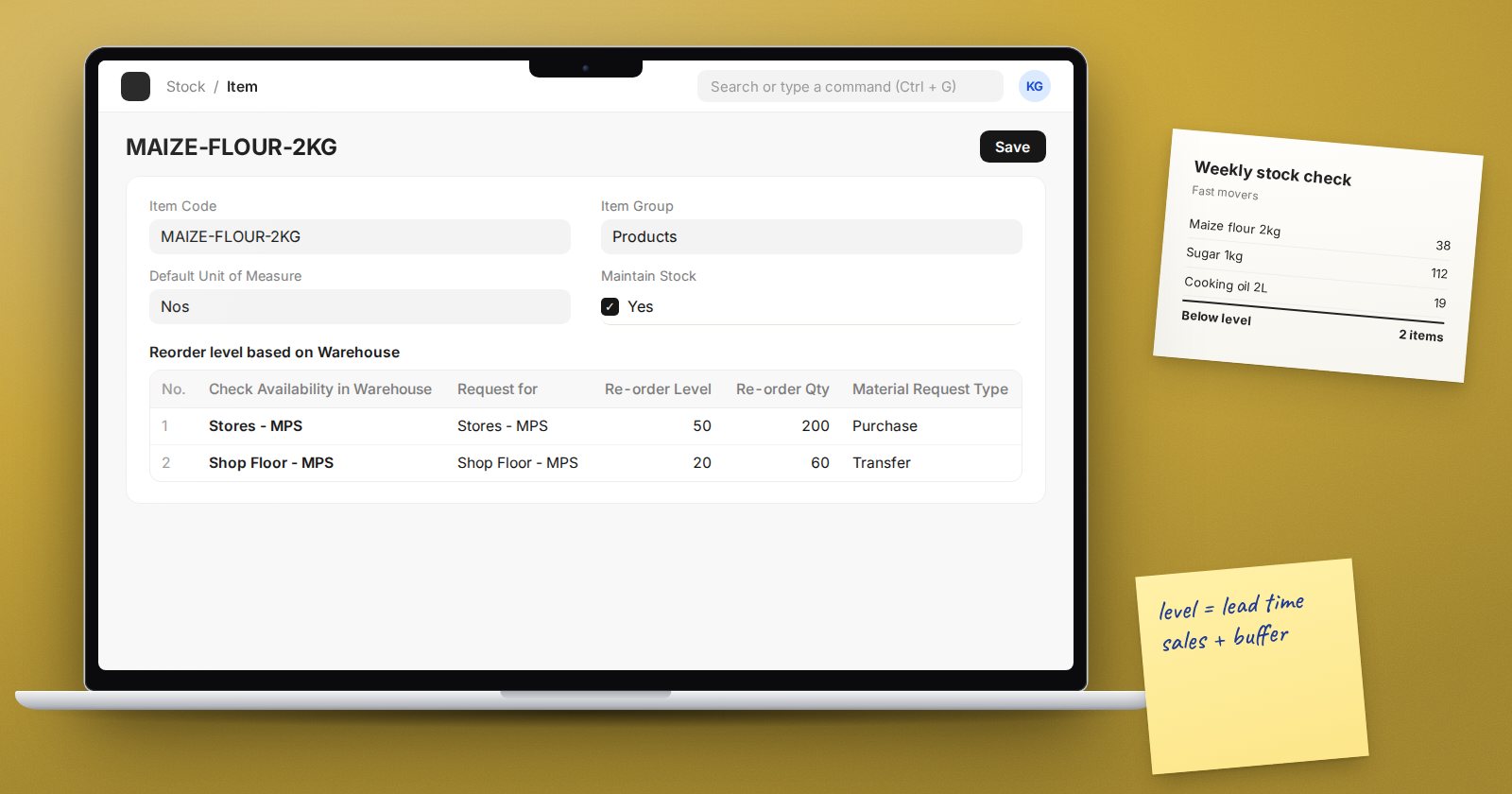
Setting Reorder Levels in ERPNext So Stock Never Runs Out
Set warehouse reorder levels in ERPNext so it raises Material Requests automatically, understand projected quantity, and choose sensible levels.
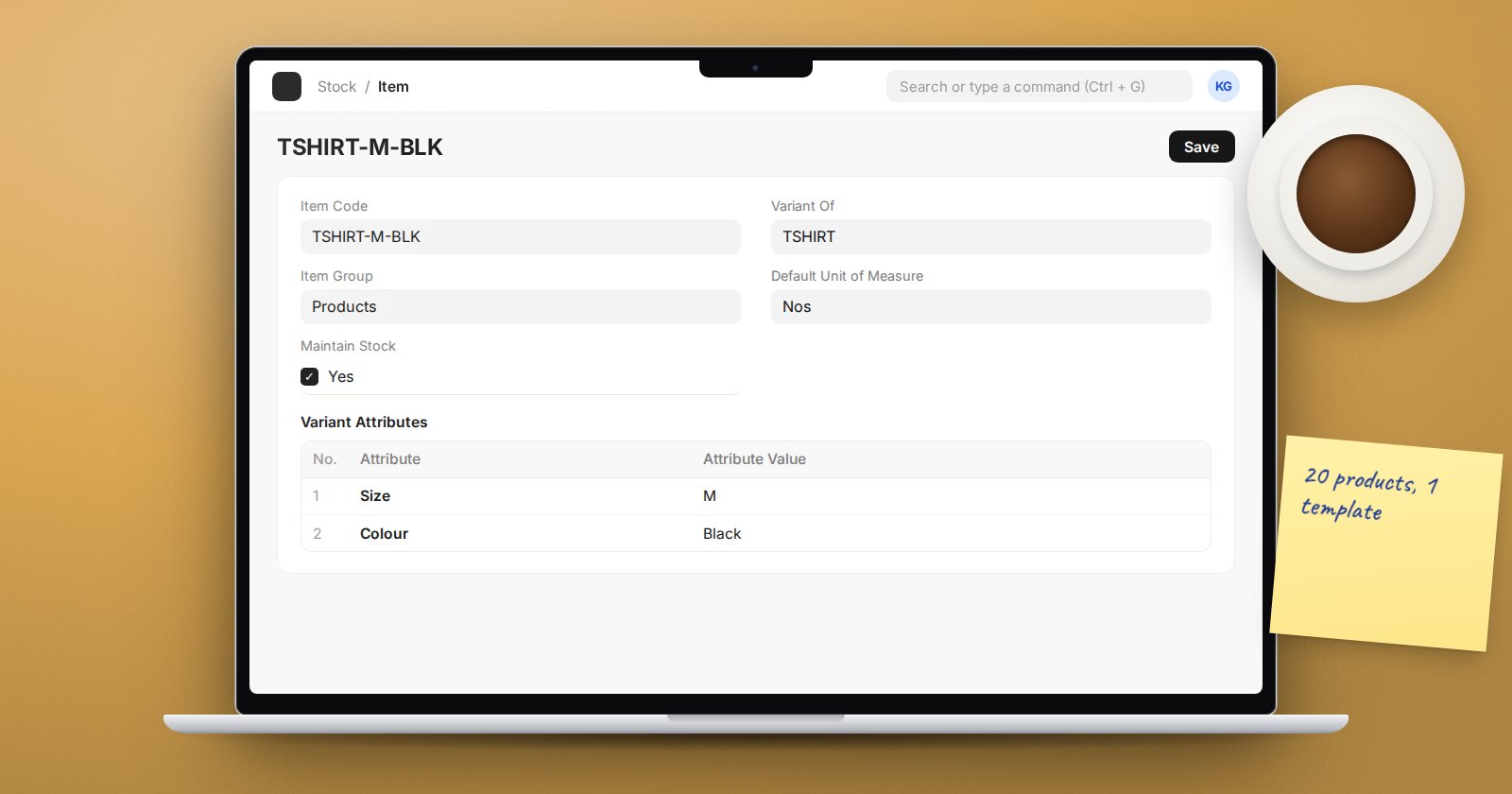
Item Variants in ERPNext: Sizes, Colours and Templates
Use item templates and variants in ERPNext for products that come in sizes and colours: attributes, abbreviations, creating variants and what to avoid.
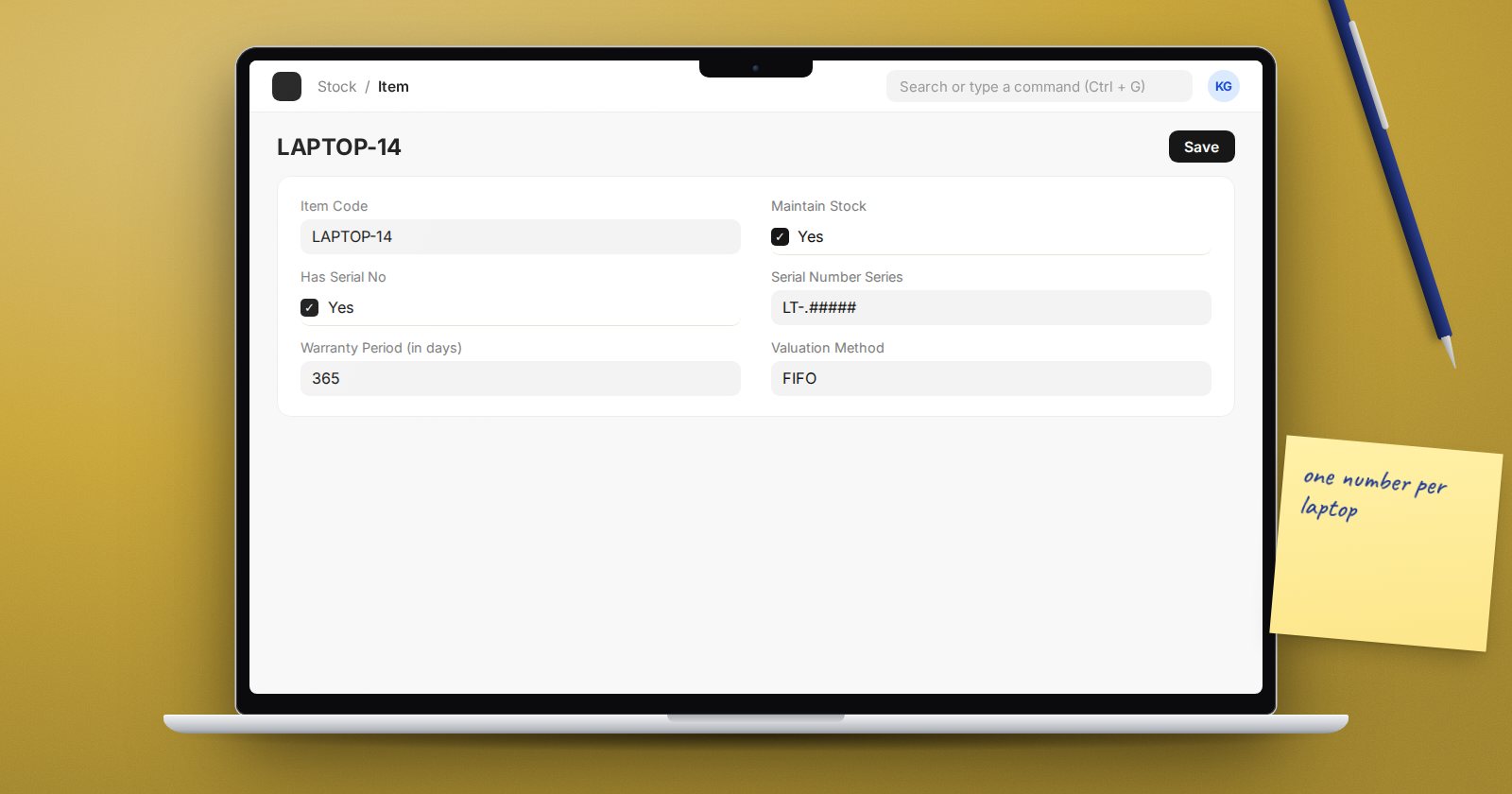
Serial Number Tracking in ERPNext: A Practical Guide
Track each unit by serial number in ERPNext v16: item setup, automatic numbering, the Serial and Batch Bundle, warranty fields and the reports to use.
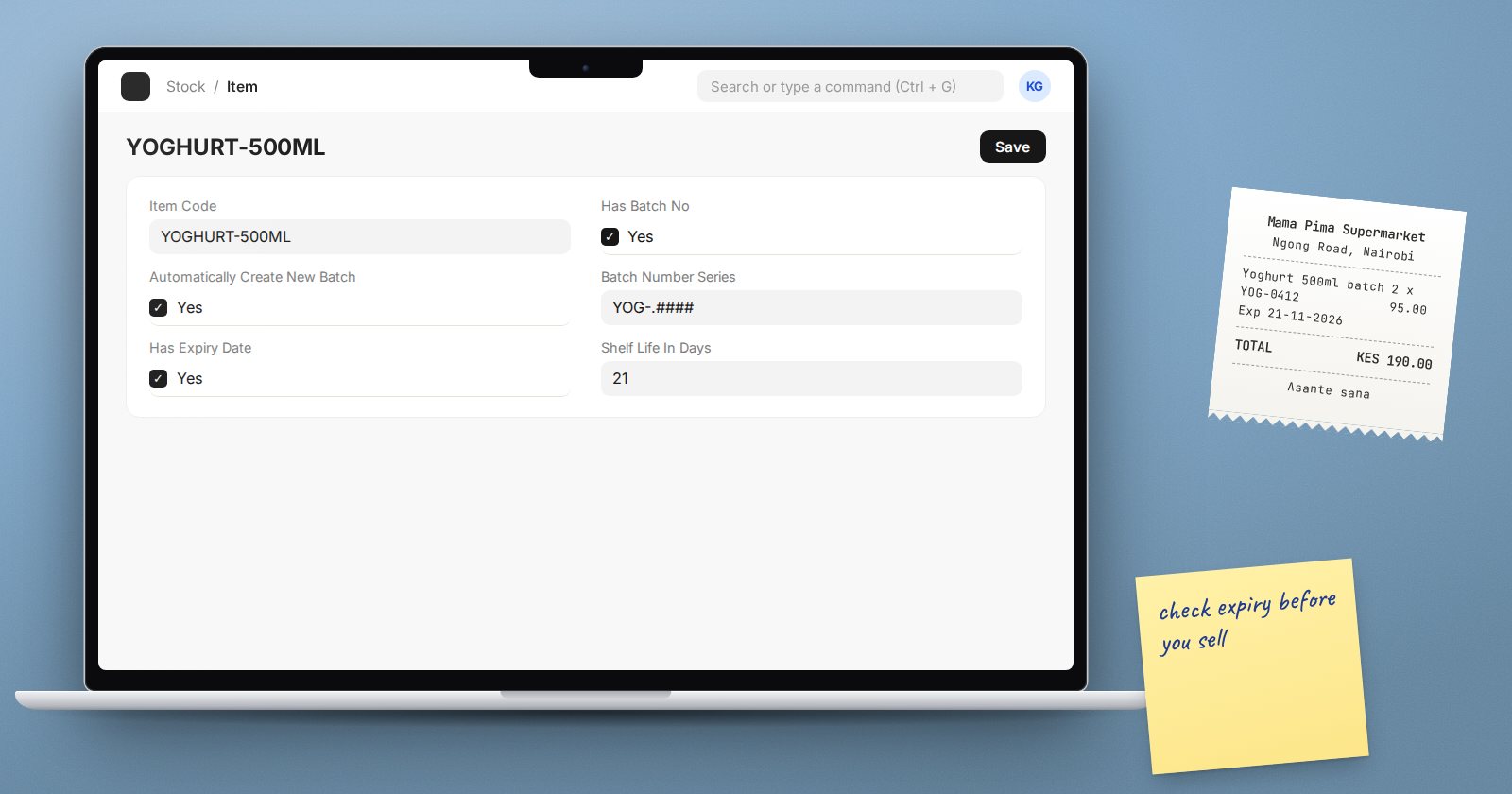
Batch Numbers and Expiry Dates in ERPNext, Done Right
Set up batch-tracked items in ERPNext v16 with automatic batch numbers and expiry dates, pick by expiry, and stop expired stock from being sold.
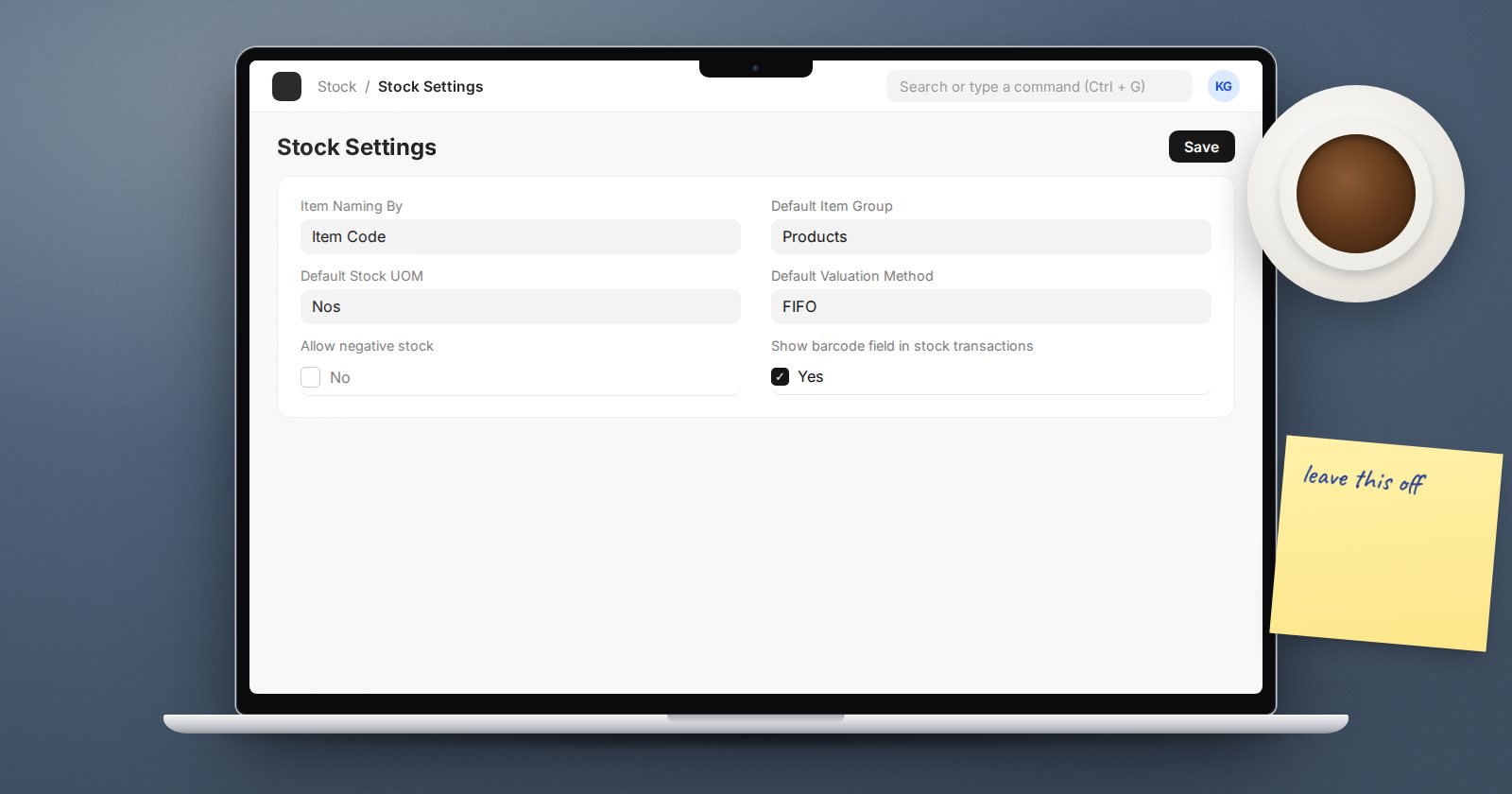
Should You Allow Negative Stock in ERPNext?
What the Allow negative stock setting in ERPNext really does, why it hides missing receipts and skews valuation, and when a narrow exception is reasonable.
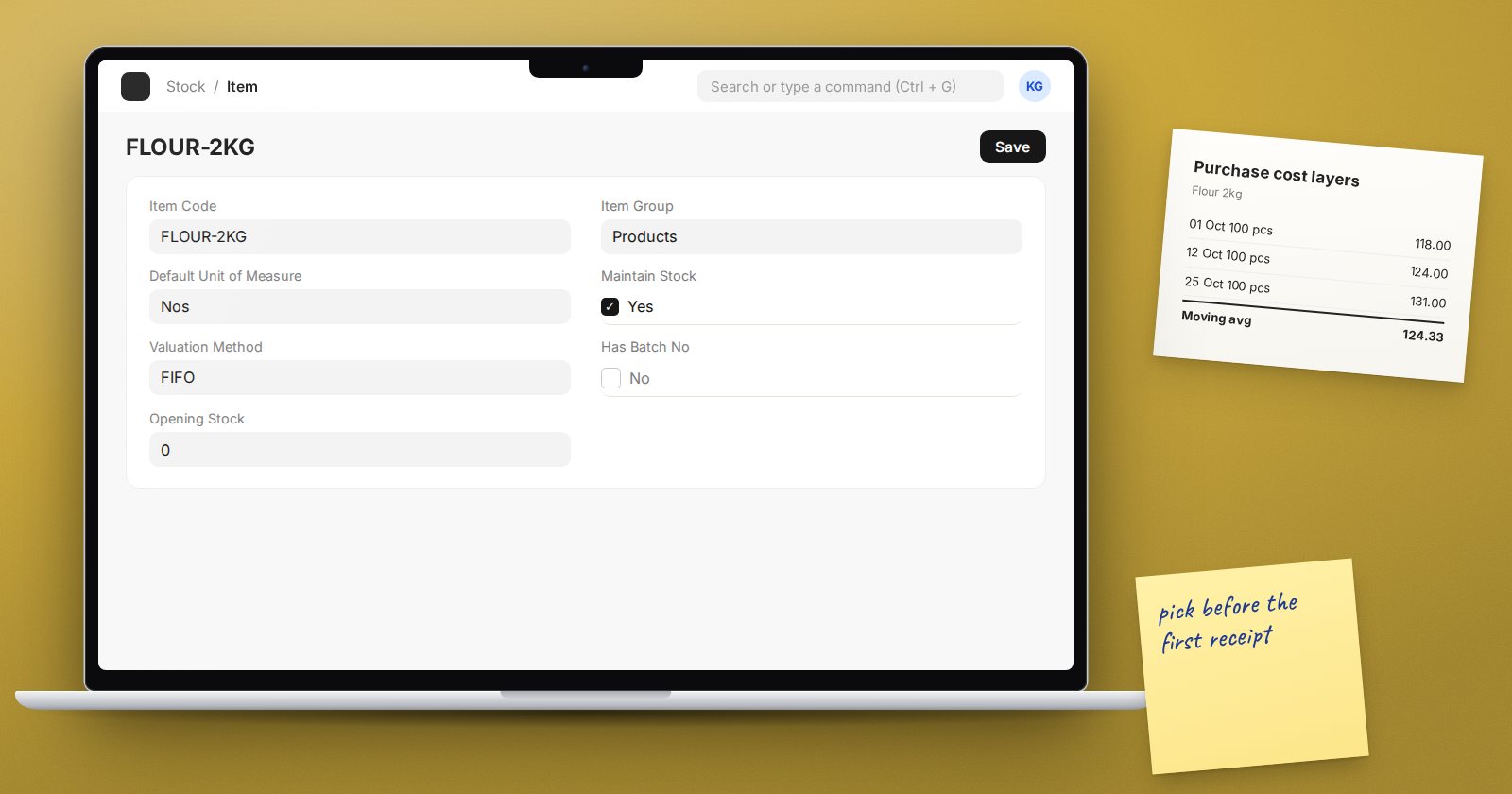
FIFO, Moving Average or LIFO: Choosing an ERPNext Valuation Method
How ERPNext values stock under FIFO, Moving Average and LIFO, where to set the method, and why you should decide before the first transaction is posted.
Get notified when we publish
One email when new articles are published, never more than one a day. Unsubscribe any time.