
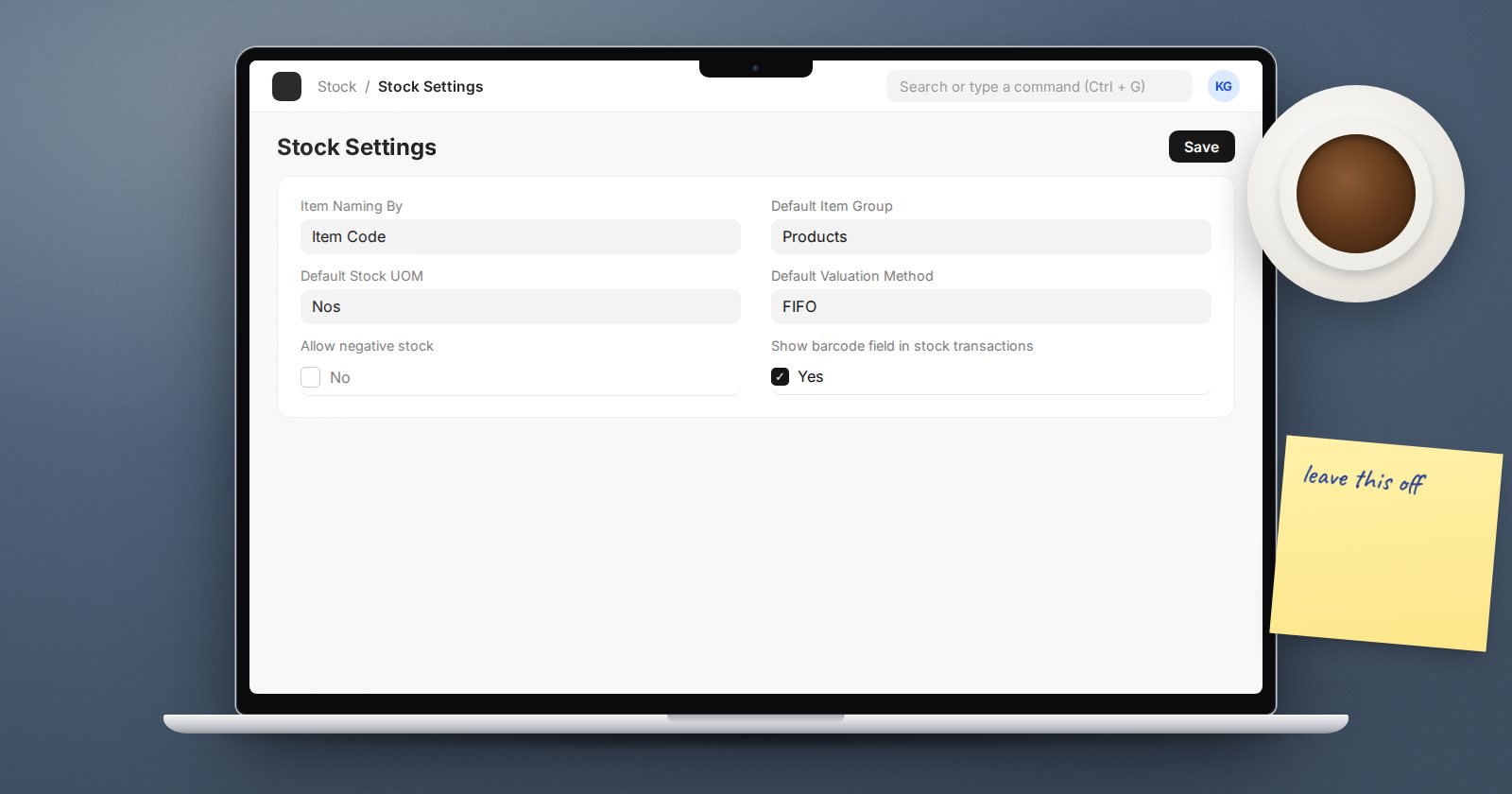
Sooner or later someone asks for negative stock to be switched on. A delivery is stuck because ERPNext says the goods are not there, the truck is waiting, and the goods are clearly on the shelf. Turning the setting on makes the error go away. It also makes a lot of future problems.
Where the setting lives
There are two switches:
- Stock Settings, Stock Validations tab: Allow negative stock. This applies to all items.
- Item, Inventory tab: Allow Negative Stock. This applies to one item.
ERPNext allows negative stock if either is on. For batch items there is a separate Allow negative stock for Batch on the Serial & Batch Item tab of Stock Settings.
With both off, a transaction that would take a warehouse below zero is stopped with a message saying how many units are needed in that warehouse to complete it.
Why ERPNext says "not there" when it is
The message is almost never a bug. It means a document is missing or wrong:
- The goods arrived but the Purchase Receipt has not been submitted.
- They were received into a different warehouse.
- A Material Transfer to this warehouse is still in transit.
- The finished goods were made but the Manufacture stock entry is not posted.
- The posting date of the delivery is earlier than the receipt.
Each of these is fixable in minutes. The message is ERPNext pointing at the gap.
What goes wrong when you allow it
The missing document is never found. The delivery goes through, the urgency disappears, and the receipt that should have been posted gets forgotten. Balances drift.
Valuation becomes unreliable. When stock goes out before it comes in, ERPNext has no proper incoming rate to cost the issue with. The cost of that sale is based on whatever rate it can find, and when the receipt finally arrives the values are corrected later through reposting. Margins for the period can look wrong in the meantime.
Reposting work grows. Later or back-dated receipts cause ERPNext to queue Repost Item Valuation jobs to recalculate later entries. Lots of negative stock means lots of recalculation and reports that change after people have read them.
Counts become harder to explain. A shelf can be counted; a negative balance cannot.
When an exception can make sense
There are narrow cases where teams decide to accept it:
- A single item whose receipts genuinely arrive after usage, such as a bulk consumable logged in arrears, set at item level rather than globally.
- A short, planned window during go-live while opening balances are being loaded, switched off immediately after.
If you do it, set it at item level, write down why, and run Stock Balance weekly filtered for negative closing quantities.
A better way to keep trucks moving
- Make receiving fast. A Purchase Receipt for a known purchase order takes seconds to create from the order.
- Give the despatch team a quick way to escalate: who can post the missing receipt right now?
- Use Stock Projected Qty to see what is expected before promising delivery.
- Review the "units needed" messages weekly; repeats point to a process gap.
Checklist
- Allow negative stock is off in Stock Settings
- Any item-level exceptions are listed with a reason and an owner
- A weekly Stock Balance check for negative closing quantities
- Receiving is fast enough that nobody needs the shortcut
Getting daily receipts and issues right is the core of the Inventory Essentials course.
