
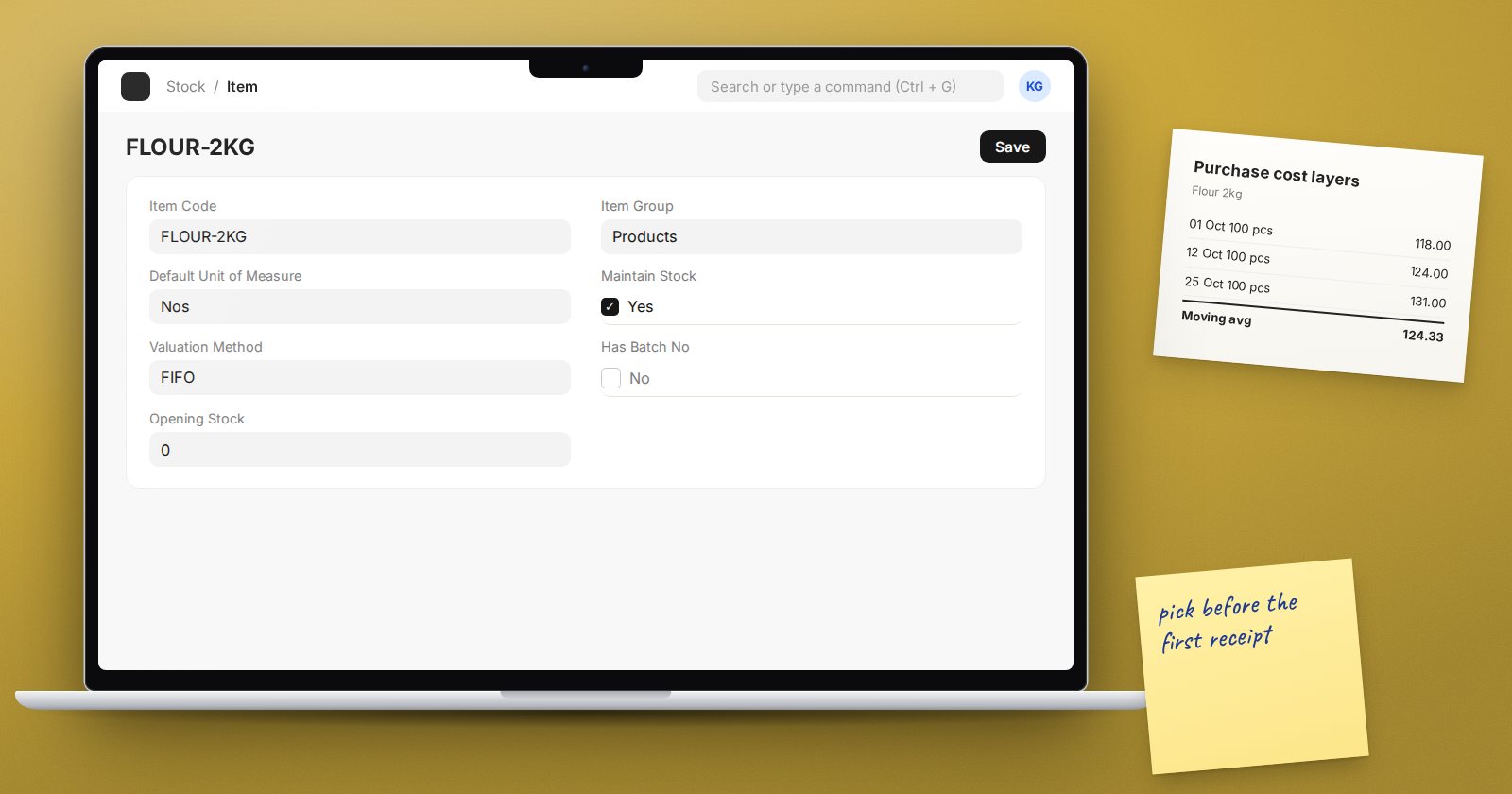
Every time stock leaves a warehouse, ERPNext has to decide what it cost. That figure drives cost of goods sold, gross margin and the value of what is left. The rule ERPNext uses is the valuation method, and it is one of the few stock settings that is hard to change later.
ERPNext v16 offers three methods: FIFO, Moving Average and LIFO.
Where the method is set
- Stock Settings, Defaults tab: Default Valuation Method. This applies to every item that does not set its own.
- Item, Inventory tab: Valuation Method. Leave it blank to follow the default, or set it for a specific item.
FIFO: first in, first out
FIFO keeps a queue of the quantities you received and the rate of each. When stock goes out, ERPNext takes cost from the oldest layer first.
Example: you receive 10 units at 100, then 10 at 120. You sell 12. FIFO charges 10 at 100 and 2 at 120, so the cost of the sale is 1,240 and the 8 units left are valued at 120 each.
FIFO suits goods whose prices change and where you want stock value close to recent purchase prices. It is also easy to explain to auditors.
Moving Average
Moving Average keeps one running average rate per item and warehouse. Each receipt changes the average; each issue goes out at the current average.
Same example: after both receipts you hold 20 units worth 2,200, an average of 110. Selling 12 costs 1,320 and the 8 left are worth 110 each.
Moving Average smooths out price swings and is simple to follow in the Stock Ledger, since one rate tells the whole story. It suits items bought often at similar prices.
LIFO: last in, first out
LIFO takes cost from the newest layer first. In the example, the 12 units sold would be charged 10 at 120 and 2 at 100. LIFO is available in ERPNext, but check with your accountant whether it is acceptable for your reporting framework before you use it. Many are strict about it.
Decide before you transact
ERPNext protects valuation once stock has moved:
- On the Item, once submitted transactions exist, you cannot change Valuation Method, Has Serial No, Has Batch No or Maintain Stock. The one exception: you may switch an item from FIFO to Moving Average.
- In Stock Settings, you cannot change the default method if there are stock transactions for items that have no method of their own.
So the method you choose at setup is the one you live with. Set it in Stock Settings before loading opening stock, and set item-level exceptions on the Item before its first receipt.
Batch-wise valuation
For batch items, the Batch record has Use Batch-wise Valuation, which values each batch separately at its own incoming rate. Stock Settings has Do not use Batch-wise Valuation on the Serial & Batch Item tab if you prefer batch items to follow the item's normal method.
How to see valuation at work
Open the Stock Ledger report for one item and one warehouse. Read the Incoming Rate, Balance Qty and Balance Value columns down the page. Walk through a receipt, then an issue, and check the outgoing cost matches what you expect from your method. Doing this once with a test item is the fastest way to understand it.
Quick checklist
- Default Valuation Method chosen and set before opening stock is loaded
- Exceptions set on the Item before its first transaction
- Accountant has agreed the method, especially if LIFO is considered
- Team knows where to see rates: the Stock Ledger report
Valuation, landed costs and keeping stock matched to the accounts are covered properly in the Inventory Professional course.
