
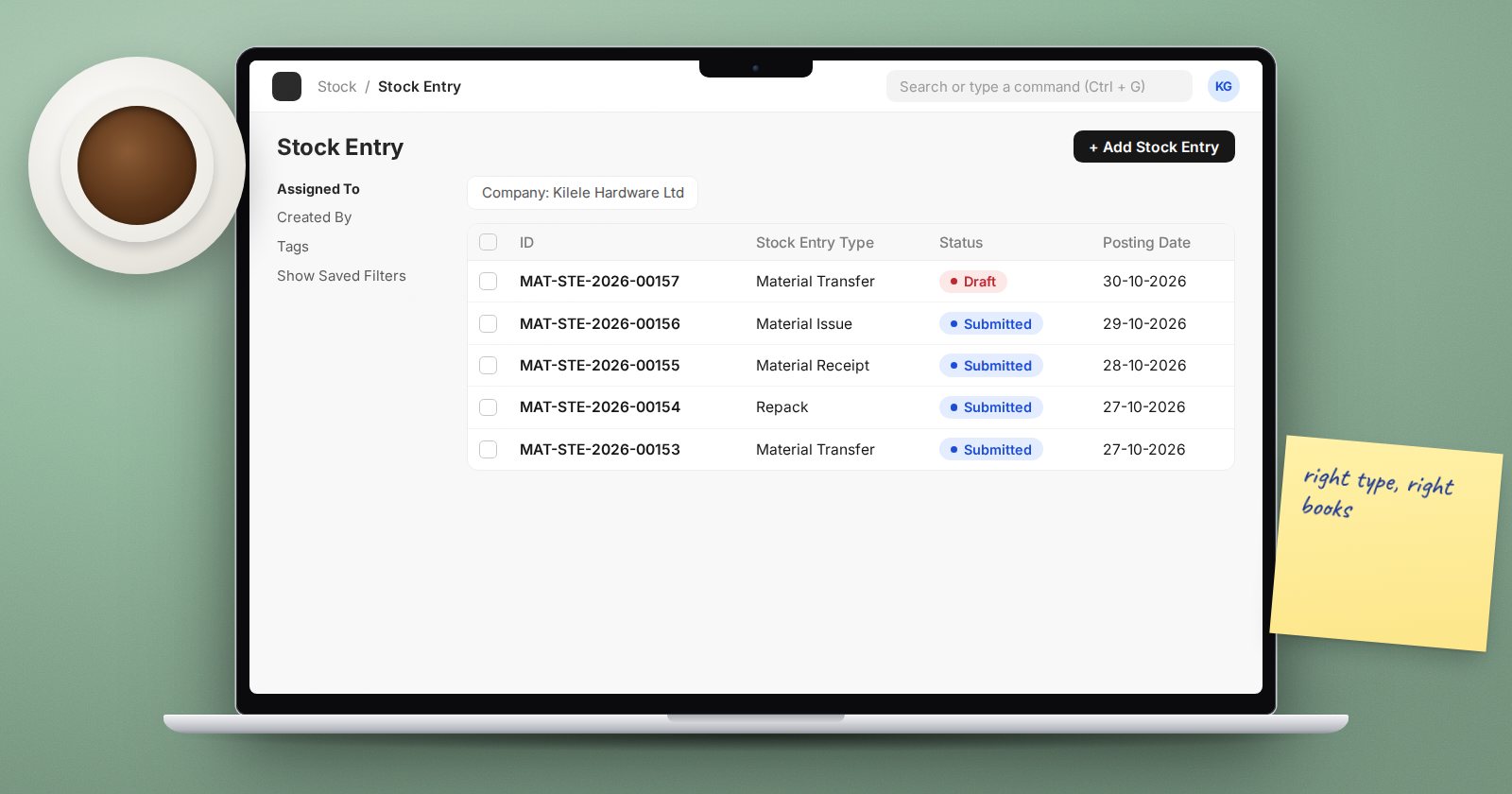
The Stock Entry is ERPNext's general-purpose document for moving stock that is not a purchase or a sale. One form covers many jobs, and the Stock Entry Type you choose decides which. Picking the wrong one is a common source of stock and accounting errors, so it is worth knowing them well.
How types and purposes relate
Every Stock Entry Type has a Purpose. ERPNext creates a standard type for each purpose, and you can add your own types with clearer names, such as "Damaged Goods Write-off" with the purpose Material Issue. The purpose controls the behaviour; the type name is for people.
The everyday purposes
Material Transfer
Moves stock from a Source Warehouse to a Target Warehouse. Quantity and value move together; nothing is gained or lost. Use it for branch replenishment, moving to a showroom, or moving rejected goods to a quarantine store.
For transfers that take time, such as a truck to an upcountry branch, tick Add to Transit and send the goods to a transit warehouse. When they arrive, open the entry and use End Transit to receive them at the destination. Until then, they show as in transit rather than in either branch.
Material Issue
Takes stock out of a warehouse with no target: consumables used internally, samples given away, damaged goods written off. The value goes to the Difference Account on each row, which defaults to the company's Stock Adjustment Account. Set a proper expense account for each kind of issue so the cost lands in the right place.
Material Receipt
Brings stock into a warehouse with no supplier and no source. It has real uses, such as a found item during a count or goods given free. It should not be used for purchases: there is no supplier, no purchase order and no link to the bill. If goods were bought, use a Purchase Receipt.
Repack
Turns some items into others: a 50 kg sack into fifty 1 kg packets, or loose parts into a kit. Source rows are consumed, target rows are produced, and the value of what went in becomes the value of what came out. Use it when the process is simple enough not to need a Bill of Materials and Work Order.
Manufacturing purposes
These are usually created for you from a Work Order:
- Material Transfer for Manufacture: moves raw materials to the work-in-progress warehouse.
- Material Consumption for Manufacture: records consumption separately when continuous consumption is enabled.
- Manufacture: consumes raw materials and produces finished goods.
- Disassemble: reverses a manufacture, breaking a finished item back into components.
Subcontracting purposes
- Send to Subcontractor: transfers raw materials to a job worker's warehouse, normally created from a Subcontracting Order.
- Receive from Customer, Return Raw Material to Customer, Subcontracting Delivery and Subcontracting Return are used when you are the job worker, doing work on materials your customer supplies.
Choosing correctly
Ask two questions:
- Does stock change location only? Material Transfer.
- Does stock leave or enter the business without a purchase or sale? Material Issue or Material Receipt, with the right Difference Account.
If the answer involves a supplier or a customer, you probably want a Purchase Receipt or Delivery Note instead.
Try it
- Search for Stock Entry Type and look at the standard types.
- Create a custom type "Internal Consumption" with purpose Material Issue.
- Make a Stock Entry with it, set a consumables expense account in the row's Difference Account, and submit.
- Check the movement in the Stock Ledger report.
Receiving, issuing and moving stock correctly every day is what the Inventory Essentials course teaches, step by step.
