
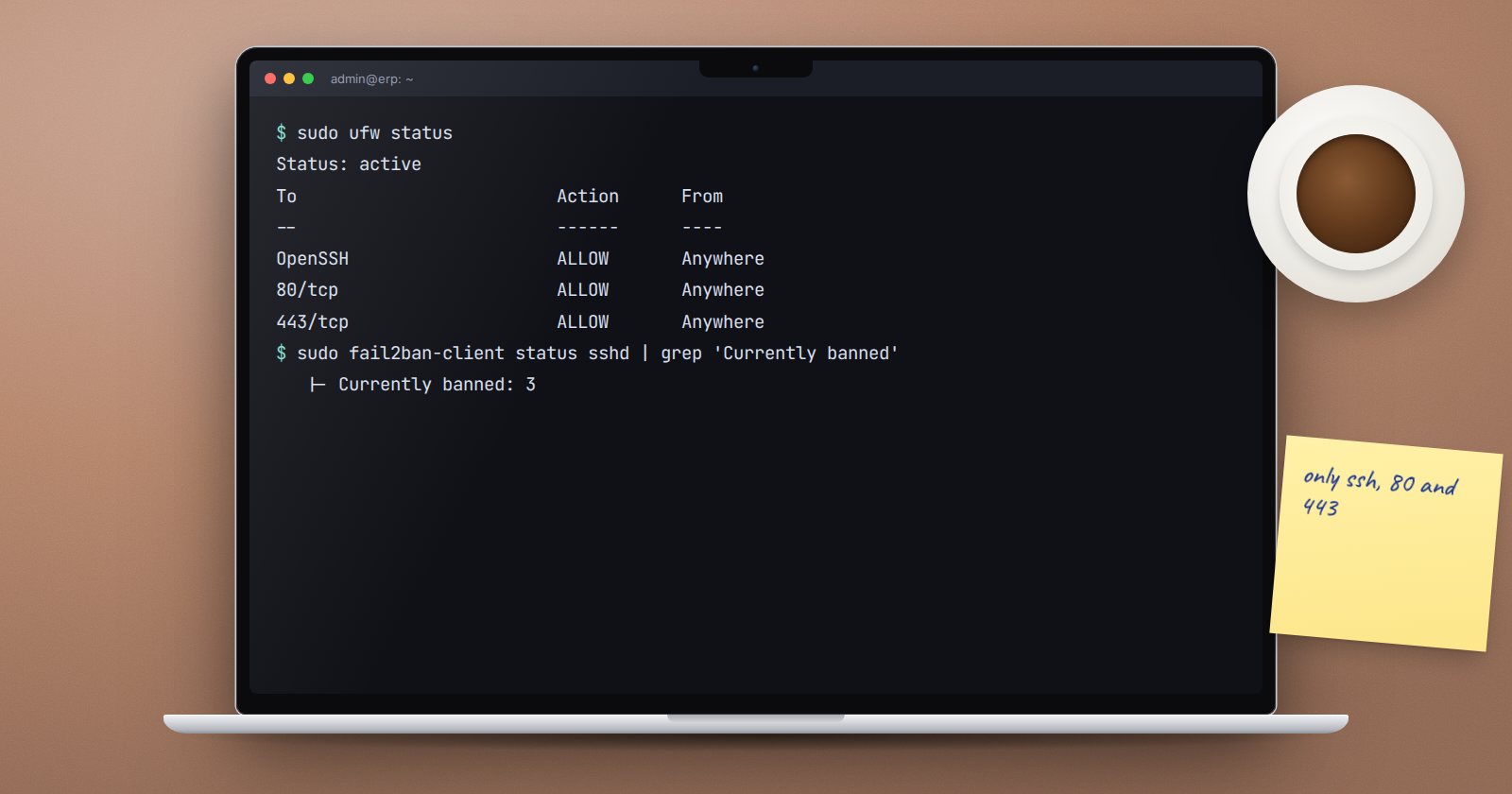
A server on the internet is probed constantly by automated scanners. A firewall makes sure only the services you intend to offer can be reached at all. For a typical single-server ERPNext installation, that list is very short.
What should be reachable
From the internet, an ERPNext server normally needs only:
- 80/tcp for HTTP, which redirects to HTTPS and is used for Let's Encrypt verification
- 443/tcp for HTTPS, where users and integrations connect
- SSH, ideally only from known addresses
Everything else should be closed from outside. In particular, MariaDB (3306) and the bench Redis ports must never be open to the internet. Bench configures Redis and, by default, MariaDB to listen only on 127.0.0.1, but a firewall gives you a second layer if a setting is ever changed by mistake.
See what is listening
sudo ss -tlnp
This lists every listening TCP port and the program behind it. Addresses starting 127.0.0.1 are local only. Anything on 0.0.0.0 or * is listening on all interfaces and needs a reason.
Set up UFW
UFW is Ubuntu's front end for the firewall. Allow SSH before you enable it, or you will cut off your own session:
sudo ufw allow OpenSSH
sudo ufw allow 80/tcp
sudo ufw allow 443/tcp
sudo ufw default deny incoming
sudo ufw default allow outgoing
sudo ufw enable
sudo ufw status verbose
To limit SSH to your office's fixed IP address instead, replace the first rule with one that names the source, for example sudo ufw allow from 203.0.113.10 to any port 22 proto tcp, using your own address. Confirm the address is truly fixed first.
Bench also has sudo bench setup firewall, which installs UFW and opens 80, 443 and the SSH port. Running the UFW commands yourself shows you exactly which rules exist.
Don't forget the provider's firewall
Most cloud providers have a network firewall or security group outside the server. Rules there apply before UFW sees anything. Keep the two consistent, and record both in your server documentation.
Slow down guessing with fail2ban
Fail2ban watches log files and temporarily bans addresses that fail repeatedly. bench setup production installs it if missing, and bench offers a jail for nginx:
sudo bench setup fail2ban
Its defaults ban an address for 600 seconds after 6 matching failures within 600 seconds; --maxretry, --bantime and --findtime change those values. Check what is active:
sudo fail2ban-client status
Remember ERPNext has its own login lockout in System Settings too. The two work at different layers and complement each other.
Test from outside
From a computer outside your network, confirm the site loads over HTTPS and that MariaDB's port does not answer. Many problems only show from outside, because tests on the server itself reach local addresses directly.
Changing rules safely
- Add the new rule before removing the old one.
- Keep an SSH session open while changing rules.
- Write down each change with the date and reason.
Warning: sudo ufw reset removes all rules and disables the firewall. Only use it if you are rebuilding the rules from scratch with console access available.
Firewall checklist
- [ ]
ss -tlnpreviewed; only expected ports listen publicly - [ ] SSH allowed before UFW was enabled
- [ ] Only 80, 443 and SSH open from the internet
- [ ] MariaDB and Redis not reachable from outside
- [ ] Provider firewall matches UFW rules
- [ ] Fail2ban running and jails checked
- [ ] Rules tested from an outside network
- [ ] Rule changes written down
Ports, services and network basics are taught step by step in our Linux for ERPNext: Foundations course.
