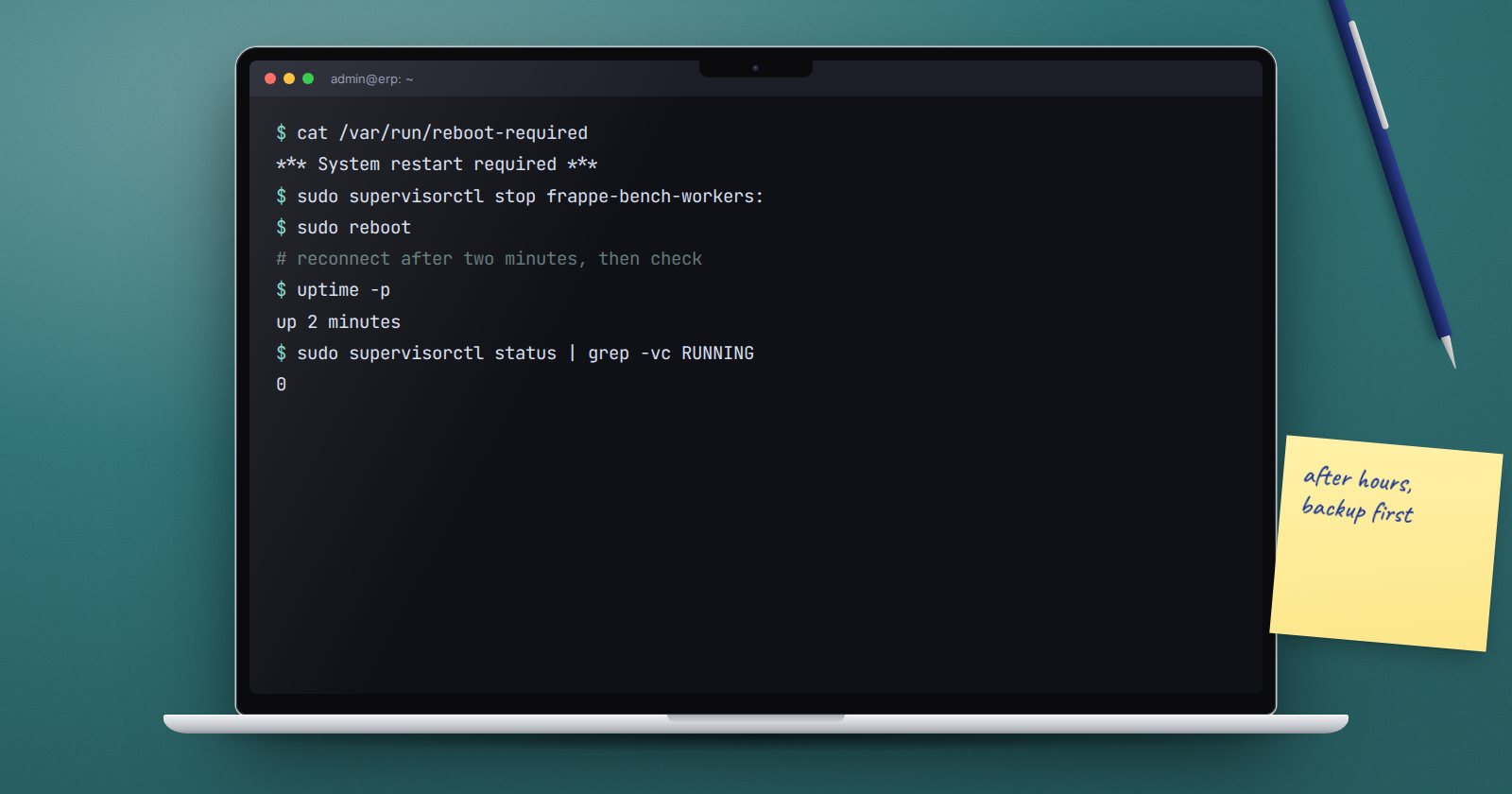
Ubuntu security updates keep arriving, and some of them, such as a new kernel, only take effect after a reboot. Many ERPNext servers run for months on an old kernel because nobody is sure the system will come back cleanly. A reboot is safe when you prepare for it and check afterwards.
Does it need a reboot?
After sudo apt update && sudo apt upgrade, look for:
cat /var/run/reboot-required
cat /var/run/reboot-required.pkgs
If the first file exists, a reboot is pending, and the second lists the packages that asked for it. On Ubuntu 22.04 and 24.04, needrestart also runs after upgrades and offers to restart services that use updated libraries. Read its list before accepting. Restarting mariadb or supervisor in the middle of the working day interrupts users.
Automatic security updates
Ubuntu's unattended-upgrades package installs security updates by itself, and it is on by default on most server images. Check it:
systemctl status unattended-upgrades
ls /var/log/unattended-upgrades/
It does not reboot unless you set Unattended-Upgrade::Automatic-Reboot "true"; in /etc/apt/apt.conf.d/50unattended-upgrades. For a business system, keep automatic reboots off and plan them yourself, so a restart never lands during payroll or month-end.
Before the reboot
- Pick a quiet window and tell users when ERPNext will be unavailable.
- Take a fresh backup, files included:
bench --site erp.example.com backup --with-files
- Check that no long job is running. Payroll, large imports or report generation may be in progress:
bench --site erp.example.com show-pending-jobs
- Stop the workers gracefully. Supervisor gives long workers up to 1560 seconds to finish their current job when you stop them. Group names begin with your bench folder name:
sudo supervisorctl status
sudo supervisorctl stop frappe-bench-workers:
- Check disk space with
df -h. A full disk is a common reason a database does not start cleanly after a reboot.
The reboot
sudo reboot
Wait a minute or two, then log in again over SSH. If the server does not come back, use your hosting provider's console. Make sure you know how to reach it before you start.
Confirm everything came back
The services that matter should be enabled at boot. Check once, now, rather than discovering it later:
systemctl is-enabled nginx supervisor mariadb
Each should print enabled. Bench programs under supervisor have autostart=true, so they start with supervisor. After the reboot, check:
uname -r
sudo supervisorctl status
bench --site erp.example.com doctor
uname -r shows the kernel now running. Every supervisor program should show RUNNING, and doctor should report the scheduler active and workers online. Then open the site in a browser, log in, and open a recent invoice and its attachment.
If something does not start
- MariaDB fails:
sudo journalctl -u mariadb -bshows the errors since this boot. Disk space and memory are the usual causes. - A supervisor program is in
FATALorBACKOFF: read the matching file in the benchlogsfolder, such asworker.error.logorweb.error.log. - nginx fails:
sudo nginx -tshows configuration errors.
Write down what happened and how long it took. Next time the reboot will be routine.
Reboot checklist
- [ ] Reboot needed:
/var/run/reboot-requiredchecked - [ ] Window agreed and users told
- [ ] Fresh backup with files taken
- [ ] No long jobs running, workers stopped
- [ ] Console access confirmed
- [ ] nginx, supervisor and MariaDB enabled at boot
- [ ] After reboot: kernel, supervisor,
doctorand a real login checked
Services, boot and logs are covered from first principles in Linux for ERPNext: Running the Platform.