
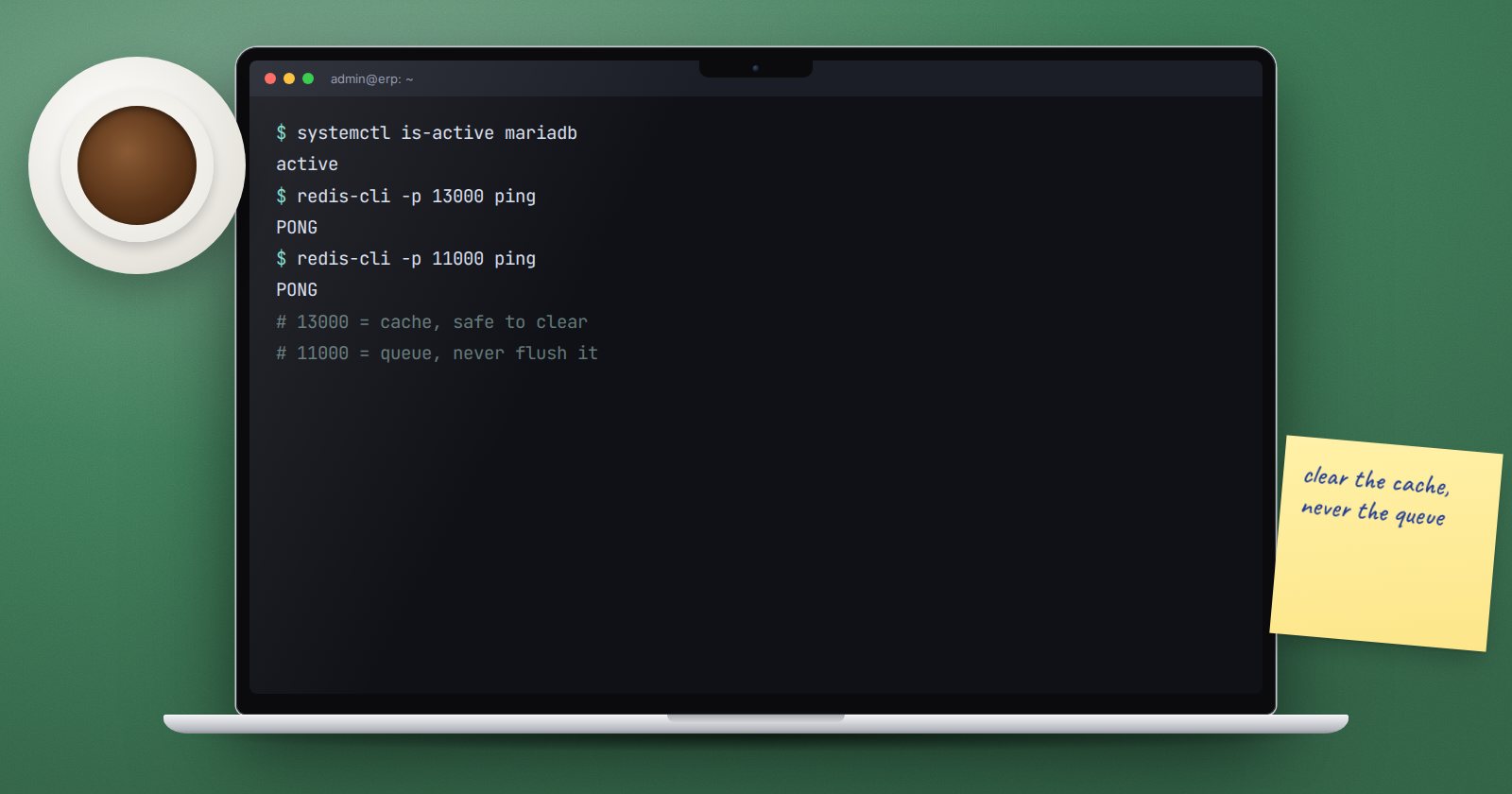
Every ERPNext server relies on two data services: MariaDB, which stores your business records, and Redis, which keeps things fast and carries background jobs. You do not need to be a database administrator, but you do need to know what each one does and which actions are risky.
MariaDB: where your data lives
Each ERPNext site has its own MariaDB database. Every invoice, item, user, setting and permission is a row in it. Frappe creates site databases with the utf8mb4 character set and utf8mb4_unicode_ci collation, so the server configuration should match that.
To open a database console for one site, from the bench folder:
bench --site erp.example.com mariadb
This is useful for reading data during an investigation. Warning: do not insert, update or delete records directly in MariaDB. ERPNext enforces validations, permissions and accounting entries in the application. A direct UPDATE on an invoice skips all of that and can leave your ledgers inconsistent. Change data through ERPNext.
MariaDB settings that matter
- Listen only locally. On a single-server setup, MariaDB should bind to
127.0.0.1so it is not reachable from the internet. Checkbind-addressin the files under/etc/mysql/mariadb.conf.d/. - Secure the installation. On a new server,
sudo mariadb-secure-installationwalks you through removing anonymous users and test databases and securing the root account. - Memory.
innodb_buffer_pool_sizecontrols how much data MariaDB keeps in memory. It has the largest single effect on database speed. The System Health Report shows its current value.
Configuration changes need a restart:
sudo systemctl restart mariadb
During that restart ERPNext cannot read or write, so do it in a maintenance window.
Redis: cache and queues
A bench runs its own Redis instances under supervisor, separate from any system Redis service:
- redis-cache holds cached documents, settings and sessions so ERPNext does not hit the database for everything. The bench configuration sets a memory limit and an eviction policy for it, and it does not save to disk.
- redis-queue holds background jobs waiting for workers: emails, report generation, scheduled tasks.
Both bind to 127.0.0.1 on their own ports, which you can see in sites/common_site_config.json. They must never be exposed to the internet.
Safe and unsafe Redis actions
Clearing the cache is safe and common:
bench --site erp.example.com clear-cache
Warning: flushing the queue Redis is not safe. It throws away pending jobs, such as queued emails or a payroll job in progress, with no record of what was lost. If jobs are stuck, look at bench --site erp.example.com show-pending-jobs and the workers first.
Bench also has bench create-rq-users, which sets up password authentication for the queue Redis. Consider it where several users or applications share a server.
When things go wrong
- "Can't connect to MySQL server": check
sudo systemctl status mariadband free disk space. - Site loads but background jobs stall: check
sudo supervisorctl statusfor the redis-queue and worker programs. - Everything is slow after a restart: the cache and the buffer pool are warming up; it should settle.
Database and cache checklist
- [ ] MariaDB binds to 127.0.0.1 on single-server setups
- [ ]
mariadb-secure-installationcompleted - [ ] No one edits ERPNext data directly in MariaDB
- [ ] Buffer pool size reviewed against server memory
- [ ] Redis instances bound to 127.0.0.1 only
- [ ] Team knows clear-cache is safe and queue flushing is not
- [ ] Database restarts happen only in maintenance windows
The Linux for ERPNext: Foundations course explains services, ports and restarts in plain language for people who are new to servers.
