
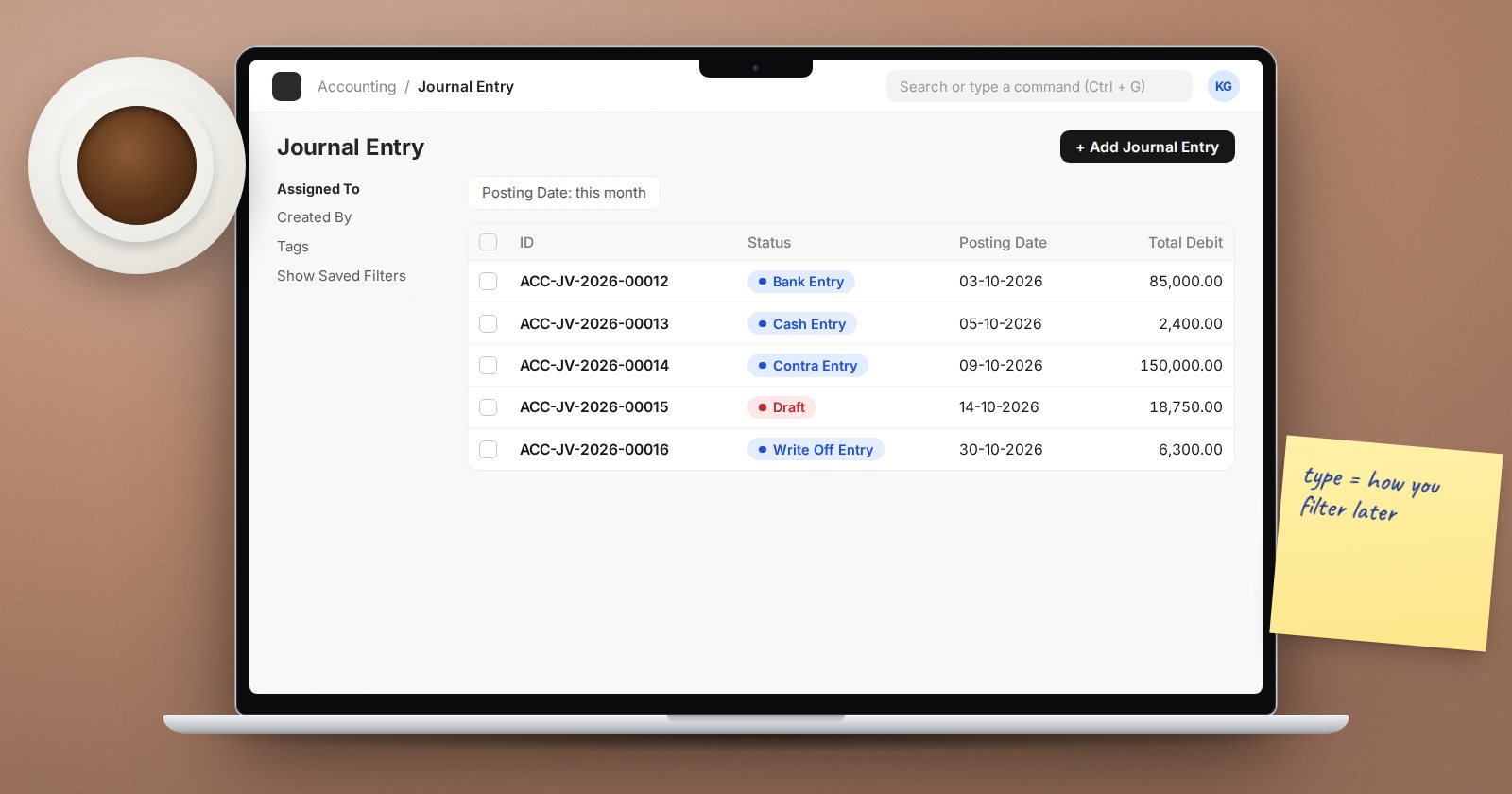
Open a new Journal Entry in ERPNext and the Entry Type list is long. Some of these types change how the form behaves, some are labels that help you filter later, and several are created only by the system. Picking the right one keeps your ledger readable and your reports filterable.
The types you will use every week
Journal Entry is the general type for accruals, reclassifications, provisions and corrections. When in doubt, use this.
Bank Entry is for movements through a bank account that are not better recorded as a Payment Entry, such as bank charges or loan repayments. Choosing it pre-fills the company's default bank account when the table is empty, and ERPNext requires a Reference Number and Reference Date before it will save. That makes bank reconciliation easier later.
Cash Entry does the same for cash, pre-filling the default cash account.
Contra Entry is the conventional label for transfers between your own bank and cash accounts, such as a cash deposit or a transfer between two banks. ERPNext does not add special logic for it, but using it lets you list all internal transfers in one filter.
Credit Card Entry labels movements on a company credit card account.
Types for party adjustments
Credit Note and Debit Note journals adjust a customer or supplier balance without returning items, for example a price concession. Set the Party Type and Party on the receivable or payable row, and use the Reference Type and Reference Name columns to link the row to the invoice it adjusts. If the adjustment involves goods coming back, use a return invoice from the Sales or Purchase Invoice instead, so stock and tax are reversed correctly.
Write Off Entry clears small or uncollectable balances. Choosing it shows Write Off Based On (Accounts Receivable or Accounts Payable), a Write Off Amount and a Get Outstanding Invoices button that fills the rows for you.
Opening and inter-company types
Opening Entry automatically sets Is Opening to Yes. Use it only for balances brought forward when you go live. ERPNext will not accept opening entries once any Period Closing Voucher exists.
Inter Company Journal Entry posts in one company and offers a Create Inter Company Journal Entry button for the matching entry in the other company, linked through the Inter Company Journal Entry Reference field.
Types the system creates
You will see these in the ledger but rarely create them by hand:
- Depreciation Entry and Asset Disposal from asset processes.
- Exchange Rate Revaluation from the Exchange Rate Revaluation document.
- Exchange Gain Or Loss when a foreign currency payment is reconciled at a different rate from the invoice.
- Deferred Revenue and Deferred Expense when deferred accounting is booked through journals.
- Periodic Accounting Entry, which has its own fields for stock asset accounts.
Excise Entry remains in the list for older data.
Good habits whatever the type
- Write a User Remark. A journal without a remark is unexplainable six months later.
- Fill cost centers on income and expense rows so management reports stay complete.
- Preview before submitting where the form offers it, and after submitting use the Ledger button to see the GL entries exactly as posted.
- Use Reverse Journal Entry from the Actions menu to undo an accrual next month. It creates a new entry with debits and credits swapped and links it through the Reversal Of field.
- Use a Journal Entry Template for entries you post often, like monthly accruals. Templates store the entry type, accounts and opening flag, and you pick one in the From Template field.
Try it
Create a Bank Entry for a bank charge and try saving without a reference number. Then create a Journal Entry accrual, submit it, and use Reverse Journal Entry to reverse it on the first day of the next month.
The Accounting Essentials course shows when a journal is the right tool and when an invoice or payment should be used instead.
