
On a development machine you run bench start in a terminal. On a production server that is not acceptable: the processes must start on boot, restart when they crash and sit behind a proper web server. bench setup production builds that arrangement. Knowing what it creates makes you much better at fixing it later.
The command
From the bench folder, as a user with sudo rights:
sudo bench setup production frappe
The last argument is the Linux user that owns and runs the bench. The command installs missing prerequisites (it checks for nginx, supervisor and fail2ban), then generates and links the configuration files described below, and reloads the services.
What supervisor does
Supervisor is a process manager. Bench generates config/supervisor.conf and links it into supervisor's configuration directory. It defines programs for:
- the gunicorn web server (
frappe-web) - the scheduler
- background workers for the short, default and long queues
- the Redis cache and Redis queue instances
- the socket.io realtime server
Each program writes its own logs into the bench logs folder, such as web.log, web.error.log, worker.log and worker.error.log. Supervisor restarts any program that dies.
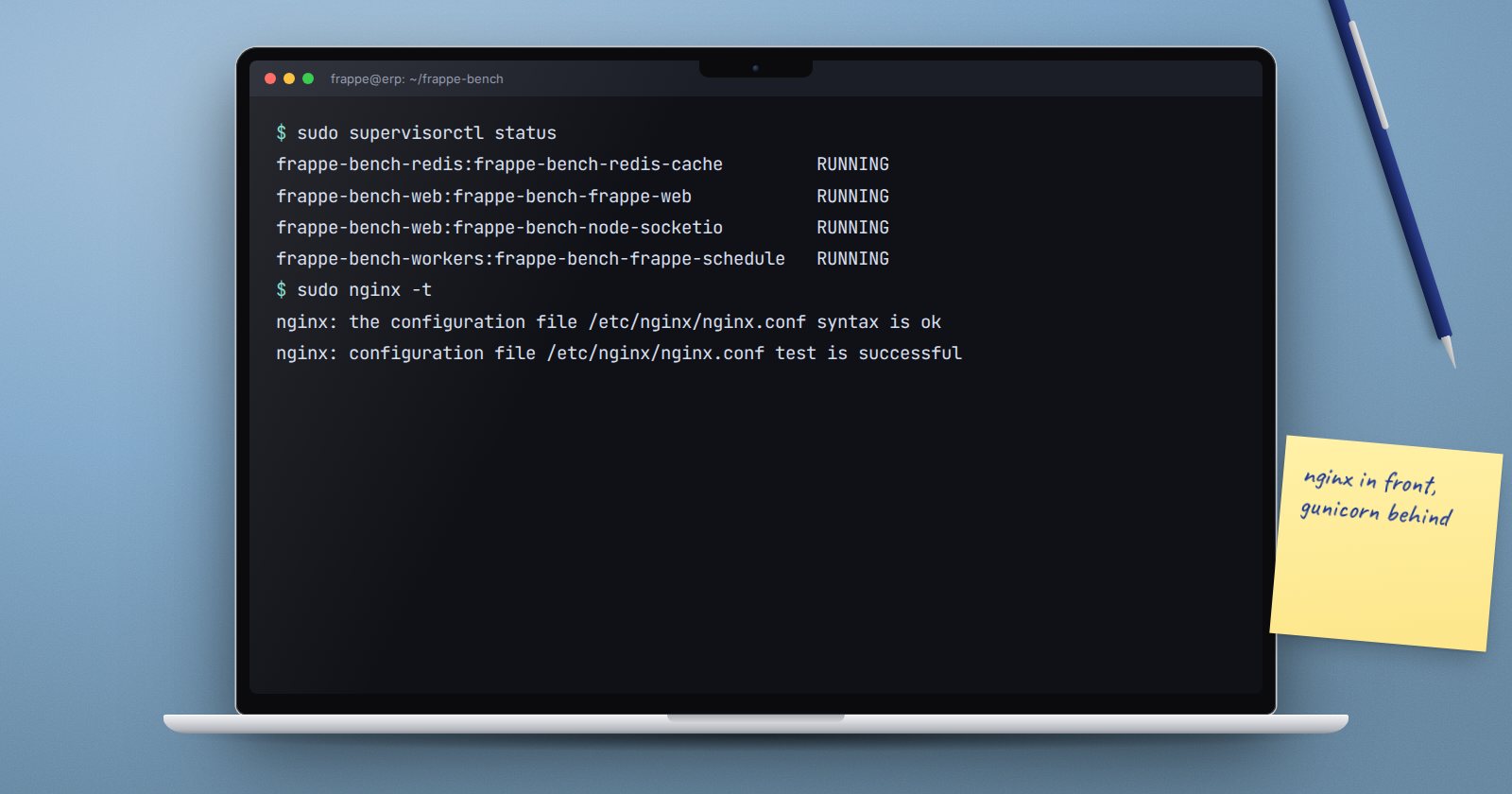
sudo supervisorctl status
Bench can use systemd instead of supervisor if the bench configuration sets restart_systemd_on_update. Pick one; bench refuses to set up both at once.
What nginx does
Bench writes config/nginx.conf and links it into /etc/nginx/conf.d/. That file:
- serves static assets and public files directly, which is fast
- forwards everything else to gunicorn on a local port
- forwards realtime traffic to socket.io
- sets the upload size limit and proxy timeouts
nginx is the part that faces the network. gunicorn binds to 127.0.0.1, so the application itself is not exposed directly. After changing anything nginx-related, test before reloading:
sudo nginx -t
sudo systemctl reload nginx
bench setup reload-nginx does the same check-then-reload for you.
Regenerating configuration
If you change ports, add a domain or change worker counts, regenerate rather than hand-editing:
bench setup nginx
bench setup supervisor
sudo supervisorctl reread
sudo supervisorctl update
Warning: hand edits to config/nginx.conf or config/supervisor.conf are overwritten the next time these files are regenerated. Keep custom changes in the bench configuration so they survive.
Sizing the web workers
When bench generates its configuration it sets the number of gunicorn workers from the CPU count, as CPUs times two plus one. The value is stored as gunicorn_workers in sites/common_site_config.json. If the server is small and memory is tight, lowering it can help; if you add CPUs later, update it and regenerate the supervisor configuration.
Proving it works
After setup, check each layer in turn:
sudo supervisorctl statusshows every programRUNNING.sudo nginx -treports the configuration is valid.- The site loads in a browser and you can log in.
bench --site your.site doctorshows workers online and the scheduler active.- Reboot the server once, in a quiet window, and confirm everything comes back without you touching it.
That last step is the real test of a production setup. Many problems only show up after the first reboot.
Production readiness checklist
- [ ] Bench owned and run by a non-root user
- [ ]
bench setup productioncompleted without errors - [ ] All supervisor programs running
- [ ] nginx configuration tests clean
- [ ] Scheduler enabled and workers online
- [ ] Server survives a reboot without manual steps
- [ ] SSL set up (covered in a separate article)
If you will be handing servers over to clients, our ERPNext Implementation Consultant course covers the go-live checks that sit around this technical setup.
