
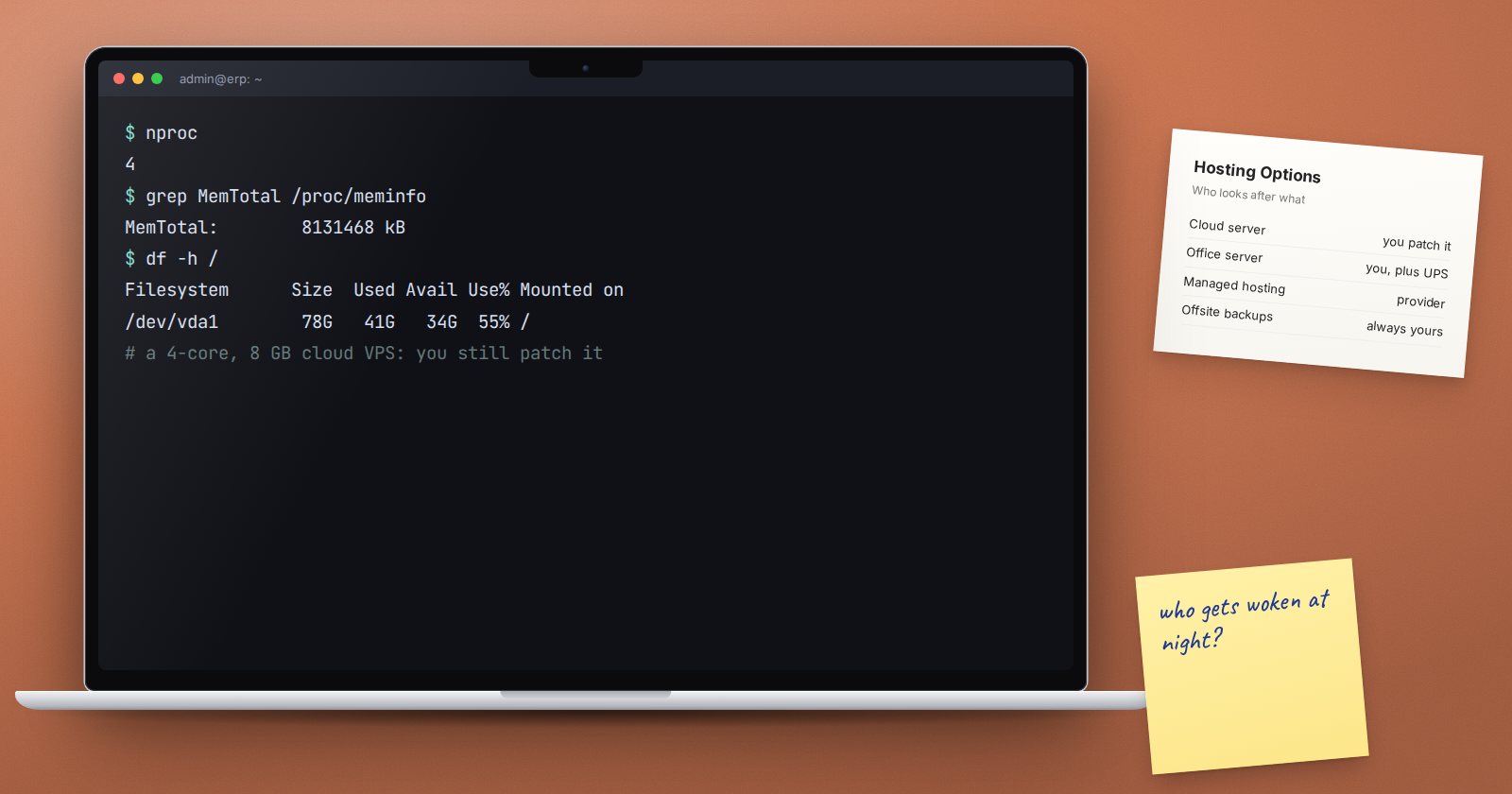
Where ERPNext runs decides who gets woken at night when it stops. Many businesses pick hosting on price alone, then learn that the cheap option came with a power cut, a full disk and nobody who knew how to fix either. Make the choice on purpose, with the real trade-offs in front of you.
The three common options
- A cloud server (VPS) that you or your partner run: an Ubuntu machine rented from a hosting provider, with bench, MariaDB, Redis and nginx installed on it.
- A server in your own office, on hardware you own.
- Managed Frappe hosting, where a provider runs the servers, updates and backups and you manage the ERPNext site itself.
None is right for everyone. Each moves work and risk to a different place.
Questions that decide it
Who will run the server? A self-managed server needs someone who can patch Ubuntu, read logs, renew certificates and restore a backup under pressure. If that person does not exist on your team or in a support contract, the server will slowly drift into risk.
What happens when the power goes? An office server needs a UPS sized to shut it down cleanly, and ideally a generator. A sudden power loss in the middle of a database write is how tables get damaged. A cloud data centre handles power for you.
What happens when the internet goes? With cloud or managed hosting, an office internet outage stops that office, but branches, field staff and the mobile app keep working. With an office server, staff on site may keep working, but everyone outside loses access. A second internet line from a different provider helps either way.
Where must the data live? Some sectors and contracts set rules on where personal or financial data may be stored or processed. Kenya's Data Protection Act also places duties on how personal data is handled and transferred. If this could apply to you, get advice before choosing a provider or region, and keep a record of the decision.
How will backups leave the building? An office server with backups on a disk next to it is one fire or theft away from losing everything. Whatever you choose, a copy must live somewhere else.
Comparing the options
| Cloud server | Office server | Managed hosting | |
|---|---|---|---|
| Power and hardware | Provider | You | Provider |
| OS patching and bench | You or partner | You or partner | Provider |
| Remote access for branches | Easy | Needs a VPN or exposed ports | Easy |
| Custom apps | Full control | Full control | Depends on the plan |
| Offsite backups | You set up | You set up | Usually included, check retention |
Costs people forget
- Time. A self-managed server needs a few hours every month for updates, checks and restore tests.
- Hardware refresh. Office servers need replacing every few years, plus a UPS battery replacement.
- Support. Who answers at 7 a.m. on month-end day when the site will not load?
- Exit. Can you take a full backup, files included, and move elsewhere? You should be able to restore your data on a server you control, whoever hosts it today.
A sensible default
For most small and mid-sized businesses in the region, a reputable cloud server or managed hosting is safer than a machine in the office. The data centre deals with power and hardware, and staff can work from any branch. Choose an office server when there is a clear reason: a hard data location requirement, very poor internet with no remote users, or a team that already runs servers well.
Whatever you pick, write down who owns the server, who pays for it, where backups go and how to move away. That one page saves a crisis later.
Hosting decision checklist
- [ ] Named person or contract for server care
- [ ] Power plan: UPS and clean shutdown, or a data centre
- [ ] Internet plan for every office and remote user
- [ ] Data location rules checked, decision recorded
- [ ] Offsite backups in place from day one
- [ ] Monthly time budgeted for updates and checks
- [ ] Exit route tested: full backup restored elsewhere
Running your own Ubuntu server for ERPNext is taught step by step in Linux for ERPNext: Foundations.
