
A full disk takes ERPNext down in confusing ways: logins fail, backups stop, and MariaDB refuses to write. The fix is rarely dramatic. It is a regular look at what is growing, and a safe, repeatable way to trim it.
Find what is using space
Start broad, then narrow down:
df -h
sudo du -xh / --max-depth=2 2>/dev/null | sort -h | tail -20
Then look inside the bench folder:
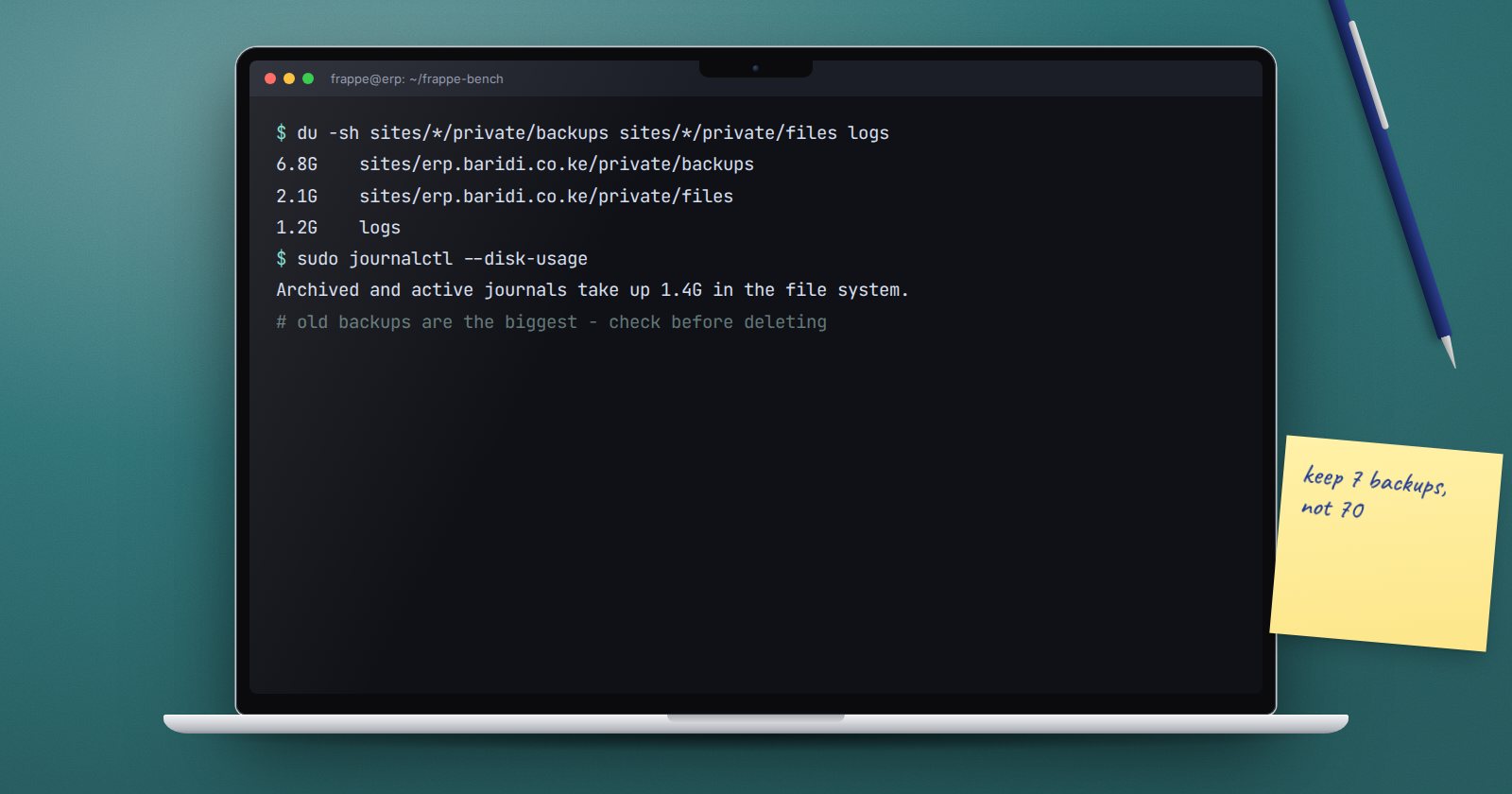
du -sh sites/*/private/backups sites/*/private/files sites/*/public/files logs
The usual suspects on an ERPNext server are old backups, attachments, log files, the system journal and the database itself.
Let ERPNext clear its own logs
Frappe keeps many log tables inside the database: Error Log, Activity Log, Email Queue, Scheduled Job Log and others. The Log Settings screen lists each log type with "Clear Logs After (days)". The framework's defaults include Error Log 14 days, Scheduled Job Log 7 days, Email Queue 30 days, and Activity Log and API Request Log 90 days. A scheduled job deletes older records automatically.
Review these periods against your audit needs. Activity Log holds login and logout history, so you may want to keep it longer. Note that Version records, which hold document change history, are not in that default list; do not clear them casually, because they are your audit trail.
If one log table has grown huge, the command line can clear it:
bench --site erp.example.com clear-log-table --doctype "Error Log" --days 30
It backs up the table first unless you pass --no-backup. Leave the backup on.
Files that grow on disk
Frappe's own log files, such as frappe.log and database.log, rotate automatically by size. The supervisor logs (web.log, worker.log and their error logs) are managed by supervisor. Check them with:
ls -lh logs/
If you turned on request monitoring, logs/monitor.json.log keeps growing until you deal with it.
Old backups
Frappe trims each site's private/backups folder to the Number of Backups in System Settings. But copies made elsewhere on the server, such as manual backups in your home folder or a /backup directory, are not trimmed by anything. Find them:
find / -xdev -name "*-database*.sql.gz" -size +100M 2>/dev/null
Make sure each one has an offsite copy before removing it.
System journal and packages
sudo journalctl --disk-usage
sudo journalctl --vacuum-time=30d
sudo apt autoremove
sudo apt clean
--vacuum-time removes archived journal entries older than the period you give. apt clean removes downloaded package files that are already installed.
MariaDB binary logs
If binary logging is on, MariaDB keeps binary log files on disk. The System Health Report shows whether binary logging is enabled. On Ubuntu, retention is controlled in the MariaDB configuration under /etc/mysql/mariadb.conf.d/. Do not delete binary log files by hand; change the retention setting instead, and only after you know whether replication or point-in-time recovery depends on them.
A word on deleting
Warning: rm and find ... -delete remove files permanently. Before deleting anything:
- List exactly what will go, using
lsorfind ... -print. - Confirm an offsite copy exists if it is a backup.
- Never delete inside
/var/lib/mysqlby hand. - Never delete attachments in
private/filesdirectly; ERPNext records point at them.
Housekeeping checklist
- [ ]
df -hchecked weekly, with an agreed alert level - [ ] Log Settings retention reviewed and agreed
- [ ] Version history kept
- [ ] Stray manual backups found and moved offsite
- [ ] System journal trimmed to an agreed period
- [ ]
apt autoremoveandapt cleanrun after updates - [ ] Every deletion listed and checked before it ran
Comfort with du, find and file permissions comes with practice; the Linux for ERPNext: Foundations course builds it on a real server.
