
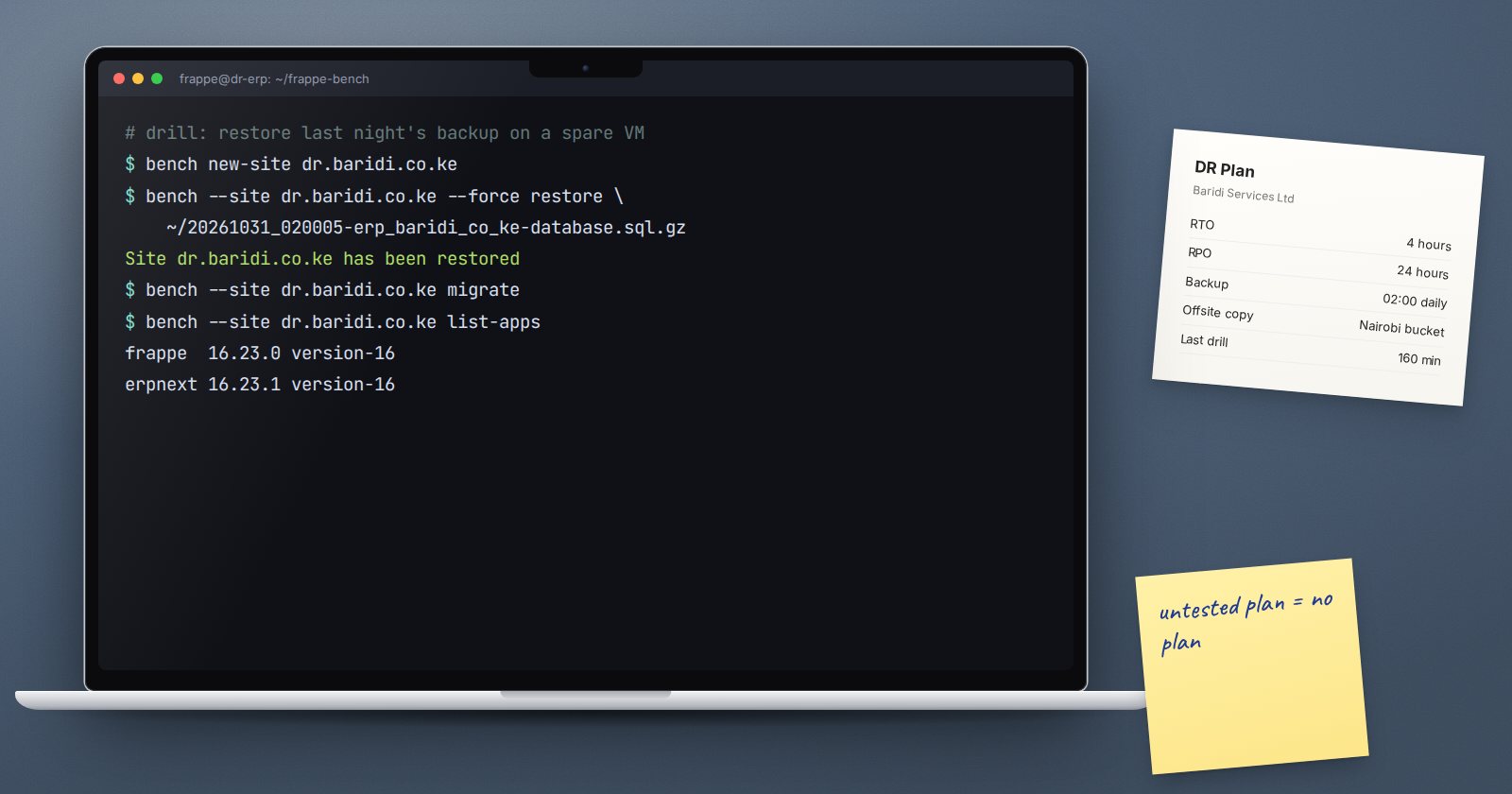
Backups are one part of recovery. The other part is knowing, in writing, how to turn those backups back into a working system when the server, the hosting account or the person who set it all up is suddenly unavailable. That written guide is your disaster recovery plan. It does not need to be long. It needs to be accurate and tested.
Start with two numbers
Agree these with the business owner, not just IT:
- Recovery Point Objective (RPO): how much data you can afford to lose, measured in time. If backups run nightly, you could lose up to a day of transactions.
- Recovery Time Objective (RTO): how long the business can run without ERPNext before the damage is serious.
These numbers drive everything else. A shorter RPO means more frequent backups. A shorter RTO means a standby server or a well-practised rebuild.
List the scenarios
Plan for a few realistic situations, each with its own response:
- Bad data, server fine: a mass import gone wrong or records deleted by mistake.
- Server lost: disk failure, corrupted operating system, or the server deleted.
- Provider or account lost: the hosting company is down, or access to the account is lost.
- Compromise: the server may be in an attacker's hands, so it cannot be trusted.
- Key person unavailable: the one person who knows the setup is on leave or has left.
Write the rebuild runbook
This is the heart of the plan: step-by-step instructions someone competent, but new to your setup, could follow. Include:
- Server specification: operating system version, CPU, memory, disk.
- Software versions: the output of
bench version, saved after every update, so you rebuild on the same app versions and branches. - Custom apps: where the code lives (Git repository and branch) and who has access.
- Backup locations: where the offsite copies are, how to reach them, and which file is the latest.
- Secrets: where the backup encryption key, MariaDB root password and provider logins are kept, and who can open that store.
- Restore steps: install the bench, restore with database and both file archives, migrate if needed.
- Network steps: DNS changes, SSL certificate, firewall rules.
- Checks: how to confirm the restored system is complete before users return.
Never store the only copy of the plan on the ERPNext server.
Contacts and decisions
Write down who can declare a disaster, who does the technical work, who tells staff and customers, and contact details for your hosting provider and any support partner. In a real incident, nobody should be guessing who is in charge.
Handling a compromise
If you suspect an attacker, do not simply restore over the same server. Build a clean server, restore from a backup taken before the suspected compromise, change all passwords and API secrets, and end all user sessions. Keep the old server isolated for investigation if possible.
Test it
A plan that has never been tested is a hope. At least once a year, run a drill:
- restore the latest offsite backup onto a fresh server, following only the written plan
- time each step against your RTO
- note every step where the plan was wrong or unclear, and fix the plan
Ideally, have someone other than the author run the drill. That is how you find the steps that only existed in one person's head.
Disaster recovery checklist
- [ ] RPO and RTO agreed with the business owner
- [ ] Scenarios listed with a response for each
- [ ] Rebuild runbook written and stored off the server
- [ ]
bench versionoutput saved after each update - [ ] Secrets store documented, with more than one keyholder
- [ ] Contacts and decision-makers listed
- [ ] Annual drill done by someone other than the author
- [ ] Plan updated after every drill and major change
Server rebuild skills are taught in Linux for ERPNext: Foundations, and agreeing recovery targets with clients is covered in ERPNext Implementation Consultant.
