
Sooner or later every developer needs to look inside a site: why does this invoice show the wrong status, which items have no default warehouse, does this function return what I think? bench console gives you a Python shell already connected to the site. Used carelessly, it can also change live data without any trace in the desk. Here is how to use it well.
Open a console
From the bench folder:
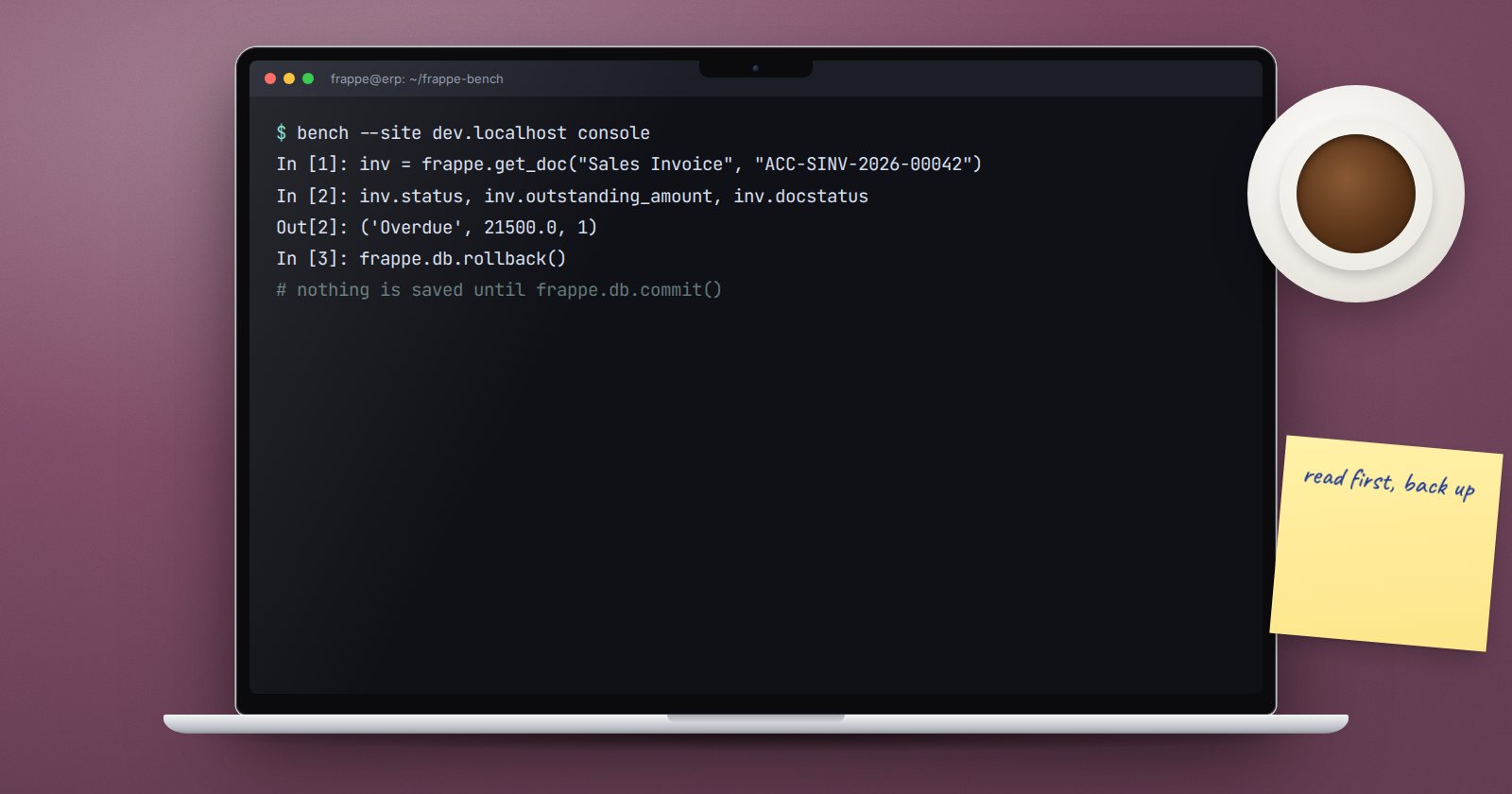
bench --site dev.localhost console
You get an IPython shell with Frappe initialised and connected to that site's database, and your installed apps importable. You are working as Administrator, so permission checks will not stop you. Add --autoreload while developing so changes to your code are picked up without restarting the shell.
Look before you touch
Start with read-only calls:
inv = frappe.get_doc("Sales Invoice", "ACC-SINV-2026-00042")
inv.status, inv.outstanding_amount, inv.docstatus

frappe.get_all(
    "Item",
    filters={"is_stock_item": 1, "disabled": 0},
    fields=["name", "item_group"],
    limit=10,
)

frappe.db.get_value("Customer", "CUST-00042", ["territory", "customer_group"], as_dict=True)
You can also call your own app's functions directly, which is the fastest way to check what a helper returns for real data.
Nothing is saved until you commit
The console does not commit for you. When you exit, Frappe rolls back anything you did not commit. That is a safety net: you can try a change, inspect the result, and walk away.
When you do want to keep a change:
doc = frappe.get_doc("Site Visit", "SV-2026-00007")
doc.notes = "Customer confirmed by phone."
doc.save()
frappe.db.commit()
save() versus set_value
There are two very different ways to change data:
doc.save()runs the full document lifecycle: validation, hooks, notifications, version history. Use it by default.frappe.db.set_value(...)writes straight to the database. No validation, no hooks. Totals, statuses and linked documents are not recalculated.
Using set_value on a submitted invoice's amounts, for example, leaves the ledger and the document disagreeing. Reserve it for fields with no side effects, and understand why the normal path does not work before you bypass it.
bench execute for one function
For a single function call, bench execute is cleaner than a console session:
bench --site dev.localhost execute upeo_custom.maintenance.utils.recalculate_visit_totals --kwargs "{'visit': 'SV-2026-00007'}"
It connects, calls the function with the --args or --kwargs you give, prints the return value, and commits if the function finishes without an error. Because it commits, treat it like any change to the site.
A safe routine
- Reproduce on a copy. Restore a recent backup to a test site and try your fix there first.
- Back up before touching production. Agree the backup with whoever runs your server.
- Read first. Count the records your change will affect before changing them.
- Prefer a patch for anything repeatable. If several sites need the same fix, or you may need it again, write it as a patch in your app instead of typing it into a console.
- Keep a record. The console writes each session's commands to the bench's ipython log. Still note what you changed and why in your ticket or change log.
Other useful commands
bench --site dev.localhost mariadb- a SQL shell for the site's database. Read only, unless you are very sure.bench --site dev.localhost clear-cache- after changing hooks or settings outside the desk.bench --site dev.localhost migrate- apply schema changes, patches and fixtures.
Try it
- Open a console on a development site and load one sales invoice.
- Change a harmless field, exit without committing, and confirm in the desk that nothing changed.
- Repeat with
frappe.db.commit(). - Write a small function in your app and call it with
bench execute.
Working comfortably at the command line is part of ERPNext as a Platform, and the Linux basics underneath are in Linux for ERPNext: Foundations.
