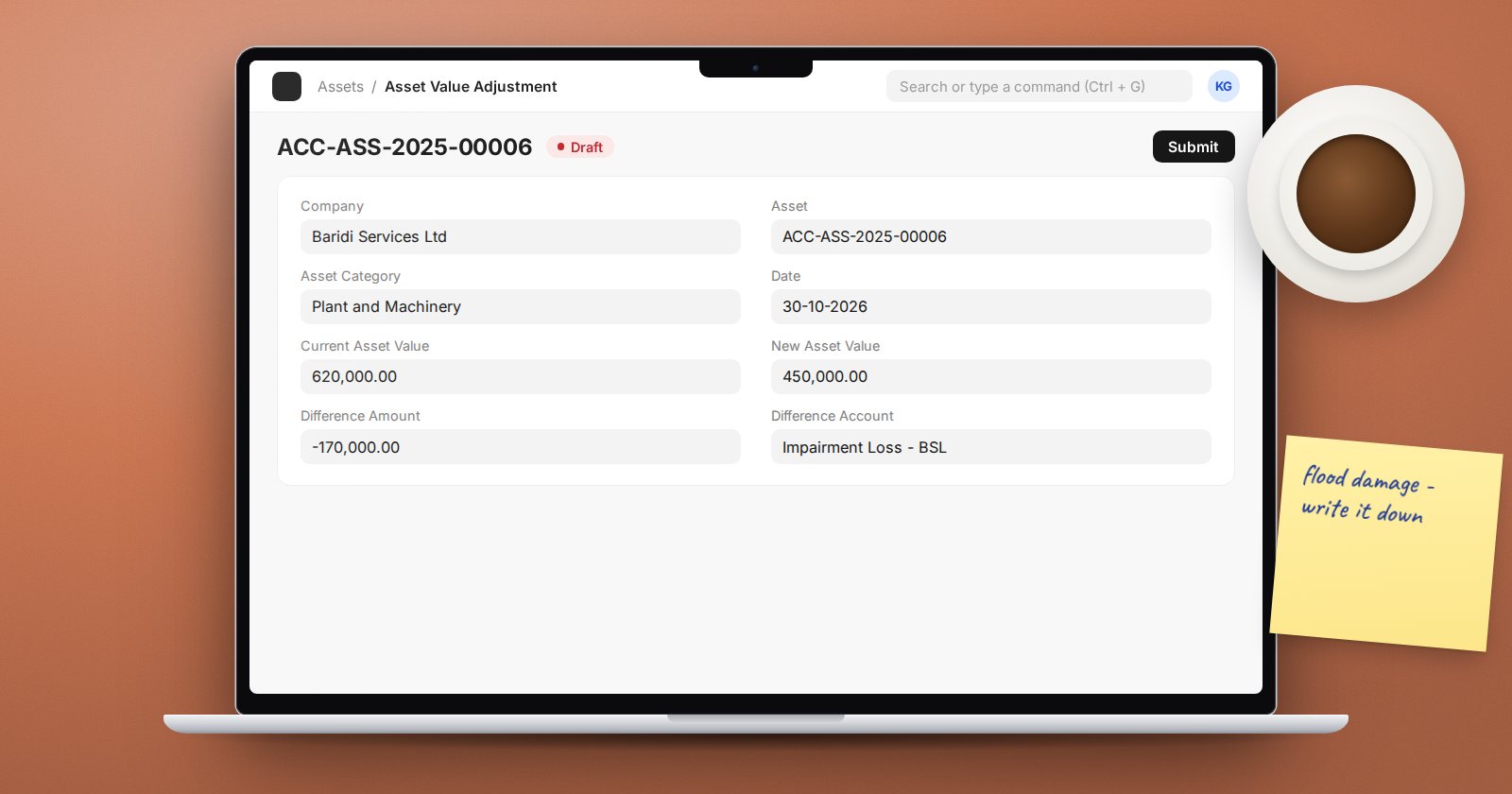
Depreciation spreads an asset's cost over its life, but sometimes the value changes faster than the schedule. A machine damaged in a flood is worth less. A building revalued by a surveyor may be worth more. Posting a journal to the fixed asset account changes the ledger but not the asset, so next month's depreciation is still calculated on the old value. Asset Value Adjustment fixes both at once.
When to use it
Use it when the carrying value of one asset must change while the asset stays in use:
- Impairment - a fall in value, such as damage or obsolescence.
- Revaluation - an increase, where your accounting policy allows it.
For a repair that adds value, look at Asset Repair instead. For a sale or write-off, use Sell Asset or Scrap Asset.
Creating the adjustment
From a submitted Asset, choose Create > Asset Value Adjustment, or create one from its list. The form has:
- Company and Asset. The Asset Category fills in.
- Finance Book, if you keep more than one set of depreciation books. Leave it blank for the default.
- Date of the adjustment. It cannot be before the asset's purchase date.
- Current Asset Value, filled from the asset's value after depreciation.
- New Asset Value, the value you are moving to.
- Difference Amount, calculated for you. Negative means a decrease.
- Difference Account, where the other side of the entry goes, and an optional Cost Center.
The Difference Account must be a ledger account in the same company. Choose it with care, because it decides where the change is reported. An impairment loss normally goes to an expense account. A revaluation gain often goes to a revaluation reserve in equity, depending on your reporting framework. Agree the account with your auditor before posting.
What happens on submit
ERPNext creates and submits a Journal Entry using the Company's series for depreciation entries, with the remark "Revaluation Entry against" the asset:
- For a decrease, it credits the asset category's fixed asset account and debits the Difference Account.
- For an increase, it debits the fixed asset account and credits the Difference Account.
It then updates the asset's value after depreciation and rebuilds the depreciation schedule from the new value. The new schedule carries a note saying it was created through that Asset Value Adjustment, so anyone reading the asset later can see why the amounts changed.
If the finance book row has a Salvage Value Percentage, the salvage value is adjusted in proportion to the change.
Cancelling
Cancelling the adjustment cancels its journal entry and reschedules depreciation again, with a note recording the cancellation. As with any back-dated change, cancel before the month is closed.
A worked example
A printing machine has a book value of KES 900,000. After water damage, an assessor values it at KES 600,000.
- Create an Asset Value Adjustment dated the day of the assessment.
- Enter a New Asset Value of 600,000. The Difference Amount shows -300,000.
- Choose an impairment loss expense account as the Difference Account.
- Submit, then open the asset and confirm the remaining monthly depreciation has fallen.
Good practice
- Attach the valuation or assessor's report to the adjustment so the evidence stays with the entry.
- Post adjustments before running the month's depreciation, so the new schedule applies from the right month.
- Review the Fixed Asset Register afterwards; the asset's value should match the assessed value.
- Never adjust value with a plain journal to the fixed asset account.
Try it
Submit an asset on a test company, post an impairment with Asset Value Adjustment, then compare the depreciation schedule before and after.
Asset impairment and revaluation are covered in Accounting Professional.