
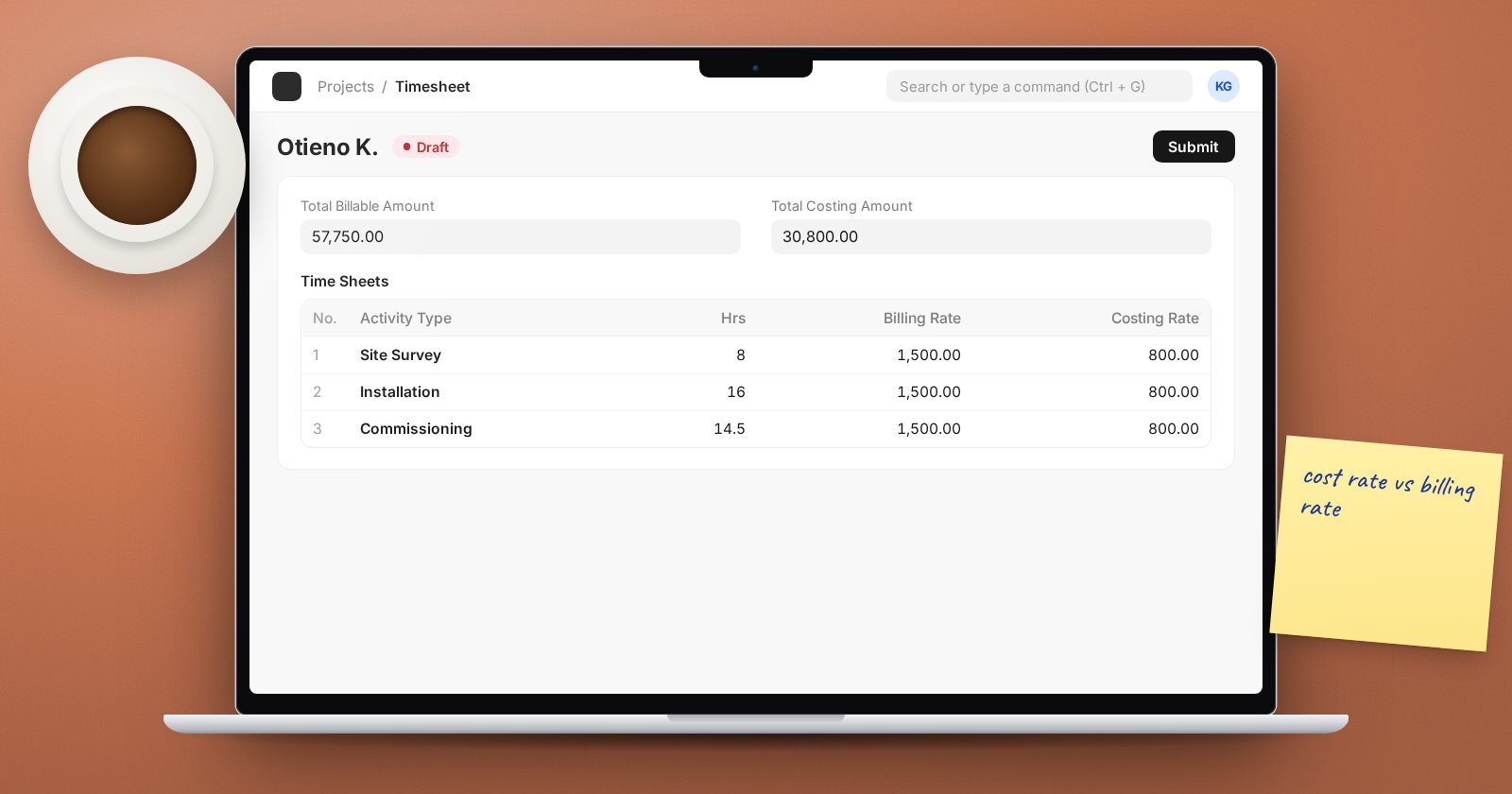
Time is usually the biggest cost on a service project, and often the main thing you bill for. ERPNext records it in Timesheets, and values it through Activity Types and Activity Costs. Set the rates up once and every hour logged becomes both a project cost and, where it is billable, a billable amount.
Activity Types: what kind of work
An Activity Type describes a kind of work: consulting, training, site installation, travel, support. Each has a Default Costing Rate and a Default Billing Rate per hour.
- The costing rate is what an hour costs the business.
- The billing rate is what an hour is charged to the client.
Activity Cost: rates per employee
Rates often depend on who does the work. A senior consultant costs and bills more than a junior one for the same activity. An Activity Cost sets a Costing Rate and Billing Rate for one Employee and one Activity Type.
When a timesheet row is filled, ERPNext looks for an Activity Cost for that employee and activity first. If there is none, it uses the Activity Type defaults. So set sensible defaults on the type and add Activity Costs only where an individual's rates differ.
Work out costing rates with finance, typically from salary and overheads over expected productive hours. The method is a business decision; ERPNext simply applies the rate you set.
Recording time
A Timesheet belongs to one Employee and holds rows in Time Sheets. Each row has:
- Activity Type, From Time, Hrs (or To Time), Project and Task.
- Is Billable - tick for client-chargeable time. Billing Hours can differ from actual hours if you write time down or up.
- Billing Rate and Costing Rate - filled from the rates above and editable if allowed.
- A Description of the work.
Staff can use Start Timer on a draft timesheet to time a row live, and Resume Timer to continue.
The timesheet totals Total Working Hours, Total Billable Hours, Total Costing Amount and Total Billable Amount. Submit it to make it count. Only submitted timesheets update project and task costing.
Overlaps
By default ERPNext stops one employee logging overlapping time. Projects Settings has Ignore Employee Time Overlap, Ignore User Time Overlap and Ignore Workstation Time Overlap if your business really needs it. Most do not.
What timesheets update
Submitted time flows to the Task (actual time, costing and billable amounts) and to the Project (actual start and end, actual hours, Total Costing Amount and Total Billable Amount). Those figures feed the project's gross margin.
Timesheets can also drive pay: a salary structure with Salary Slip Based on Timesheet pays an Hour Rate for hours on submitted timesheets.
Reports
- Daily Timesheet Summary - who logged what, day by day.
- Timesheet Billing Summary - billable and billed time by employee or project.
A weekly routine
- Staff log time daily and submit weekly.
- Project managers review billable flags and descriptions.
- Finance checks the billing summary before invoicing.
Try it
Create an Activity Type with default rates and an Activity Cost with different rates for one employee. Log one hour each for that employee and for someone else, submit, and compare the costing amounts on the project.
Timesheets and project costing are covered step by step in the Projects, Timesheets & Billing course.
