
A custom app that handles money or stock without tests is a bet that nobody will ever change it. Frappe has a test runner built in, and every DocType you create already comes with a test file waiting to be filled.
Use a separate test site
Tests create and change data. Run them on a dedicated site, never on production and never on a site with real data you care about. Frappe refuses to run tests until you allow them for that site:
bench new-site test.localhost
bench --site test.localhost install-app erpnext
bench --site test.localhost install-app upeo_custom
bench --site test.localhost set-config allow_tests true
The test class
When you create a DocType, Frappe writes test_.py with a class based on IntegrationTestCase from frappe.tests. Integration tests talk to the real database. Frappe connects to the site, sets up any test records the DocType depends on, and rolls the database back when the test class finishes.
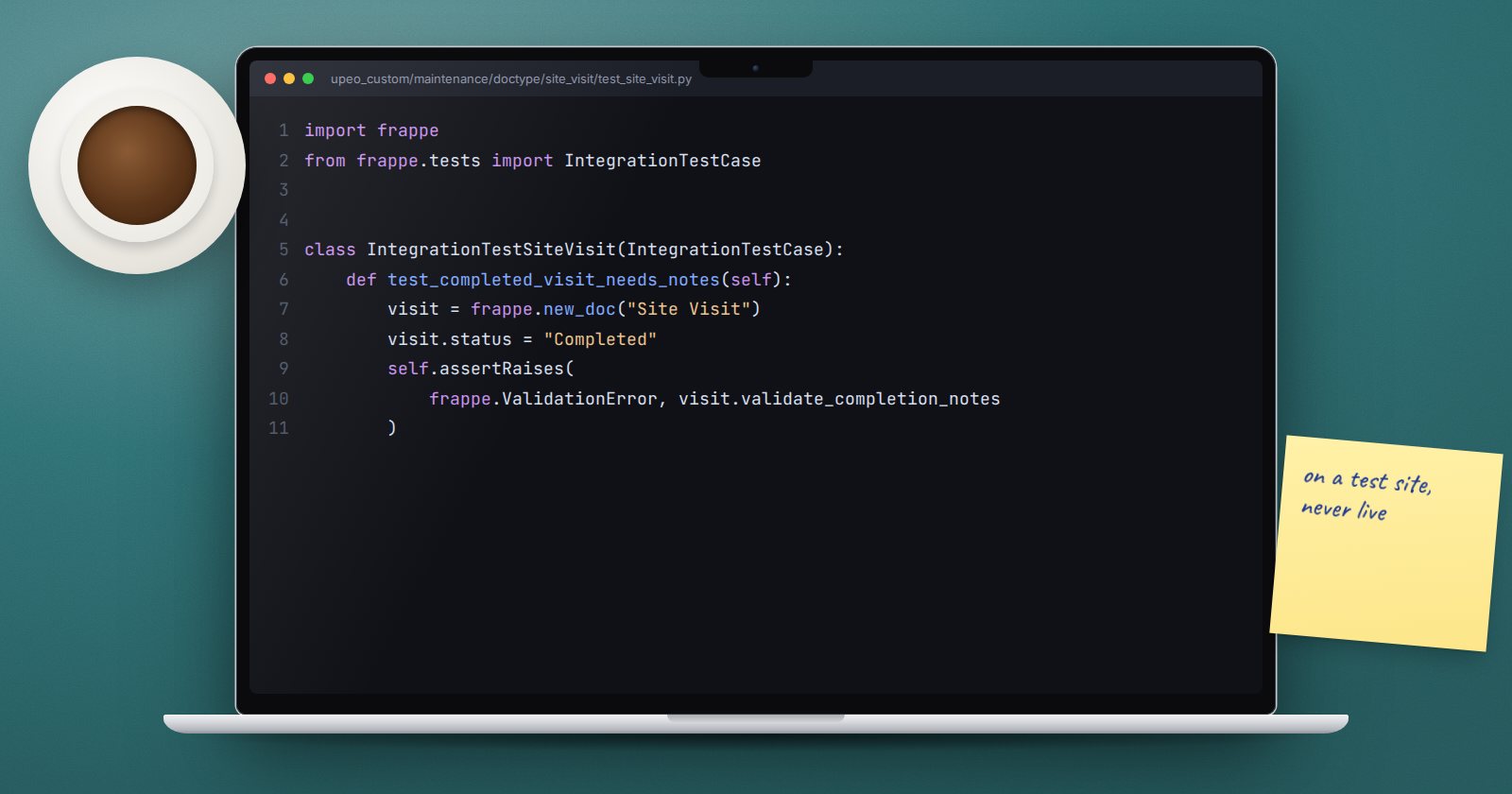
Here is a test for the "completed visits need notes" rule from a Site Visit DocType:
import frappe
from frappe.tests import IntegrationTestCase


class IntegrationTestSiteVisit(IntegrationTestCase):
    def test_completed_visit_needs_notes(self):
        visit = frappe.new_doc("Site Visit")
        visit.status = "Completed"
        self.assertRaises(frappe.ValidationError, visit.validate_completion_notes)

    def test_completed_visit_with_notes_passes(self):
        visit = frappe.new_doc("Site Visit")
        visit.status = "Completed"
        visit.notes = "Replaced the pump seal."
        visit.validate_completion_notes()
frappe.throw raises frappe.ValidationError by default, which is why the first test can assert it. Testing the small method directly keeps the test fast and focused on one rule.
Testing through a full save
For rules that depend on hooks or other documents, test the real save. Create what you need in setUpClass, remembering to call the parent:
@classmethod
def setUpClass(cls):
    super().setUpClass()
    cls.customer = frappe.get_doc(
        {"doctype": "Customer", "customer_name": "Visit Test Customer", "customer_type": "Company"}
    ).insert()
Then build a Site Visit with customer=self.customer.name, call insert() or submit(), and assert on the result. The rollback at the end of the class removes the records.
Helpers worth knowing
self.set_user("someone@example.com")- a context manager that runs a block as another user, for permission tests.self.change_settings("Selling Settings", {...})- temporarily changes a settings DocType and restores it afterwards.self.assertDocumentEqual(expected, doc)- compares a dictionary of expected values with a document.self.assertQueryCount(n)- fails if a block runs more queries than you expect. Useful for catching slow loops.
Running tests
# everything in your app
bench --site test.localhost run-tests --app upeo_custom

# one DocType
bench --site test.localhost run-tests --doctype "Site Visit"

# one module, stopping at the first failure
bench --site test.localhost run-tests --module upeo_custom.maintenance.doctype.site_visit.test_site_visit --failfast
Other useful options include --test to run one test, --debug to drop into the debugger on failure, and --coverage.
What to test first
You cannot test everything at once. Start with:
- Rules that protect money or stock. Validation that stops a wrong posting.
- Permission logic. A user who must not see something, as that user.
- Bugs you fixed. Write the failing test first, then fix. The bug cannot quietly come back.
- Patches. Run them against prepared data and check the result.
Leave pure framework behaviour alone; Frappe tests its own code.
Try it
- Create a test site and allow tests on it.
- Fill in the generated test file for one of your DocTypes with one failing case and one passing case.
- Run it with
run-tests --doctype. - Break the rule in your controller on purpose and watch the test fail.
Testing is built into every module of ERPNext as a Platform, not left to the end.
