
Most ERPNext projects that run into trouble were in trouble before configuration started. The scope was vague, so each side remembered a different promise. A clear scope is the cheapest protection a client and a consultant can have, and it takes days, not weeks.
This guide covers what to ask, what to write down and how to keep the scope firm once the project starts.
Start with the business, not the modules
Clients often open with a list of modules: "we need accounts, stock and payroll". That is a starting point, not a scope. Ask first what the business does and what must change.
- What do you sell, buy or make, and how much of it?
- How many companies, branches and warehouses are involved?
- Which reports does management look at every week or month?
- What is not working today, and what would success look like a year from now?
- Who will own the system inside the business after go-live?
The answers tell you which modules matter and how deep each one needs to go.
Questions that change the size of the project
Some details have a large effect on effort. Ask about them early.
- Number of legal entities. Each company in ERPNext has its own chart of accounts and defaults. Inter-company trading adds work.
- Reporting dimensions. If management reports by branch, department or project, plan cost centers and accounting dimensions from the start.
- Stock complexity. Batches, serial numbers, multiple units of measure and several warehouses all add setup and testing.
- Integrations. Tax systems, banks, payment providers, e-commerce or other software. Each one needs its own scope line.
- Data history. Will you bring only opening balances, or open transactions too, or full history? Full history is far more work.
- Approval rules. Who approves what, and at what value? These become workflows and permissions.
- Custom documents. Invoices, delivery notes and statements often need company-specific print formats.
Write the scope down
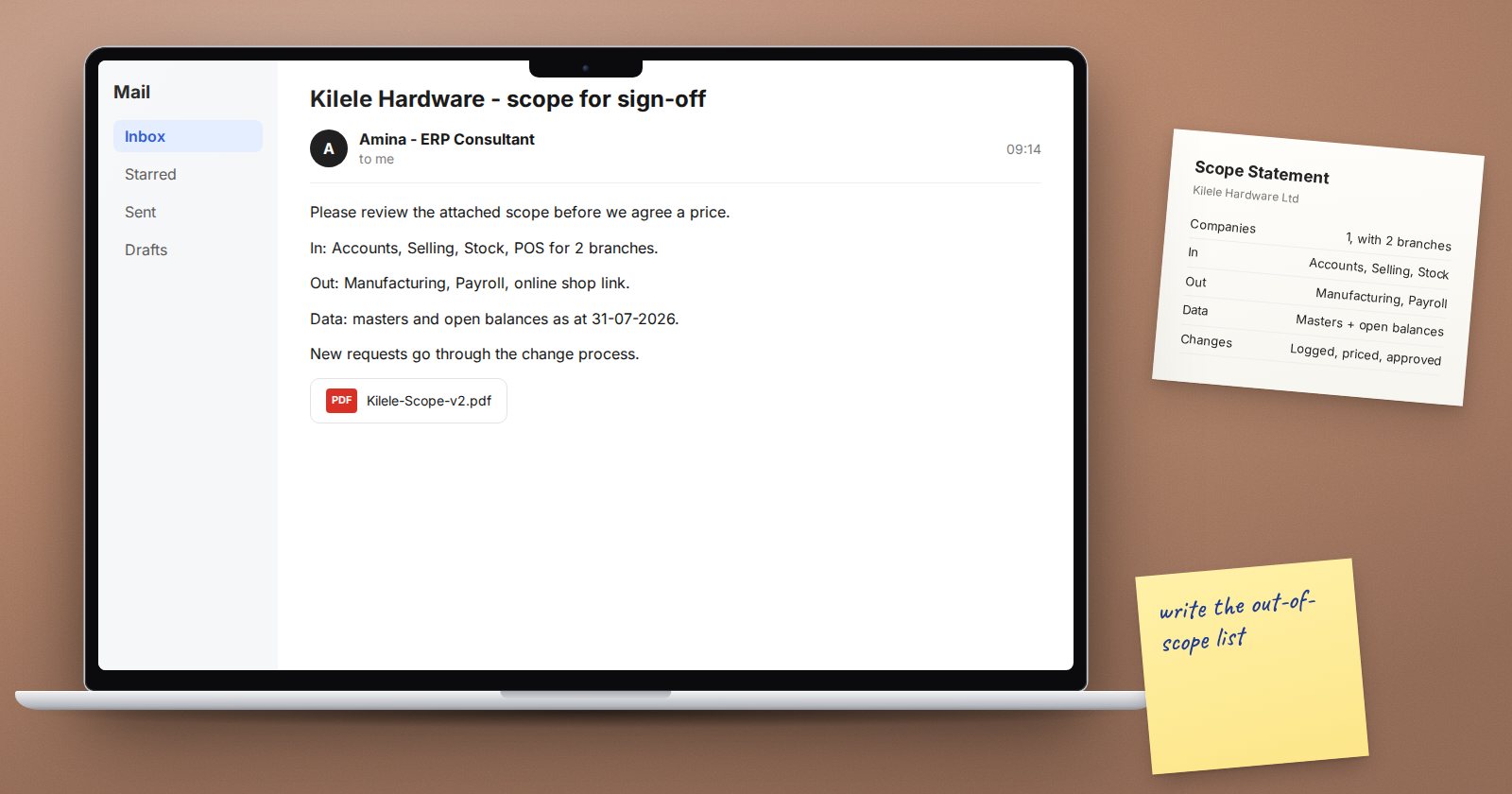
A useful scope document fits on a few pages and covers:
- In scope: companies, modules, processes and reports, listed plainly
- Out of scope: things discussed but excluded, named explicitly
- Data migration: which records and balances will be loaded, and from what date
- Integrations: each system, which direction data flows and who provides access
- Customisation: expected fields, print formats, workflows and any development
- Client responsibilities: who provides data, who attends workshops, who signs off
- Assumptions: for example, that data will be supplied clean in the agreed template
- Change process: how new requests are raised, estimated and approved
The out-of-scope list is just as important as the in-scope list. It stops a casual remark from becoming an expectation.
Keep the scope firm during the project
New requests will come. That is normal and often healthy. The point is to handle them openly.
- Log every new request with who raised it and why.
- Estimate its effect on time and cost.
- Ask the sponsor to approve it, defer it to a later phase, or drop it.
- Update the scope document when something is added.
A good habit is a "phase two" list. Many requests are valid but not urgent, and moving them to a later phase keeps the go-live date safe without saying no.
Scoping checklist
- Business goals and pain points written down
- Companies, branches and warehouses counted
- Modules and processes in scope listed
- Out-of-scope items named
- Data migration depth agreed
- Integrations listed with owners
- Client responsibilities and sign-off owners named
- Change request process agreed
Scoping well is a skill you build with practice. The ERPNext Implementation Consultant course covers it alongside the rest of the project, from first meeting to a stable live system.
