
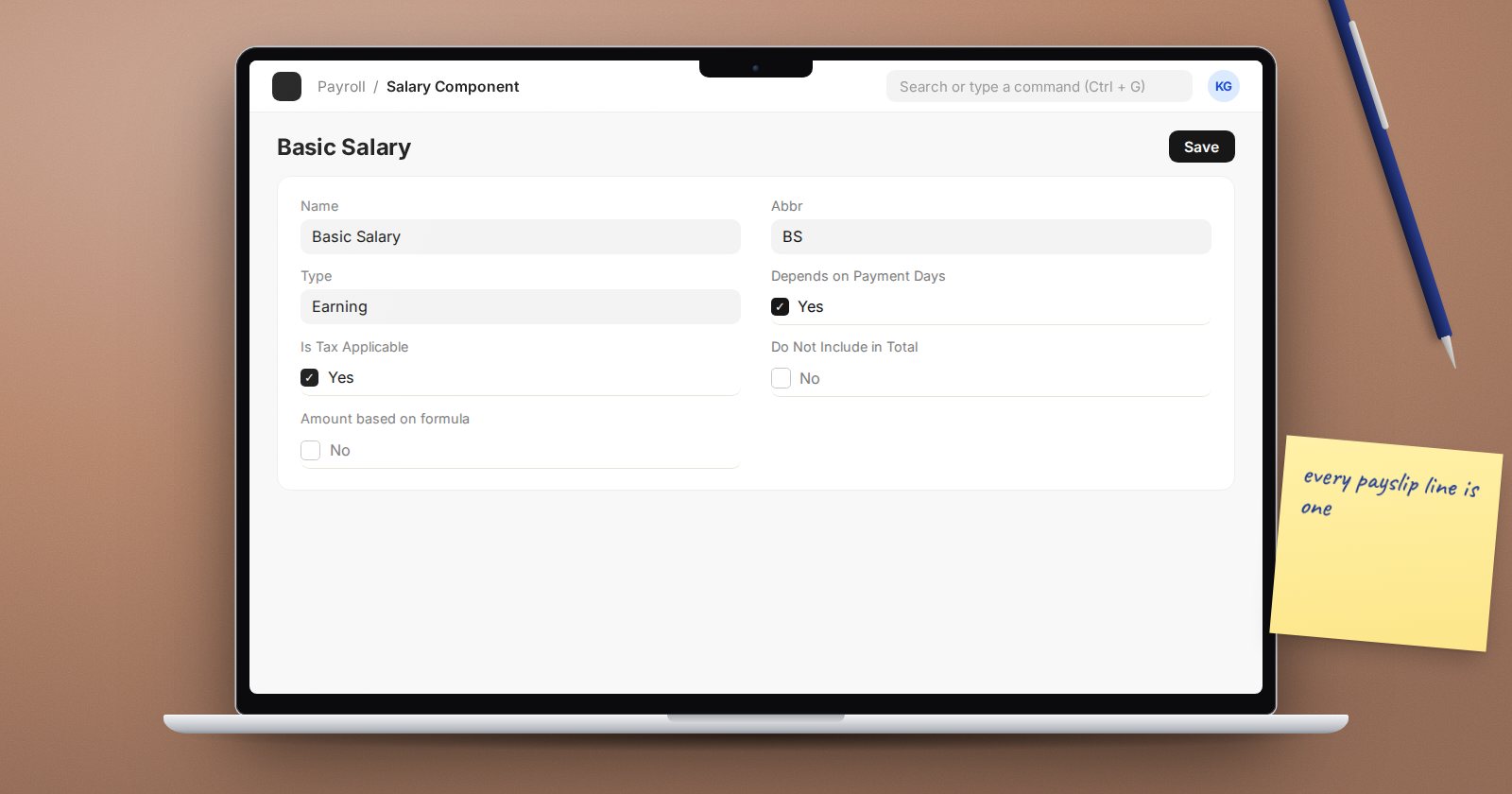
A payslip in ERPNext is a list of Salary Components: basic pay, allowances, overtime, tax, pension, loan repayments and so on. Each component carries settings that decide how its amount is calculated, whether it counts in the totals, how tax treats it and where it posts in the accounts. Small ticks here change real money, so it pays to understand them before building salary structures.
Type
Every component has a Type:
- Earning - adds to gross pay.
- Deduction - reduces net pay.
- Employer Contribution - a cost the employer pays on top of salary, such as an employer pension share. It does not change the employee's net pay. In payroll accounting it gets its own journal: the expense Account is debited and the component's Liability Account is credited.
Give each component a clear Name and a short Abbr. The abbreviation is what formulas use, so keep it short and stable.
Amount settings
- Amount - a fixed default amount.
- Amount based on formula with Formula - calculate the amount, for example from base pay.
- Condition - an expression that must be true for the component to apply at all.
- Round to the Nearest Integer - rounds the result.
Formulas and conditions can be set on the component or overridden per salary structure. They have their own article in this series.
Settings that change totals
- Depends on Payment Days (on by default) - prorates the amount when payment days are less than working days, for example for a new joiner or unpaid leave. Turn it off for amounts that should be paid in full regardless, such as a fixed monthly allowance your policy does not prorate.
- Statistical Component - the amount is calculated and can be referenced by other formulas, but it does not add to earnings or deductions. Useful for a figure such as "pensionable pay" that other components need.
- Do Not Include in Total - shows on the slip but is left out of gross or total deduction.
- Remove if Zero Valued (on by default) - hides the line when it is zero.
Settings for tax
- Is Tax Applicable (earnings, on by default) - counts towards taxable income.
- Exempted from Income Tax (deductions) - the amount is deducted from taxable income before tax is calculated.
- Variable Based On Taxable Salary (deductions) - marks this as the tax component; its amount is calculated from the configured Income Tax Slab.
- Is Income Tax Component - includes the component in the Income Tax Deductions report.
Settings for accounting
In the Accounts table, set the ledger account per company. Earnings post as expenses, deductions as liabilities (what you owe the tax authority, pension fund and so on). Do Not Include in Accounting Entries keeps a component off the payroll journal entirely.
A sensible way to build your list
- List every line on your current payslip and every employer cost behind it.
- Classify each as earning, deduction, employer contribution or statistical.
- Decide for each whether it is prorated, taxable and where it posts.
- Agree the accounts with finance before creating anything.
- Create the components, then build structures.
Try it
Create a statistical component, a formula-based allowance that references it, and a deduction. Put all three on a test structure and use Preview Salary Slip from the submitted structure. Confirm the statistical figure does not appear in gross pay while the allowance calculated from it does.
Salary components, structures and Kenyan statutory setup are taught in depth in the Payroll course.
