
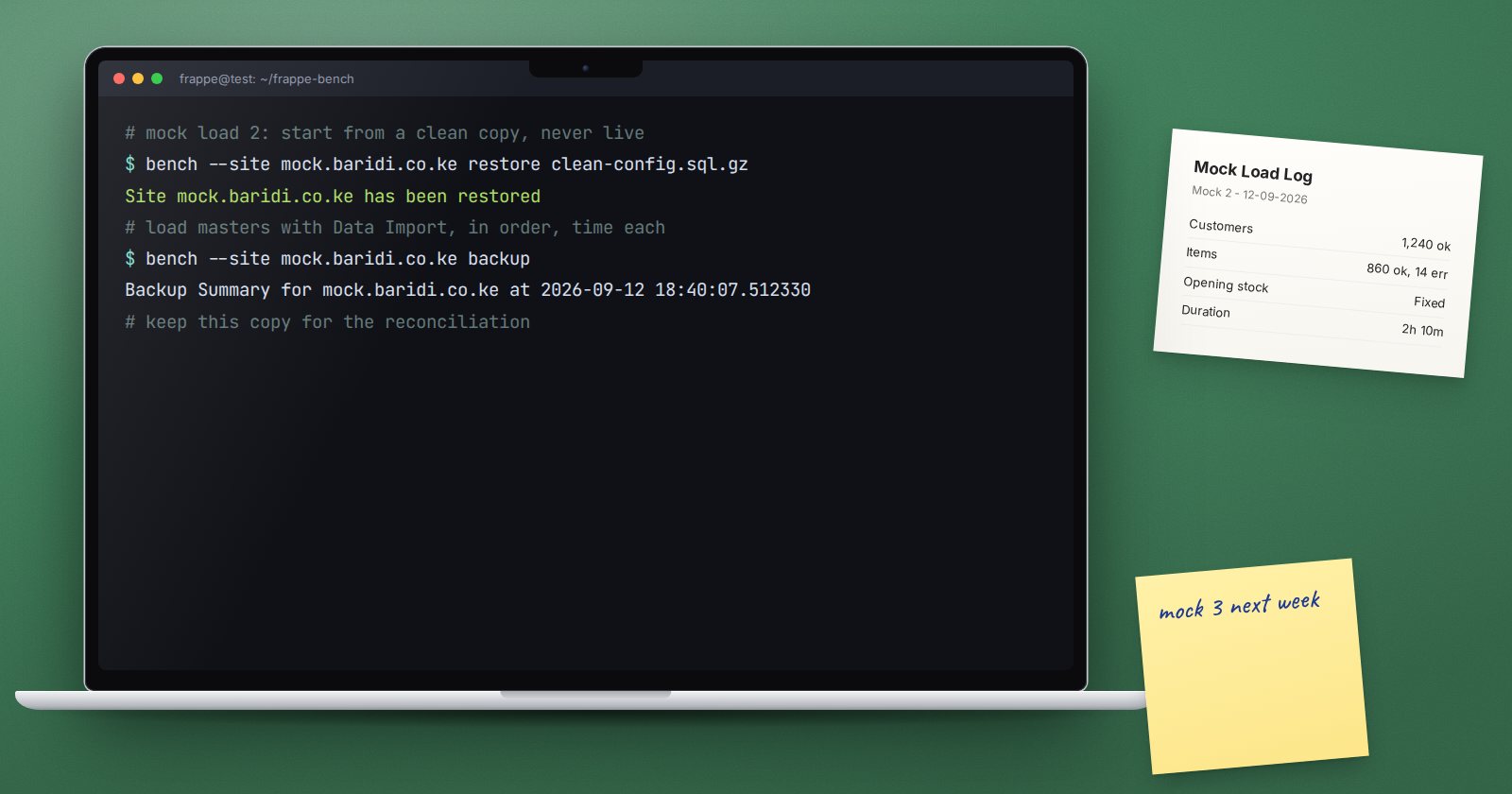
The first time you load real data into ERPNext should never be on go-live day. A mock load, sometimes called a trial migration, is a full practice run of the data migration on a test copy of the system. It shows what breaks, how long each step takes and whether the numbers reconcile, while there is still time to fix things calmly.
Why one test import is not enough
Testing an import file once proves that the file worked once. A rehearsal tests the whole migration: the extraction from the old system, the cleaning steps, the order of loads, the people involved, the time it takes and the reconciliation at the end. Problems often come from the joins between these steps rather than any single file.
How many rounds?
Plan for more than one. A common pattern is:
- Round one: discovery. Load everything you can. Expect many errors. The goal is to find problems in the data and the templates.
- Round two: correction. Use the cleaned source data and corrected templates. Errors should drop sharply. Start timing each step.
- Dress rehearsal. Run the migration exactly as planned for cutover, with the same people, files, order and checks, and a recent extract from the old system.
Small projects with simple data may need only two rounds. Add rounds if errors or reconciliation differences are still appearing.
What to load in a rehearsal
Rehearse everything you will load at cutover:
- Setup records and groups
- Items, customers and suppliers
- Item prices
- Open customer and supplier invoices
- Opening stock
- Remaining ledger balances
- Any open orders that are in scope
Do not skip the opening balances. They are where reconciliation problems show up, and they depend on master data being right.
Starting each round clean
Each round should start from the same clean state. There are two common ways:
- Restore a clean copy of the configured system before each round, which is the most reliable option
- Within a test system only, use the Delete Transactions action on the Company record to clear transactions. It is limited to System Managers and leaves setup records such as accounts, cost centers and warehouses in place, but review the list of document types it will delete before running it
Never run a rehearsal in the live system.
What to record during each round
Keep a migration log with:
- Each file loaded, in order, with row counts
- Rows that failed and why, using the import log and Export Errored Rows
- How long each step took
- Who did each step
- Reconciliation results: trial balance, receivables, payables and stock value against the old system
- Changes needed before the next round
The timing record is easy to overlook and very valuable. It tells you whether the cutover can really fit into the weekend you planned.
Fix the source, not the symptom
When a row fails, fix the problem in the master file and, if possible, in the extraction or cleaning step that produced it. If you only fix the error file, the same problem returns in the next round with a fresh extract.
Involve the data owners
Ask the people who own each list to check a sample of loaded records in the rehearsal system. They will notice wrong groupings, units or prices that a row count never will. Finance should review the reconciled opening balances at the dress rehearsal as if it were the real thing.
Checklist
- At least two rounds planned, ending with a dress rehearsal
- Each round starts from a clean copy
- Every file, row count, error and timing recorded
- Errors fixed at the source
- Opening balances included and reconciled
- Data owners check sample records
- Cutover timing confirmed from the dress rehearsal
Planning migration rounds is part of the ERPNext Implementation Consultant course, and the records you will be loading are explained in Customers, Suppliers & Items.
