
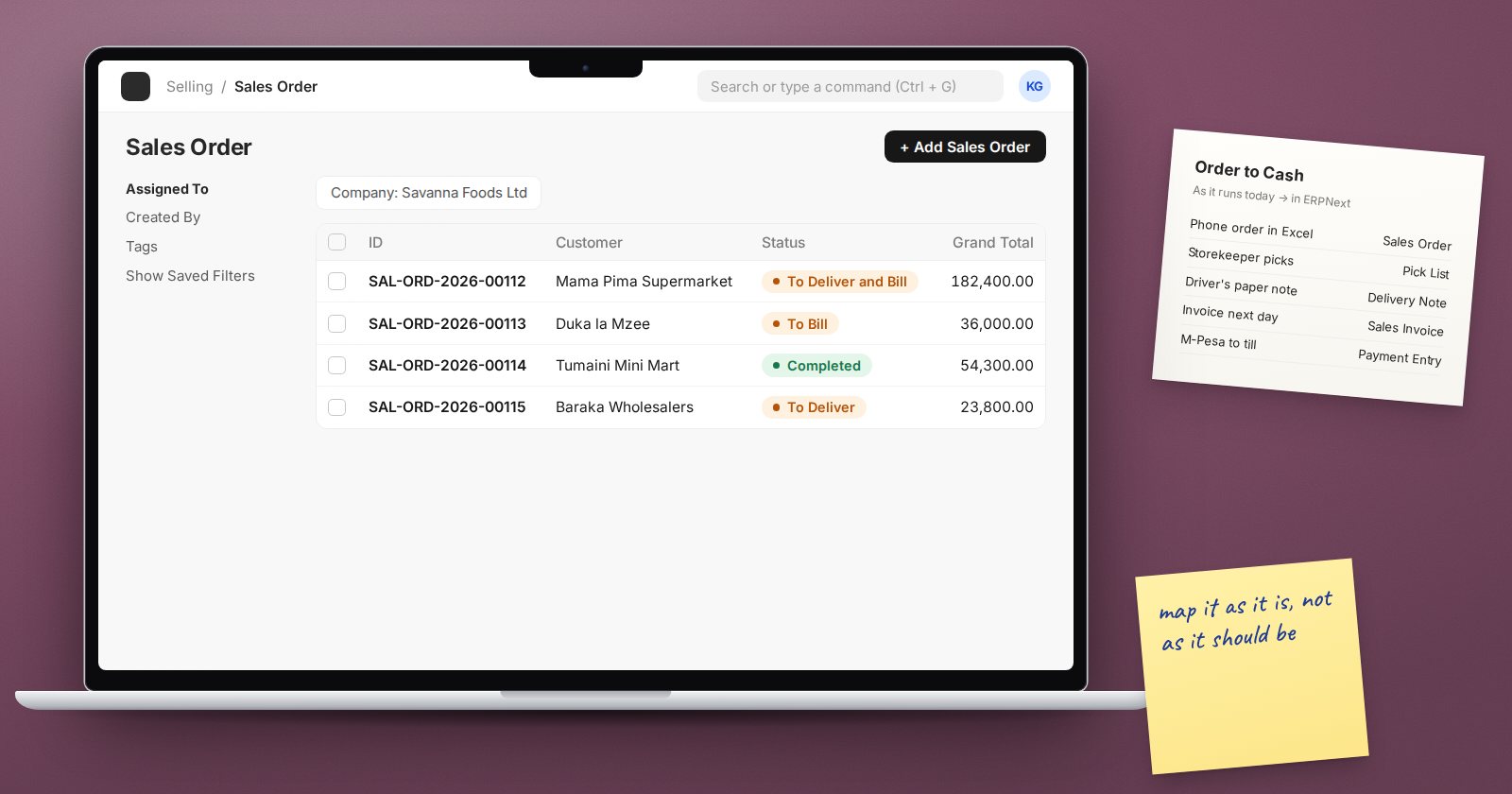
Before you configure anything in ERPNext, you need to know how the business really works. Not how the policy manual says it works, and not how the owner thinks it works, but what people actually do each day. Process mapping is how you find out, and it is one of the most valuable things a consultant does.
Why mapping comes first
ERPNext is built around documents that follow each other: a Material Request leads to a Purchase Order, then a Purchase Receipt, then a Purchase Invoice and a Payment. If you do not know who does each step in the client's business, you cannot decide which documents to use, who needs which role, or where approvals belong. Configuring first and asking later leads to rework.
Who to talk to
Talk to the people who do the work, not only their managers. A head of finance can describe the month-end close, but the accounts assistant knows which supplier statements arrive late and why the bank reconciliation always runs late. Run short sessions by area, such as buying, selling, stock and accounts, with the doers and their supervisor in the same room.
What to capture at each step
For every step in a process, record:
- Trigger. What starts it? A customer call, a low stock level, a month-end date.
- Who. The role that performs the step.
- Input. What information or paper they receive.
- Action. What they actually do.
- Output. The document, record or message they produce.
- Approval. Whether anyone must approve, and on what rule, such as a value limit.
- Exceptions. What happens when things go wrong: returns, partial deliveries, price changes.
- Pain points. Delays, double entry, errors and workarounds.
Exceptions deserve extra time. The normal path is usually easy to configure. Returns, cancellations, credit notes and partial receipts are where most go-live problems hide.
Draw it simply
You do not need special software. Boxes for steps, arrows for flow, a diamond for decisions and a lane for each role is enough. Keep each map to one process, such as "purchase to pay" or "order to cash". If a map needs more than one page, split it.
From current state to ERPNext
Once the current process is clear, draw the future process in ERPNext terms.
- Name the ERPNext document for each step
- Mark which steps disappear because the system does them
- Mark approvals that will become a workflow
- Note any field, report or print format the step needs
- Note anything ERPNext does not support as standard, for the fit-gap review
This second map becomes the basis for configuration, training material and test scripts. One good map serves all three.
Running the workshops well
- Keep sessions short and focused on one process
- Use real documents from the business as examples
- Repeat the process back in your own words and ask "what did I miss?"
- Do not design the solution during the first session; listen first
- Send the map back for review within a few days, while memory is fresh
- Get each map approved by the process owner
Common traps
- Mapping the ideal, not the real. Ask to see last week's actual paperwork.
- Only talking to managers. They often do not know the workarounds.
- Skipping exceptions. They will appear in the first week of go-live if you do.
- Copying the old system. The aim is a better process, not the same one in a new tool.
Checklist
- Each in-scope process has a current-state map
- Each map shows roles, documents, approvals and exceptions
- Pain points are recorded against the step where they happen
- A future-state map uses ERPNext document names
- Each process owner has approved their maps
Process mapping is covered in depth in the ERPNext Implementation Consultant course, which follows it through to configuration and testing.
