
ERPNext functional consulting is open to people from many backgrounds: accountants, storekeepers, procurement officers, sales administrators, auditors and IT support staff. There is no single entry route, but there is a reliable order in which to build the skills. This guide sets it out.
Step 1: Know where you are starting from
Your background shapes what you need to learn first.
- From finance or audit: you already understand the ledger. Focus on stock, buying and selling, and on project skills.
- From stores, procurement or sales: you understand operations. Focus on accounting, because almost every document in ERPNext posts to the ledger.
- From IT: you are comfortable with systems. Focus on business processes and accounting, which matter far more in this role than technical depth.
Be honest about the gaps. They are where your study time should go.
Step 2: Learn ERPNext as a user
Before you can design a system for others, you need to be fluent in it yourself.
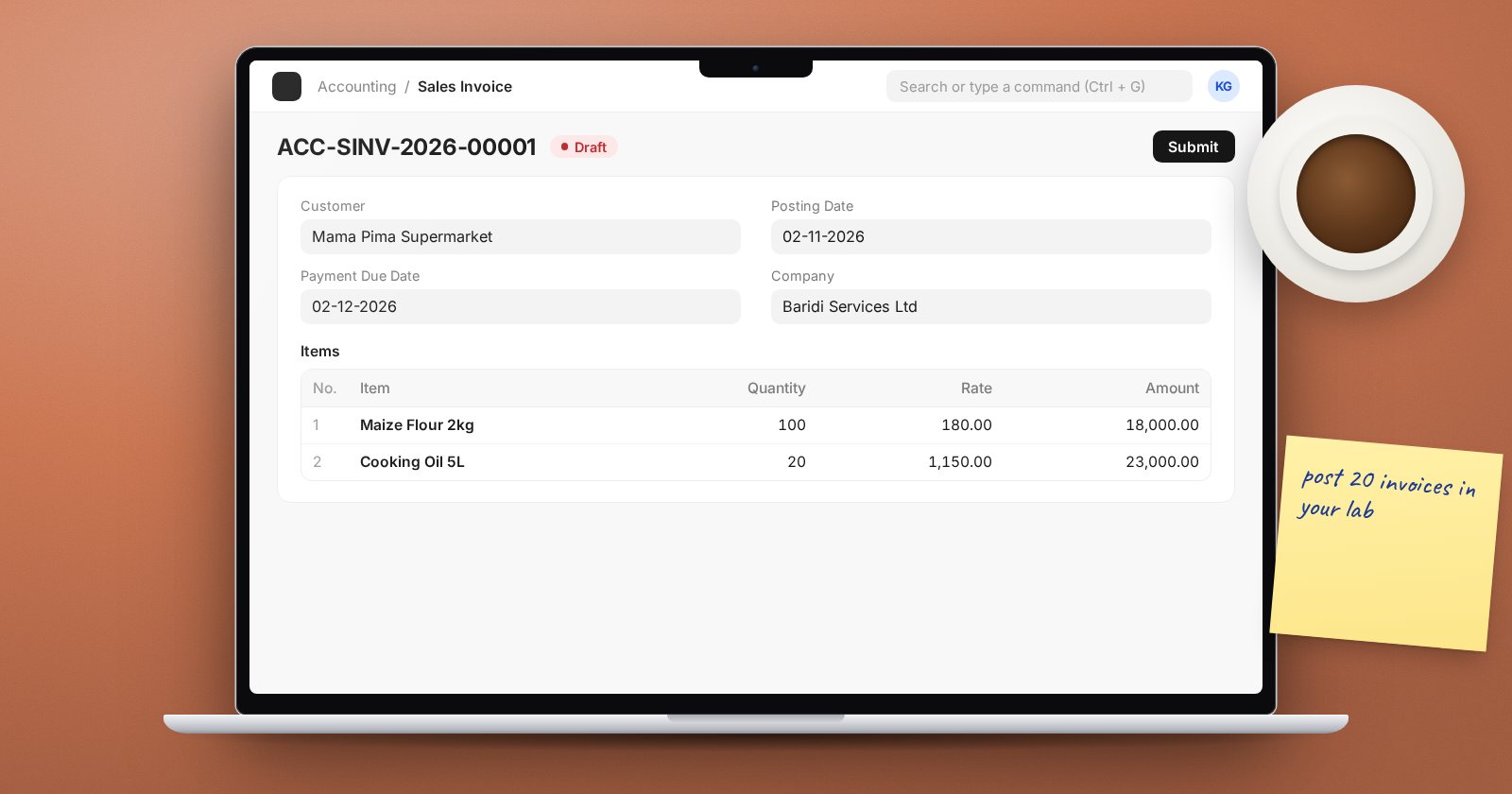
- Set up a practice company through the setup wizard.
- Learn navigation, list views, filters and how documents move from draft to submitted.
- Run full cycles: a purchase from request to payment, a sale from quotation to payment, a stock transfer and a stock count.
- After each transaction, check the General Ledger and stock reports to see what it did.
Step 3: Understand the accounting underneath
Nearly every question a consultant faces ends up in the accounts. Learn how invoices, payments, stock entries and journal entries post, how receivables and payables work, and how to read a trial balance. You do not need to be an accountant, but you do need to follow the money.
Step 4: Learn administration without code
Clients expect a consultant to handle users, roles, permissions, naming series, print formats, custom fields and workflows. These are configuration tasks, not development, and they come up in every project.
Step 5: Learn the implementation method
Functional knowledge is only half the job. The other half is running a project: scoping, process mapping, fit-gap, data migration, training, UAT, cutover and support. Learn each stage and the document it produces.
Step 6: Practise on a realistic case
Pick a type of business you understand, such as a distributor or a small manufacturer, and implement ERPNext for it in your practice company. Write the requirements, map the processes, configure the system, import data with Data Import, write a training guide and test scripts. This becomes your first portfolio piece.
Step 7: Get real experience
Courses and practice build a base; real projects build judgment. Ways to start:
- Support ERPNext at your current employer, if they use it or are considering it
- Join an implementation partner in a junior or support role
- Help a small business you know, with clear expectations on both sides
- Take part in the ERPNext community forum by answering questions you can answer well
Start small. A modest project done well teaches more, and earns more trust, than a large one done badly.
Step 8: Keep learning
ERPNext releases new versions with new features and changes. Read release notes, test new versions on a practice site and keep your notes up to date.
A learning route on UPEO Academy
The ERPNext Functional Consultant learning path orders eight courses for this role. It starts with Getting Started with ERPNext, which is free, moves through master data, accounting, inventory, procurement, sales and ERPNext Administration Without Code, and finishes with ERPNext Implementation Consultant.
Checklist
- Gaps in your background identified
- Practice company set up and full cycles completed
- Accounting impact of each document understood
- Administration tasks practised
- Implementation stages learned
- One realistic practice case written up
- A plan for getting your first real experience
