
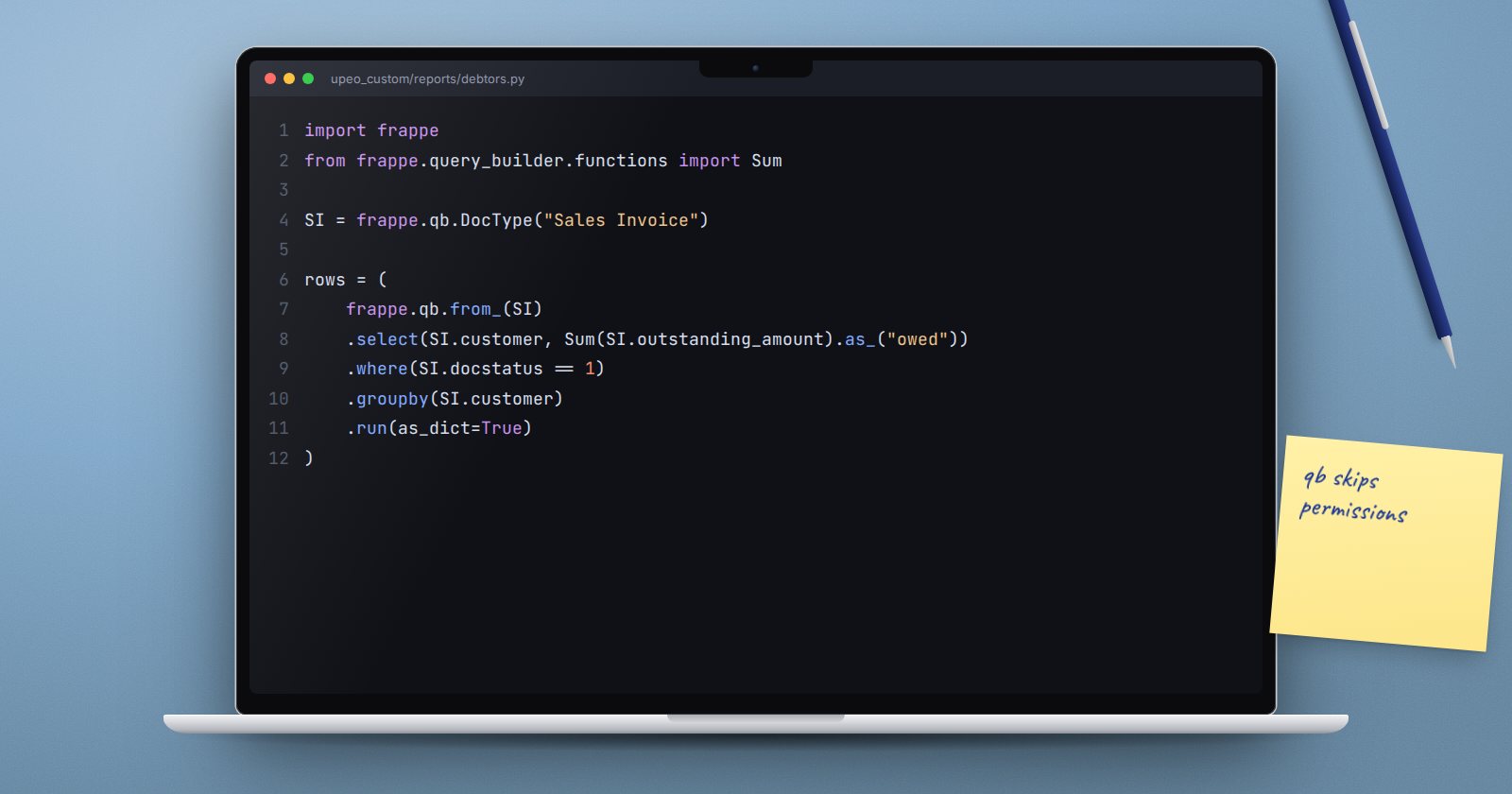
There are several ways to read data in Frappe, and they differ in one way that matters more than syntax: whether they check the current user's permissions. Pick the right one and your code is both shorter and safer.
The four options
frappe.get_list- reads one DocType with filters, fields, ordering and limits, and applies the current user's permissions, including User Permissions.frappe.get_all- the same call, but it ignores permissions. Use it in background jobs, patches and internal logic.frappe.qb- a query builder for anything with joins, aggregates or sub-queries. It does not check permissions.frappe.db.sql- raw SQL. Also no permission checks, and the easiest to get wrong.
A safe default: use get_list for anything that returns data to a user, get_all and frappe.qb inside trusted server code, and raw SQL almost never.
getlist and getall
overdue = frappe.get_list(
    "Sales Invoice",
    filters={"docstatus": 1, "outstanding_amount": [">", 0], "due_date": ["<", frappe.utils.today()]},
    fields=["name", "customer", "outstanding_amount"],
    order_by="due_date asc",
    limit=50,
)
Filters can be a dictionary, or a list of [field, operator, value] entries. Operators include =, !=, >, <, like, in, not in, between, and is with set or not set.
For a single value, frappe.db.get_value("Customer", name, "territory") is the shortest path. Pass a list of fields and as_dict=True to get several at once.
frappe.qb for joins and totals
When you need data from a parent and its child table together, or totals per group, use the query builder:
import frappe
from frappe.query_builder.functions import Sum

si = frappe.qb.DocType("Sales Invoice")
sii = frappe.qb.DocType("Sales Invoice Item")

rows = (
    frappe.qb.from_(sii)
    .join(si).on(si.name == sii.parent)
    .select(sii.item_code, Sum(sii.qty).as_("qty"), Sum(sii.base_net_amount).as_("amount"))
    .where(si.docstatus == 1)
    .where(si.posting_date.between("2026-01-01", "2026-03-31"))
    .groupby(sii.item_code)
    .orderby(Sum(sii.base_net_amount), order=frappe.qb.desc)
    .limit(20)
    .run(as_dict=True)
)
Points to notice:
frappe.qb.DocType("Sales Invoice")refers to thetabSales Invoicetable. You never type thetabprefix.- Python comparisons (
==,>,.isin([...]),.between(a, b)) become SQL conditions. - Aggregates such as
Sum,Count,Avg,CoalesceandIfNullcome fromfrappe.query_builder.functions. .run(as_dict=True)returns a list of dictionaries you can access asrow.qty.- Values are sent as query parameters, not pasted into the SQL, so user input cannot change the query.
To see the SQL a query will run, call .get_sql() on it instead of .run().
Raw SQL: if you must
frappe.db.sql(
    "select name from `tabCustomer` where territory = %(territory)s",
    {"territory": territory},
    as_dict=True,
)
If you use raw SQL, always pass values as parameters like this. Never build the query with f-strings or + from user input. Most raw SQL in custom apps can be rewritten with frappe.qb and becomes easier to read.
Permissions are your job outside get_list
Because get_all, frappe.qb and frappe.db.sql skip permission checks, a whitelisted API method that returns their results shows the caller data they may not be allowed to see. Either use get_list, or check access first with frappe.has_permission(doctype, "read", doc=name, throw=True).
Try it
- In
bench --site dev.localhost console, run theget_listexample as Administrator. - Build the
frappe.qbquery and print.get_sql()before running it. - Rewrite one raw SQL query in your own app with
frappe.qb. - Write a whitelisted method that uses
get_listand test it as a restricted user.
Querying data correctly is a recurring theme in ERPNext as a Platform.
