
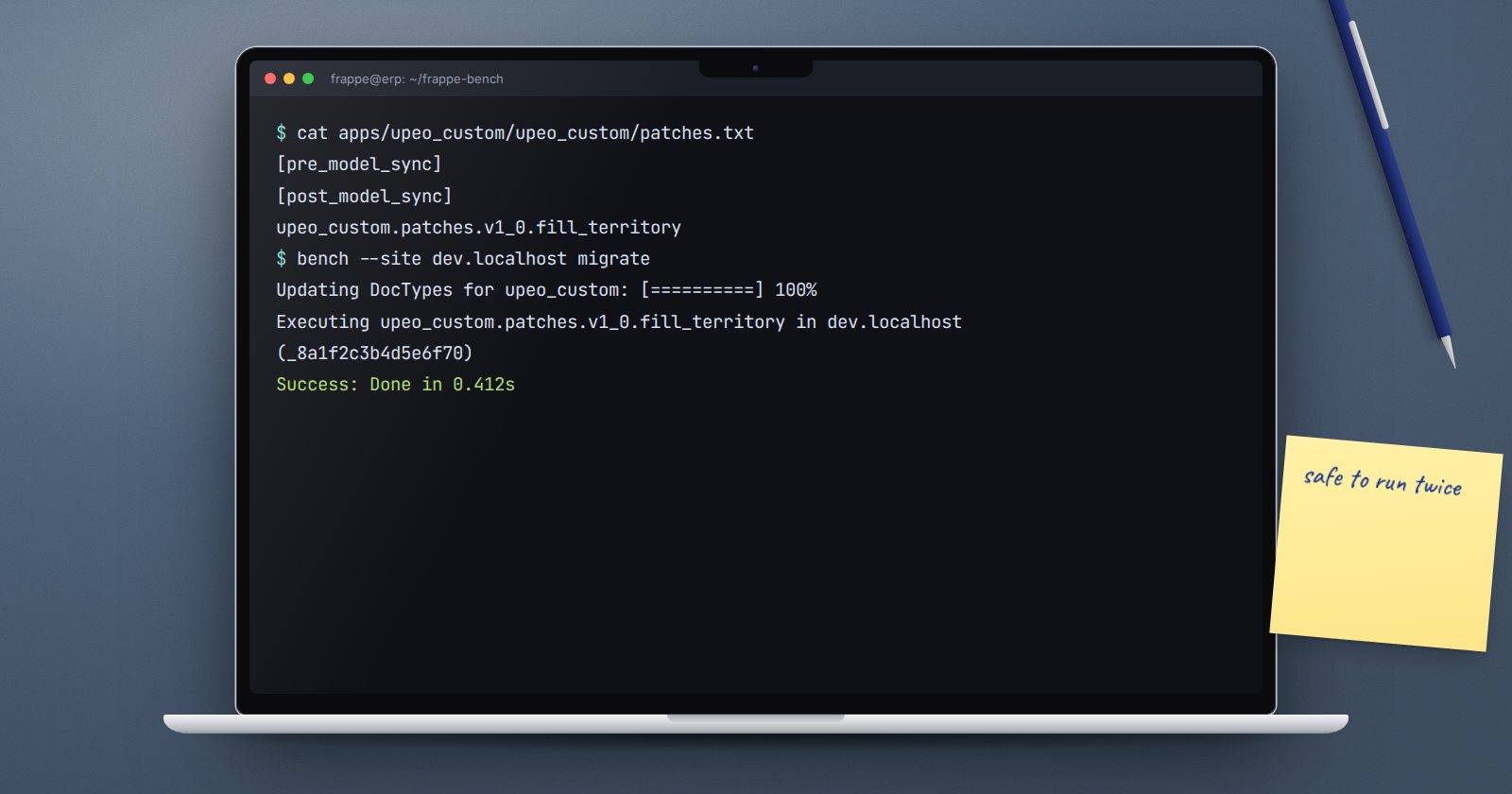
Your app's DocTypes change over time. A new field needs filling for old records, a field gets renamed, a status value changes meaning. Doing that by hand on each site is how sites drift apart. A patch is a small Python function that bench migrate runs once on every site, in order, and records so it never runs twice.
Where patches live
Every app has a patches.txt next to its hooks.py. A new app's file has two sections:
[pre_model_sync]
# Patches added in this section will be executed before doctypes are migrated

[post_model_sync]
# Patches added in this section will be executed after doctypes are migrated
Each line is the dotted path to a module. When bench migrate runs, Frappe:
- runs pending
pre_model_syncpatches, - syncs every DocType's schema from the JSON files,
- runs pending
post_model_syncpatches.
Most patches belong in postmodelsync, because they work with the new fields. Use premodelsync only when the patch needs the old schema, such as moving data out of a column before a sync changes it.
Create one
bench create-patch asks which app and DocType the patch belongs to, a description, and a filename. It writes the file into that DocType's patches folder and adds the line to the end of patches.txt.
A patch module must define execute():
import frappe


def execute():
    # Fill territory on site visits from the customer.
    visits = frappe.get_all(
        "Site Visit",
        filters={"territory": ["is", "not set"]},
        fields=["name", "customer"],
    )
    for visit in visits:
        territory = frappe.db.get_value("Customer", visit.customer, "territory")
        if territory:
            frappe.db.set_value(
                "Site Visit", visit.name, "territory", territory, update_modified=False
            )
How Frappe remembers
After a patch succeeds, Frappe writes the exact line from patches.txt into the Patch Log. On the next migrate, any line already in the log is skipped. Frappe commits before and after each patch, and rolls back if it raises, so a failed patch leaves no half-written changes and the migrate stops at that point.
Because the log stores the whole line, changing the line makes Frappe treat it as new. ERPNext's own patches.txt uses this: some lines end with a comment such as #2021-03-31, added when a patch had to run again. Use the same trick only when you really mean "run this again everywhere".
To run one patch by hand while developing:
bench --site dev.localhost run-patch upeo_custom.maintenance.doctype.site_visit.patches.fill_territory
Add --force to run it even if the Patch Log says it already ran.
Rules for patches that do not hurt
- Make them safe to run twice. The example only touches visits with no territory, so a second run changes nothing. Even with the Patch Log, sites get restored from backups and patches get forced.
- Touch only your own rows. Filter tightly. A patch that "fixes" every Sales Invoice is a risk to every site.
- Do not depend on your current controller code. Patches run on sites that may be several versions behind. Use
frappe.get_all,frappe.dbandfrappe.qb, not methods on your DocType class that may change later. - Skip ORM triggers knowingly.
frappe.db.set_valuedoes not runvalidateor hooks. That is usually right for data fixes, but know it. Passupdate_modified=Falseif the change should not look like a user edit. - No commit calls inside. Frappe handles the transaction around each patch.
- Rename fields properly. Use
frappe.model.utils.rename_field.rename_fieldin a patch when you rename a field, so the data moves with it. - Test on a copy of production data, not only on a fresh development site with five records.
Try it
- In your app, add a field to a DocType and write a postmodelsync patch that fills it for existing records.
- Run
bench --site dev.localhost migrateand check the Patch Log. - Run migrate again and confirm the patch is skipped.
- Restore a backup of a test site and run migrate there.
Patches are part of the release workflow taught in ERPNext as a Platform.
