
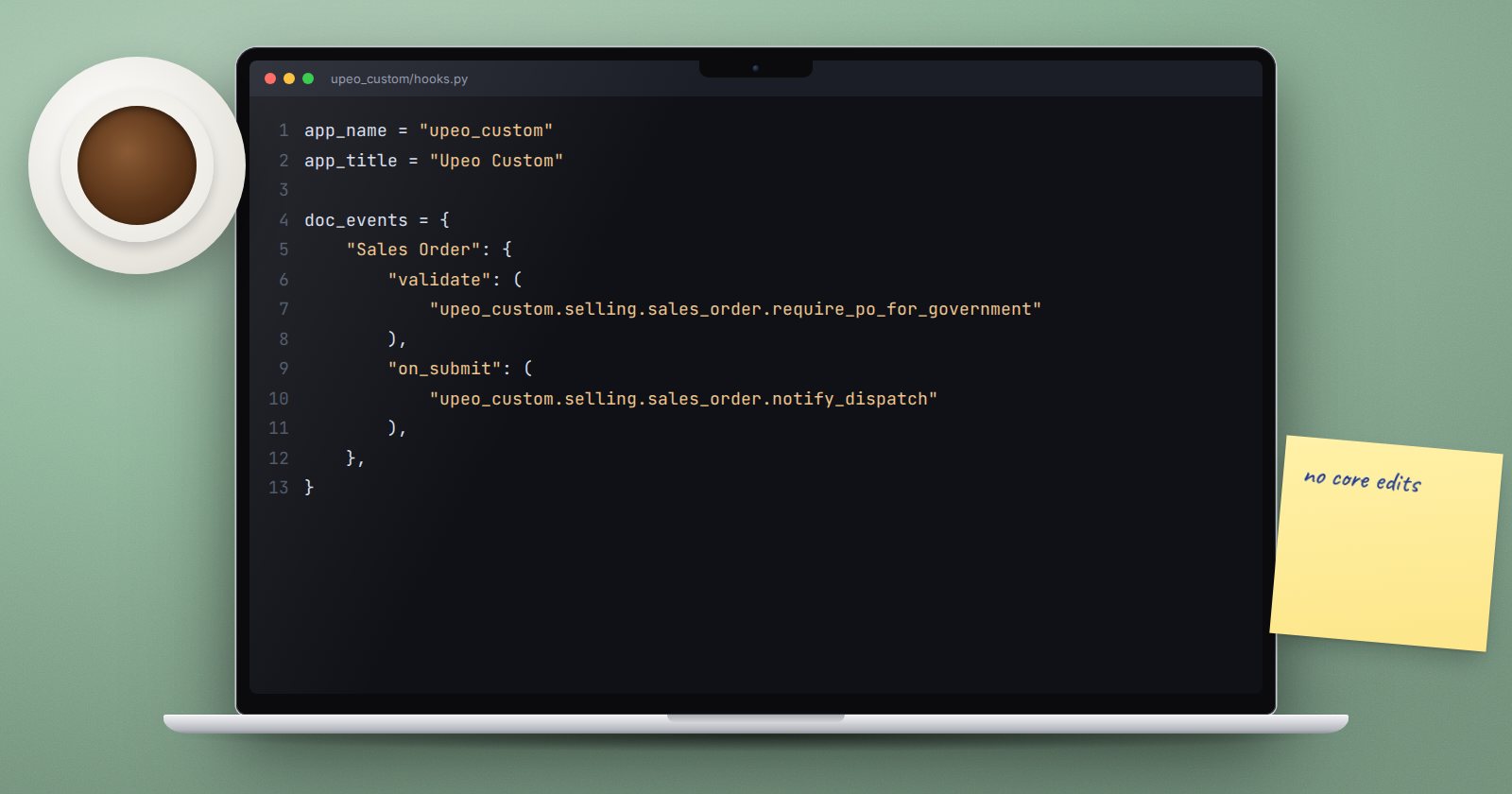
Sooner or later a business needs a rule ERPNext does not have: government orders must carry a purchase order number, or a submitted invoice must notify a warehouse system. The wrong way is to edit ERPNext's Sales Order controller. The right way is a doc_events hook in your own app.
How doc_events work
Whenever Frappe runs a document lifecycle method such as validate or on_submit, it first runs the DocType's own method, then every handler registered for that DocType and event in any installed app's hooks.py. ERPNext itself uses this heavily; its hooks.py registers handlers for Stock Entry, Sales Invoice and many others.
So your rule runs exactly where ERPNext's own rules run, inside the same database transaction, and ERPNext's files stay untouched.
Register a handler
In your app's hooks.py:
doc_events = {
    "Sales Order": {
        "validate": "upeo_custom.selling.sales_order.require_po_for_government",
        "on_submit": "upeo_custom.selling.sales_order.notify_dispatch",
    },
}
Then write the functions in upeo_custom/selling/sales_order.py (with an empty __init__.py in the selling folder):
import frappe
from frappe import _


def require_po_for_government(doc, method=None):
    if doc.customer_group == "Government" and not doc.po_no:
        frappe.throw(_("Government orders need the customer's purchase order number."))


def notify_dispatch(doc, method=None):
    frappe.enqueue(
        "upeo_custom.selling.dispatch.send_order",
        queue="short",
        enqueue_after_commit=True,
        sales_order=doc.name,
    )
Each handler receives the document and the name of the event. Frappe also accepts a handler that takes only doc, but keeping method=None makes the signature clear and lets one function serve several events.
Choosing the event
- validate - checks and calculated values. A
frappe.throwhere stops the save and nothing is written. - before_submit - checks that only apply when the document is being submitted.
- onsubmit / oncancel - side effects that must only happen once the document is final, such as creating a linked record or calling another system.
- on_update - after every save, including drafts.
- on_trash - before deletion.
You can also use "*" as the DocType key to run a handler for every DocType. ERPNext does this for service level agreements. Use it sparingly; it runs on every save in the system.
Rules for handlers
Do not commit. Handlers run inside the document's transaction. Frappe disables transaction control while a hook runs, so a frappe.db.commit() inside one is ignored with a warning. That protects you: if anything later in the save fails, your changes roll back with the rest.
Keep slow work out. Calls to outside systems, PDFs and emails belong in a background job, queued with enqueue_after_commit=True so the job only starts if the save succeeds. Otherwise users wait, and a failed outside call can block the save.
Pass names, not documents, to background jobs. The job should load the latest version itself.
Prefer validation in Python over the browser. A client script can be bypassed by the API or data import. A validate hook cannot.
When you need more than events
If you need to change how an ERPNext method behaves, not just add a step before or after, v16 offers extend_doctype_class in hooks.py. It mixes your own class into the standard controller:
extend_doctype_class = {
    "Sales Order": "upeo_custom.selling.sales_order.SalesOrderMixin",
}
Treat this as a stronger tool with a cost: your code now depends on ERPNext's method names, which can change between versions. Reach for doc_events first.
Reload after editing hooks
Hooks are cached. After changing hooks.py, run bench --site yoursite clear-cache, and restart the bench processes so web and worker processes load the new code.
Try it
- In your custom app, add the
validatehandler above. - Clear the cache and restart.
- Create a Sales Order for a customer in the Government group without a PO number. Saving should fail with your message.
- Add the number and save again.
- Write a test that asserts the error is raised.
Hooks, document events and extension points are central to ERPNext as a Platform.
