
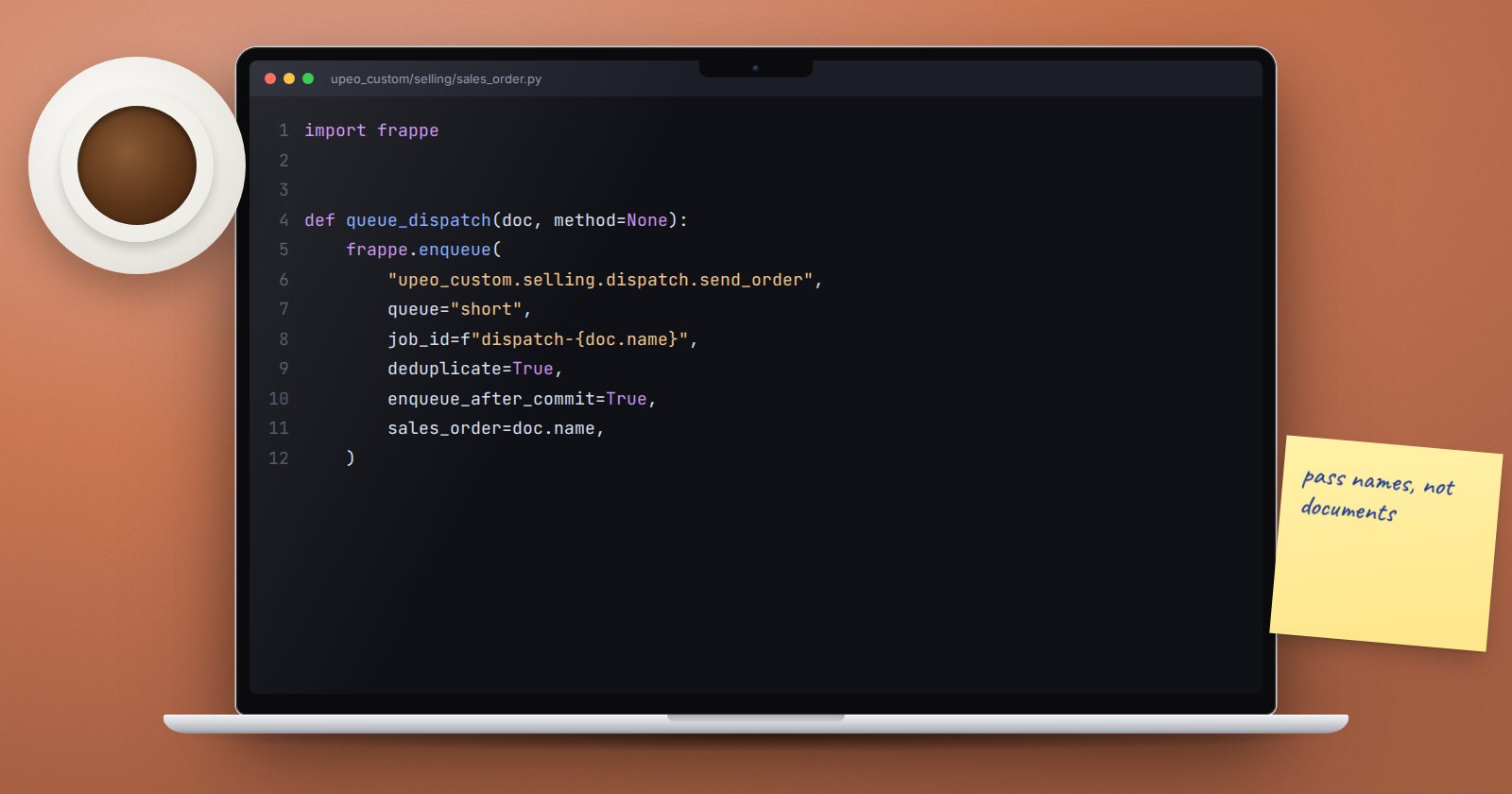
A user who presses Submit should not wait 40 seconds while ERPNext generates PDFs, calls a courier's API and recalculates a report. Work like that belongs in a background job. Frappe makes it one function call, frappe.enqueue, but a few parameters decide whether it works reliably.
The basic call
frappe.enqueue(
    "upeo_custom.selling.dispatch.send_order",
    queue="short",
    sales_order=doc.name,
)
The first argument is the dotted path to a function (or the function itself). Every extra keyword argument is passed to that function when the job runs. The job runs in a separate worker process, on the same site, as the same user who queued it.
The function is ordinary Python:
import frappe


def send_order(sales_order: str):
    doc = frappe.get_doc("Sales Order", sales_order)
    # build the payload and call the courier's API here
If the function finishes without an error, the worker commits the transaction. If it raises, the worker rolls back and records the error in the Error Log.
Pick the right queue
Frappe has three standard queues. Their default timeouts are:
- short - 300 seconds,
- default - 300 seconds,
- long - 1,500 seconds.
Use short for quick tasks users are waiting to see, such as sending one email. Use long for heavy work like rebuilding data for a year. Pass timeout= when a job genuinely needs longer than its queue allows; otherwise the worker kills it.
Only start the job if the save succeeds
If you enqueue from inside a document event and the save later fails, the job may already be running against data that was never committed. Prevent this with:
frappe.enqueue(
    "upeo_custom.selling.dispatch.send_order",
    queue="short",
    enqueue_after_commit=True,
    sales_order=doc.name,
)
The job is only queued once the current transaction commits.
Avoid duplicate jobs
If users can trigger the same job twice, give it a stable job_id and set deduplicate=True:
frappe.enqueue(
    "upeo_custom.reports.rebuild_customer_summary",
    queue="long",
    job_id=f"customer_summary::{customer}",
    deduplicate=True,
    customer=customer,
)
If a job with that id is already queued or running, the new one is skipped. You can also check with is_job_enqueued(job_id) from frappe.utils.background_jobs. Deduplication needs a job_id; Frappe throws an error if you ask for it without one. The older job_name parameter is deprecated in v16.
Pass names, not documents
Send doc.name, not doc. The job should load the document fresh, because by the time it runs the document may have changed. Names are also small and safe to store in the queue.
Running a document method in the background
For long document actions, doc.queue_action("submit") submits the document in a background job and locks it while the job is pending. ERPNext uses this for heavy documents such as large stock reconciliations.
Tell the user what is happening
For jobs a user is waiting on, call frappe.publish_progress(percent, title=...) from inside the job to show a progress bar in their browser, or send a notification when it finishes.
When jobs do not run
- No workers. In development,
bench startruns workers. In production, the worker processes must be running under your process manager. Check with whoever runs the server. - Wrong queue. A job in a queue no worker listens to waits forever.
- Silent failures. Failed jobs appear in the RQ Job list (filter by status) and in the Error Log. Check both before assuming the code is fine.
During tests, now=True runs the function immediately in the same process, which makes jobs easy to test.
Try it
- In your custom app, write a function that sleeps for ten seconds and then adds a comment to a document.
- Call it with
frappe.enqueuefrombench --site yoursite consoleand commit. - Open the RQ Job list and watch it move from queued to finished.
- Make the function raise an error and find it in the Error Log.
Background jobs, queues and the patterns around them are part of ERPNext as a Platform.
