
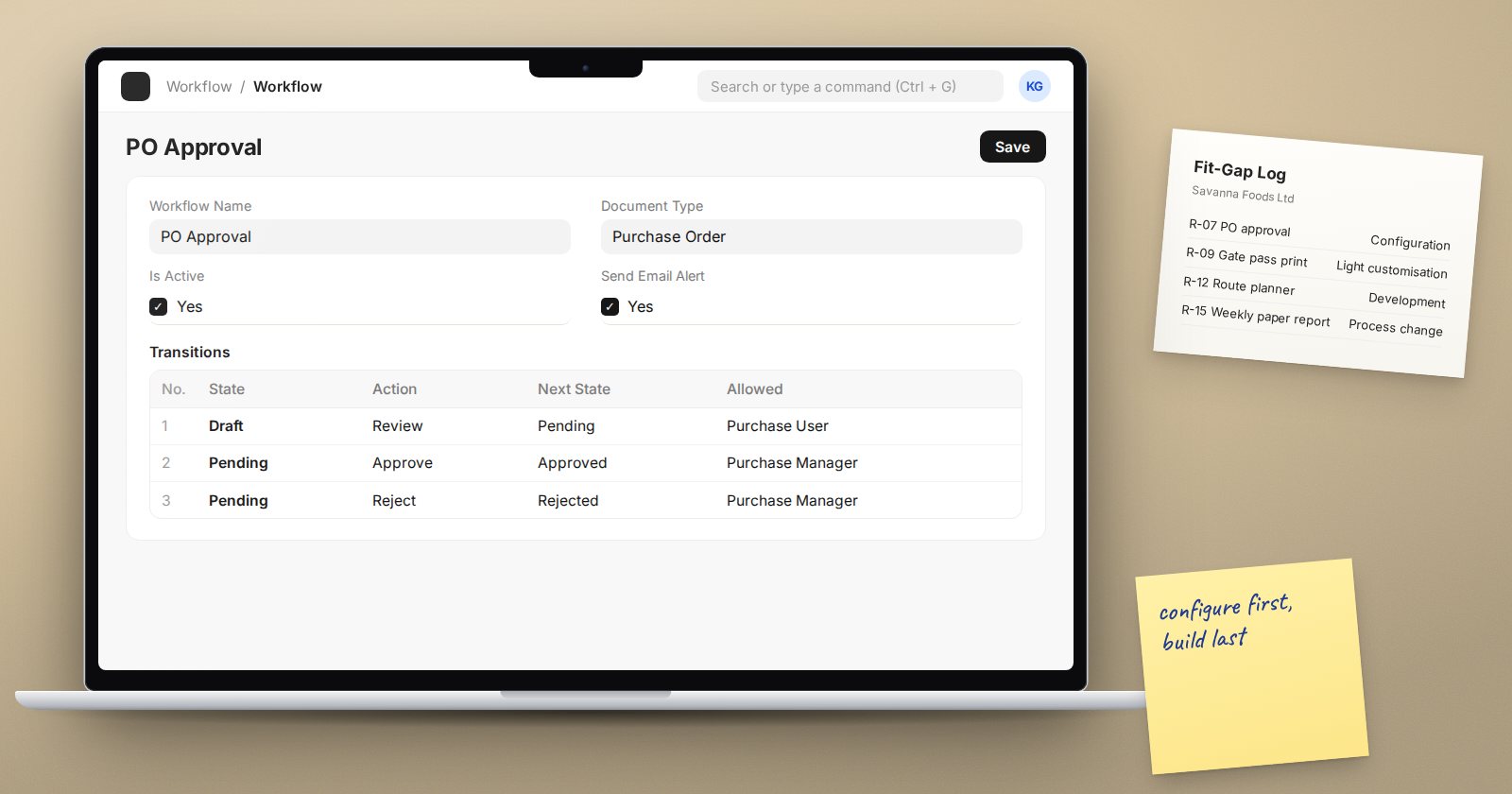
A fit-gap analysis compares what the business needs with what ERPNext already does. It is where an implementation either stays lean or starts drifting towards expensive customisation. Done well, it gives everyone a clear, signed record of how each requirement will be met.
Start from a clean requirements list
You need a list of requirements before you can sort them. Each one should be a single, testable statement, written in business terms. "Approve purchase orders above a set value before they are sent to the supplier" is a good requirement. "Better purchasing" is not.
Give each requirement an ID, the process it belongs to, the person who asked for it, and a priority such as must-have, should-have or nice-to-have.
The five outcomes
Sort each requirement into one of these groups. The order matters: always try the earlier options first.
- Standard. ERPNext does it as shipped. Nothing to build; it only needs to be set up and trained.
- Configuration. Met by settings and master data: naming series, price lists, tax templates, warehouses, user permissions, accounting dimensions, notifications or a workflow.
- Light customisation. Small changes made in the system without a custom app, such as custom fields, field properties changed through Customize Form, print formats and simple client scripts.
- Development. New logic, reports or integrations that need a custom app, written and maintained by a developer.
- Process change. The business adapts its way of working to the system, because the old process has no real value or the standard one is better.
The fifth option is often the most valuable and the least used. Many "requirements" are habits from an older system. Ask why the step exists before agreeing to rebuild it.
Questions to ask for every gap
- What business problem does this solve, and what happens if we do nothing?
- How often does it happen? Daily, monthly, once a year?
- Can a report, a filter or a print format cover it instead of a new feature?
- Can the process change without real loss?
- Who will maintain this after go-live, and how will it behave on upgrade?
Upgrades deserve special attention. Standard features and configuration move forward with ERPNext. Custom code has to be checked and sometimes rewritten whenever the version changes.
Recording the result
A simple table is enough. For each requirement record the ID, the description, the outcome group, the proposed solution, the estimated effort, and who approved the decision. Add a column for the test that will prove it works, so the fit-gap feeds straight into UAT later.
Share the summary with the sponsor. A line such as "most requirements are standard or configuration, a handful need light customisation, and two need development" is far more useful to a decision-maker than a long list.
Signs your fit-gap is going wrong
- Development items keep growing while the scope stays the same
- Gaps are approved without asking why the step exists
- Nobody owns the decision on each gap
- The old system's reports are being copied field for field
- Light customisations are being used to change core accounting behaviour
Checklist
- Every requirement is single, testable and owned
- Each one is placed in one of the five outcome groups
- Standard and configuration options were tried before development
- Process change was considered for every gap
- Effort and upgrade impact are noted for anything custom
- The sponsor has signed off the fit-gap summary
Knowing what ERPNext can do without code is the foundation of a good fit-gap. The ERPNext Administration Without Code course is a strong companion to the ERPNext Implementation Consultant course for this reason.
