
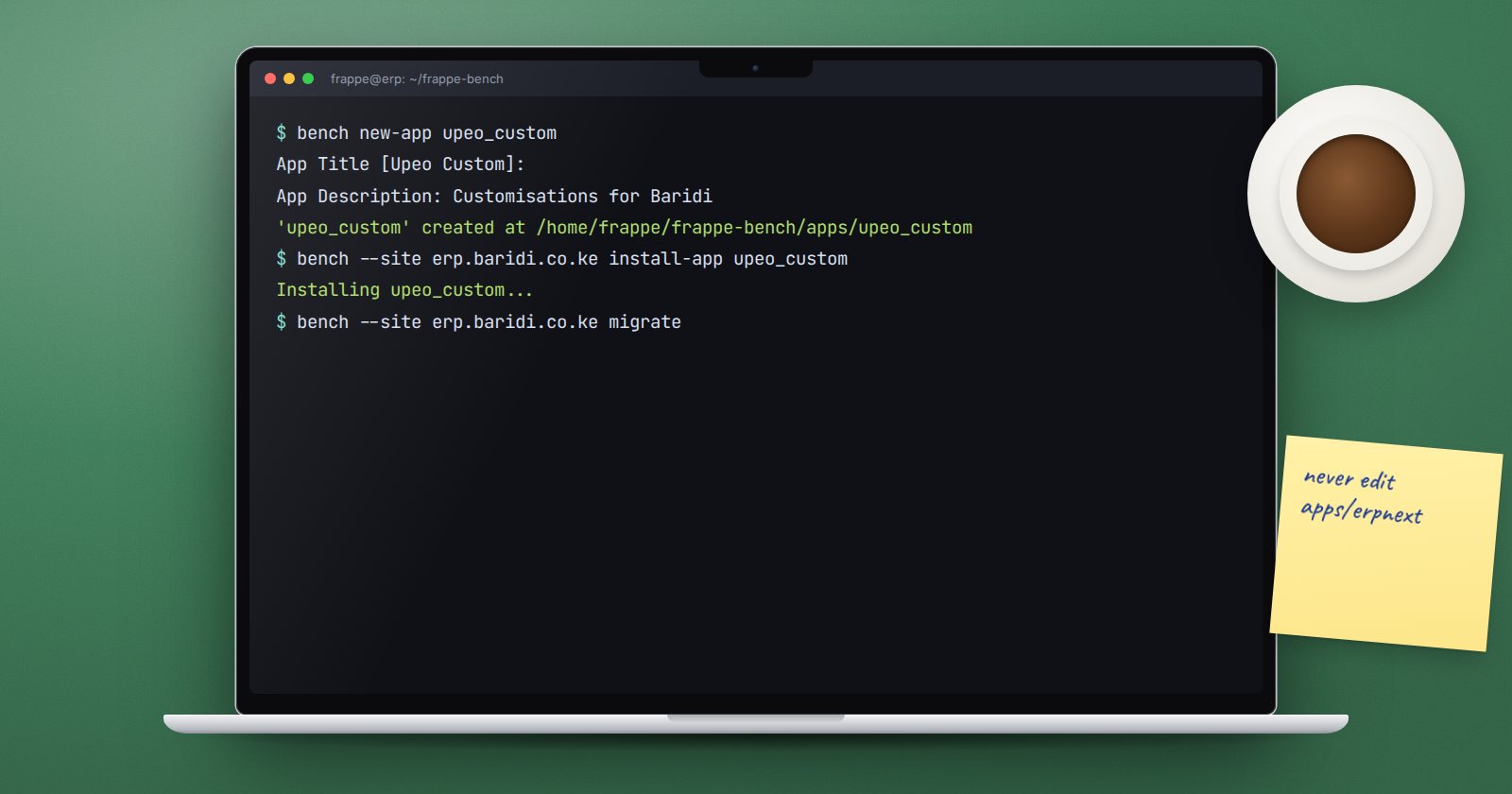
The fastest way to make an ERPNext upgrade painful is to edit files inside apps/erpnext or apps/frappe. The next update overwrites them, or refuses to pull because of local changes. The fix is simple and standard: put every change in your own app.
What a custom app is
A Frappe app is a Python package that sits next to Frappe and ERPNext in the bench's apps folder. It can hold DocTypes, reports, print formats, hooks into ERPNext's documents, API methods, scheduled jobs, patches and fixtures. ERPNext itself is just a large Frappe app.
Your app is installed on a site the same way ERPNext is, and upgraded separately. ERPNext updates do not touch it.
Create it
From the bench folder:
bench new-app upeo_custom
Bench asks for an App Title, Description, Publisher, Email, License, whether to create a GitHub workflow for tests, and a branch name. Then it creates apps/upeo_custom and initialises a git repository (pass --no-git to skip that).
The parts you will touch most:
apps/upeo_custom/
  pyproject.toml
  upeo_custom/
    hooks.py          # how the app plugs into Frappe and ERPNext
    modules.txt       # the app's modules
    patches.txt       # data migrations
    upeo_custom/      # the first module, named after the app title
    public/           # JS and CSS
    templates/
Install it on a site
bench --site dev.localhost install-app upeo_custom
If your app depends on ERPNext, say so in hooks.py:
required_apps = ["erpnext"]
With that line, installing your app on a site installs ERPNext first if it is missing.
Turn on developer mode on your development site
DocTypes, standard reports and other records you create in the desk are only written to your app's files when developer mode is on. Without it, ERPNext refuses to create a non-custom DocType with the message "Not in Developer Mode! Set in site_config.json or make 'Custom' DocType."
bench --site dev.localhost set-config developer_mode 1
bench --site dev.localhost clear-cache
Only do this on development sites. Production sites should receive changes as code, through bench migrate, not by people creating DocTypes in the browser.
What goes into the app
- New DocTypes for your business, created with your app's module selected.
- Hooks in
hooks.pythat react to ERPNext documents, such as validating a Sales Invoice. - Standard Query and Script Reports, and print formats marked standard.
- Customisations of ERPNext forms, exported as fixtures.
- Patches that fix or move data when you change a design.
What does not go in: changes to ERPNext's own files. If ERPNext behaves in a way you need to change, look for a hook, a document event or a class extension first.
Getting it to production
Push the app's repository to your git host. On the production bench, the person who runs the server then does:
bench get-app https://github.com/your-org/upeo_custom
bench --site erp.example.com install-app upeo_custom
Later releases arrive with a pull of your app's code followed by bench --site erp.example.com migrate, which applies new DocTypes, patches and fixtures. Always run that on a staging copy first, with a backup taken.
Try it
- On a development bench, create an app with
bench new-app. - Install it on your development site and confirm it appears in Installed Applications.
- Turn on developer mode and create one small DocType in your app's module.
- Look in
apps/and find the JSON and Python files that were written. - Commit them.
The whole development workflow, from app creation to deployment, is what ERPNext as a Platform teaches by building a real product.
