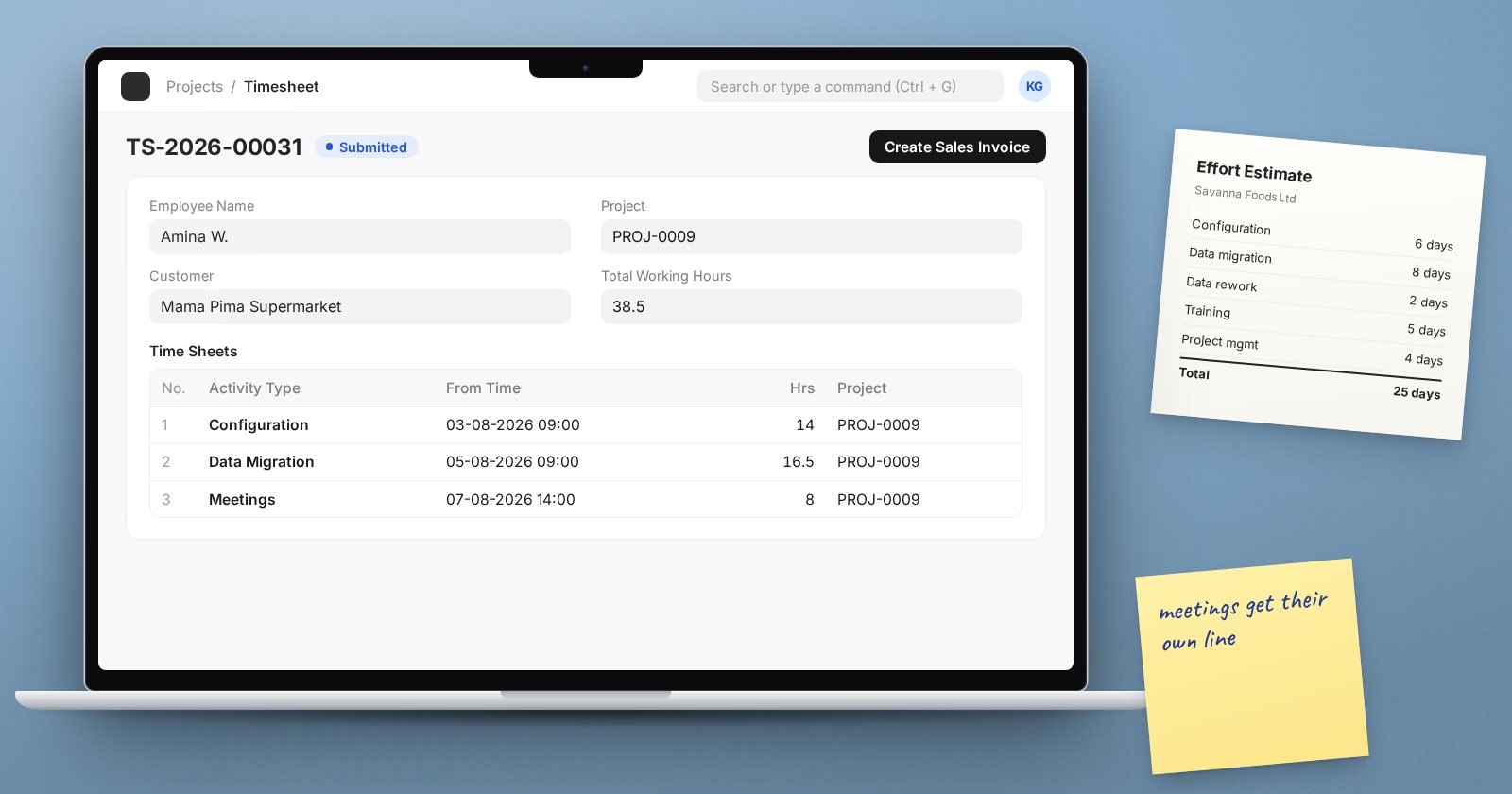
A price for an ERPNext project is only as good as the estimate under it. Guess too low and you work weekends for free, or cut corners the client pays for later. Guess too high and you lose the work. Good estimates are not magic; they come from breaking the job into parts and sizing each part by what actually drives it.
Break the work into parts
Estimate the phases separately, never the project as one number:
- Discovery and requirements workshops
- Configuration, module by module
- Data migration: templates, cleaning support, trial loads, final load
- Print formats and reports
- Any custom development
- Testing and UAT support
- Training
- Go-live and cutover
- Hypercare after go-live
- Project management and meetings
The last item is the one most often left out. Meetings, status reports, emails and travel commonly take a real share of the total, so give them their own line.
Size each part by its drivers
Each phase grows with something specific. Ask about the drivers before giving a number.
| Phase | What drives the effort |
|---|---|
| Requirements | Number of processes and sites |
| Configuration | Modules, companies, warehouses, approval rules |
| Data migration | Number of record types, data quality, trial loads |
| Print formats | Number of documents, layout complexity |
| Reports | How many cannot be met by standard reports |
| Training | Number of roles and groups, not just users |
| Go-live | Branches going live together or in waves |
A single company selling from one warehouse is a different job from three companies with inter-branch transfers, even if both "need stock and accounts".
Use your own history
If you track your time on past projects, use it. ERPNext's own Timesheets, with an activity type per phase, give you real numbers to compare against the next estimate. If you have no history yet, estimate each task in hours, then compare your total with someone more experienced and ask where you differ.
Add the hidden work
Some work appears on every project and in no requirement:
- Re-doing data loads when the client sends a corrected file
- Answering the same question for a second group of users
- Waiting for decisions, which stretches the calendar even when it costs no hours
- Setting up the server, backups, email and users
- Small changes to print formats after users see them on paper
Add an allowance for these by phase rather than one large contingency at the end. A visible "data rework" line is easier to explain than a mysterious buffer.
Give a range, then narrow it
Early on, give a range: "between 25 and 40 days, depending on the data migration and the number of custom reports". After the workshops, narrow it to a firm figure. Clients understand that detail produces precision; they do not forgive a fixed number that later doubles.
Write down the assumptions
Every estimate rests on assumptions. List them with the estimate:
- Number of users, companies, branches and warehouses
- Data supplied clean, in the agreed templates, by a set date
- Standard reports used unless custom ones are listed
- Key users available for testing and training
If an assumption changes, the estimate changes, and both sides can see why.
Quick check before you send
- Every phase estimated separately, including project management
- Drivers asked about, not assumed
- Hidden work given its own lines
- A range early, a firm figure after discovery
- Assumptions written beside the numbers
Estimating, pricing and scoping are taught together in the ERPNext Implementation Consultant course, using the same phase structure a real project follows.