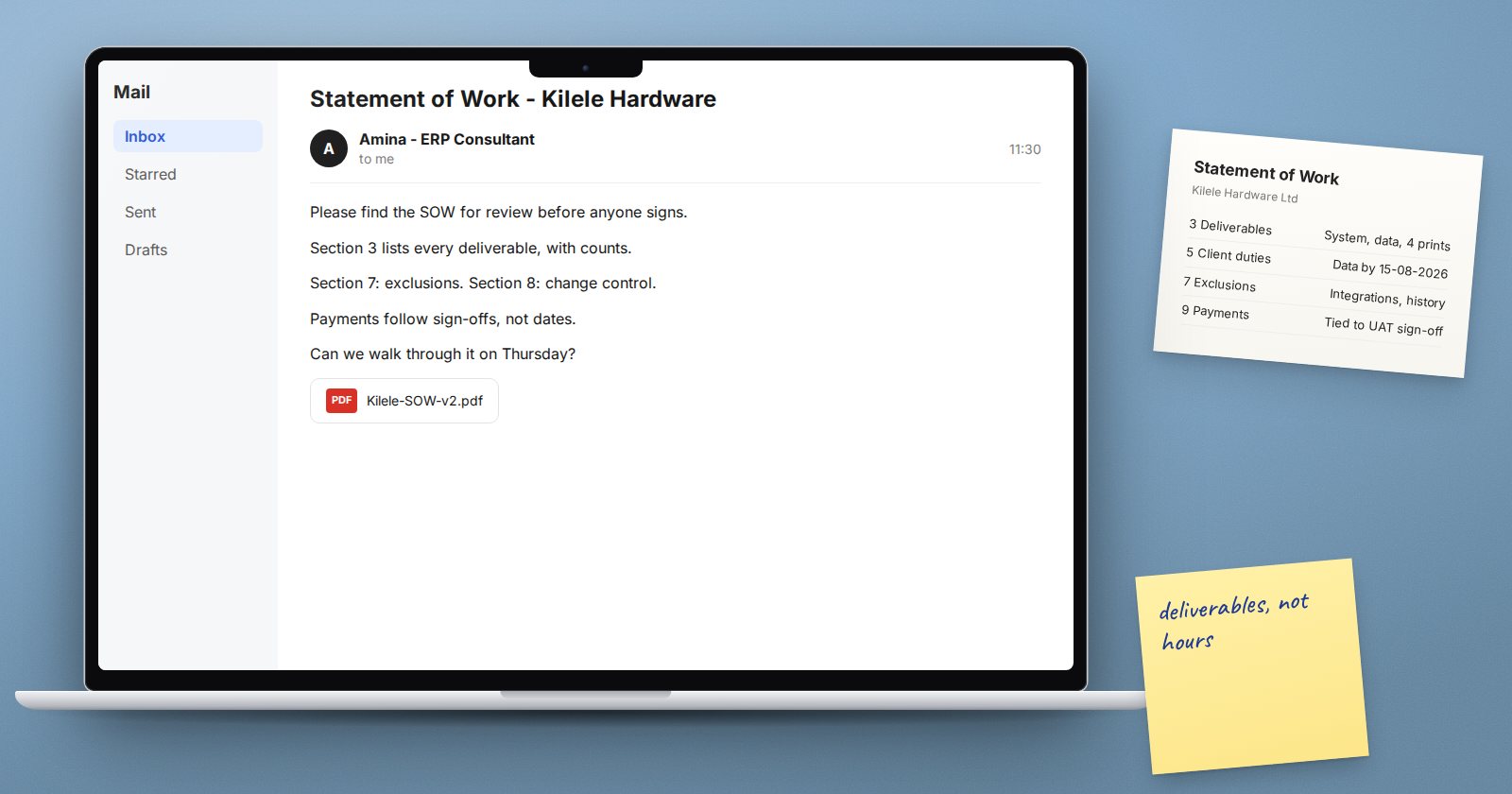
Most disputes on ERPNext projects are not about the software. They are about what was promised. One side remembers "full stock management", the other remembers "basic stock". A statement of work, or SOW, settles that in writing before the work starts, so both sides can point to the same page.
The SOW comes after scoping. Scoping decides what the project is; the SOW turns that into commitments.
What the SOW must contain
1. Objectives
Two or three sentences on what the business wants to achieve, such as "invoice from ERPNext and see stock by branch daily". Objectives guide decisions when a detail is not covered elsewhere.
2. Scope in plain terms
List the companies, branches and modules, and for each module the processes included. "Selling: quotation, sales order, delivery note, sales invoice, credit note, customer receipts" is clear. "Selling module" is not.
3. Deliverables
Name each thing the client will receive:
- Configured system on an agreed server or hosting plan
- Data migrated: which masters, which open balances
- Print formats: which documents, how many
- Reports: standard reports set up, and any custom ones listed by name
- Training: sessions, roles, hours
- Documentation: role guides, configuration record
- Support period after go-live
4. Data migration terms
Data is where effort grows. State what the client supplies, in what format and by when. State what you will import, such as items, customers, suppliers, open invoices through the Opening Invoice Creation Tool and opening stock, and whether you clean data or the client does. Say how many trial loads are included.
5. Client responsibilities
The client's part is as important as yours:
- A named project owner with authority to decide
- Key users available for workshops, testing and training
- Data delivered by agreed dates
- Timely sign-offs
- Hardware, internet and devices in place
Write the time you need from key users, such as two half-days a week during testing. Vague commitments become missed ones.
6. Acceptance
Define how each stage is accepted: a signed UAT result, a go-live checklist, a sign-off on migrated balances. Include a time limit, such as five working days to raise issues after delivery.
7. Assumptions and exclusions
This section prevents most arguments. Examples:
- Standard ERPNext features only, unless listed as custom work
- Integrations with banks, tax systems or other software are excluded unless named
- Historical transactions are not migrated, only open balances
- Users are trained in groups, not one by one
8. Change control
Explain how new requests are handled: written request, estimate, approval, then work. Without this, scope grows quietly.
9. Timeline and payment milestones
Tie payments to deliverables, not dates alone. A milestone like "UAT sign-off" is fairer to both sides than "end of month two".
Writing tips
- Use the client's words for their processes, and ERPNext names for documents
- Keep it short enough to read in one sitting; detail goes into appendices
- Number every section, so emails can refer to "section 5.2"
- Walk through it with the client in a meeting before anyone signs
Before you send it
- Every module listed with its processes
- Deliverables countable, not vague
- Client duties and time commitments written down
- Acceptance and change control explained
- Exclusions stated plainly
- Payments linked to deliverables
The ERPNext Implementation Consultant course covers the full path from scoping to signed SOW, with templates you can adapt to your own projects.