
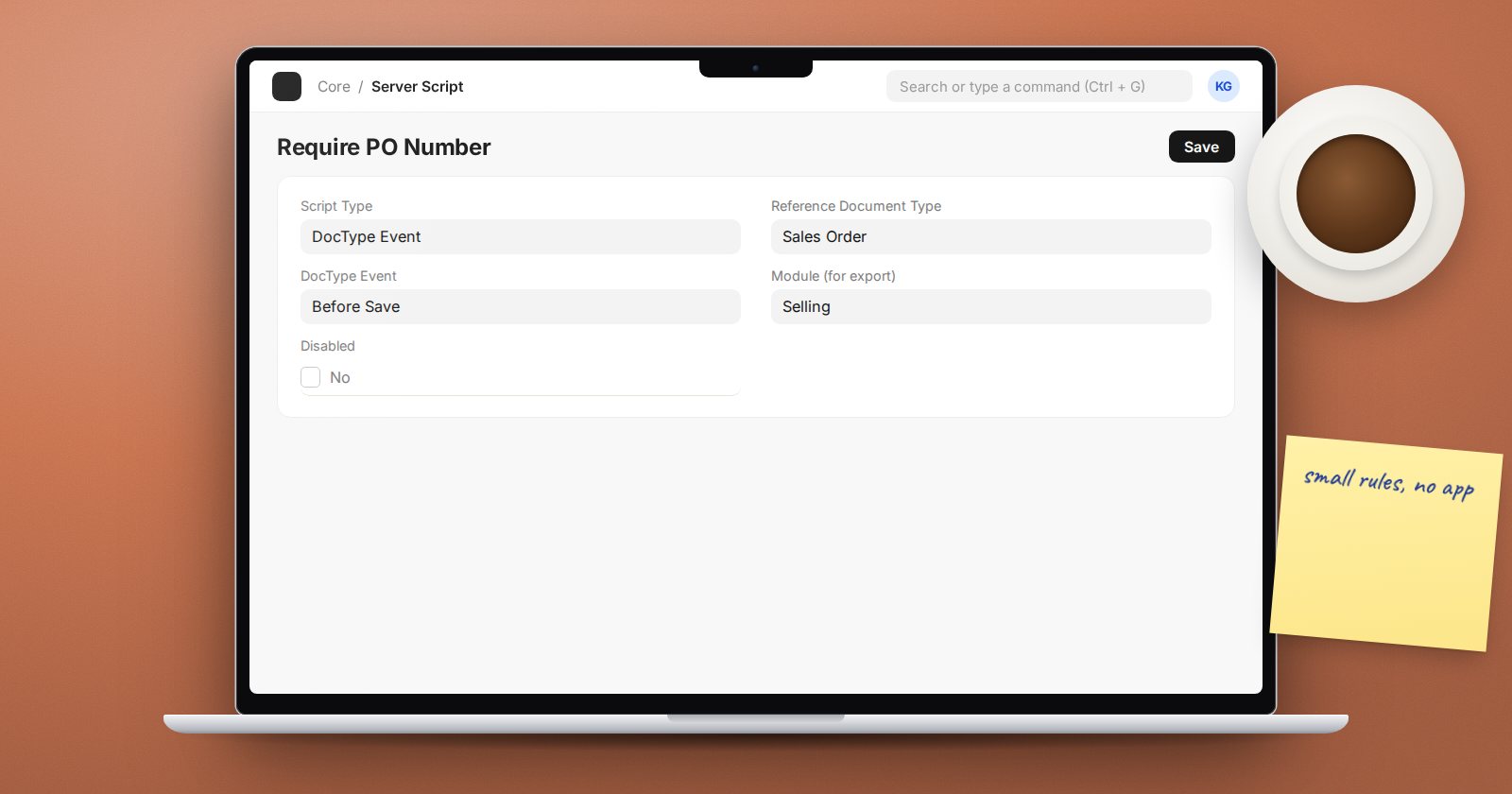
Some rules are too small for a custom app but too important to leave to users' memory. Server Scripts let you write short Python snippets in the desk that run on the server, with the same reliability as code in an app. They also carry real risk, so it helps to know the limits.
Turn them on
Server Scripts are off by default. They can only be enabled in the bench-wide config, not from the desk:
bench set-config -g server_script_enabled 1
Whoever looks after your server should make this decision, because anyone with permission to edit Server Scripts can run code on the server.
The script types
Search for "New Server Script" and pick a Script Type:
- DocType Event - runs when a document is saved, submitted, cancelled, deleted and so on.
- Scheduler Event - runs on a schedule: Hourly, Daily, Weekly, Monthly, Yearly, the Long variants, All, or a Cron expression.
- API - creates an endpoint at
/api/method/. - Permission Query - adds a condition to list queries for a DocType.
- Workflow Task - runs as part of a workflow transition.
DocType Event: a validation rule
Reference Document Type: Sales Order. DocType Event: Before Save.
if doc.customer_group == "Government" and not doc.po_no:
    frappe.throw("Government orders need the customer's purchase order number.")
The document is available as doc. "Before Save" maps to the validate step, so a frappe.throw stops the save. The event names map to document methods: Before Insert, Before Validate, Before Save (validate), After Save (onupdate), Before Submit, After Submit (onsubmit), Before Cancel, After Cancel, Before Delete (on_trash) and others.
In DocType Event scripts, frappe.db.commit and frappe.db.rollback are removed. The script runs inside the document's transaction, which is what you want.
API: a small endpoint
Script Type: API. API Method: open_orders_count.
customer = frappe.form_dict.get("customer")
frappe.response["message"] = frappe.db.count(
    "Sales Order",
    {"customer": customer, "docstatus": 1, "status": "To Deliver and Bill"},
)
Call it at /api/method/open_orders_count?customer=... with an authenticated session or API token. Leave Allow Guest unticked unless the endpoint is truly public, and consider Enable Rate Limit for anything a guest can reach.
Scheduler Event: a daily job
A Daily script could, for example, find quotations past their valid-till date and add a comment, or create ToDos for follow-up. Keep these small; a scheduled script that loops over thousands of documents is better written as a background job in an app.
What the sandbox allows
Server Scripts run in a restricted Python environment:
- No imports. You get a curated
frappeobject with helpers such asfrappe.get_doc,frappe.get_list,frappe.db.get_value,frappe.db.count,frappe.qb,frappe.sendmail,frappe.enqueue,frappe.utilsdate helpers, andfrappe.make_get_requestfor outside calls. - No file or system access. That is the point.
- Use
frappe.log_errorto record problems; they appear in the Error Log list.
If you find yourself fighting the sandbox, the logic belongs in an app.
When to move to an app
Server Scripts live in the database, not in git. That makes them easy to change and easy to lose track of. Move a script into a custom app when:
- it grows past a screen of code,
- more than one script depends on it,
- it needs tests,
- or several sites need the same rule.
Server Scripts can be exported as fixtures into an app, which is a good half-way step.
Try it
- On a test bench, enable server scripts and restart.
- Create the Before Save script above and test it with a Government customer.
- Create the API script and call it from your browser while logged in.
- Add a deliberate error to the API script, call it, and find the traceback in the Error Log.
We use Server Scripts and their app-based replacements side by side in ERPNext as a Platform.
