
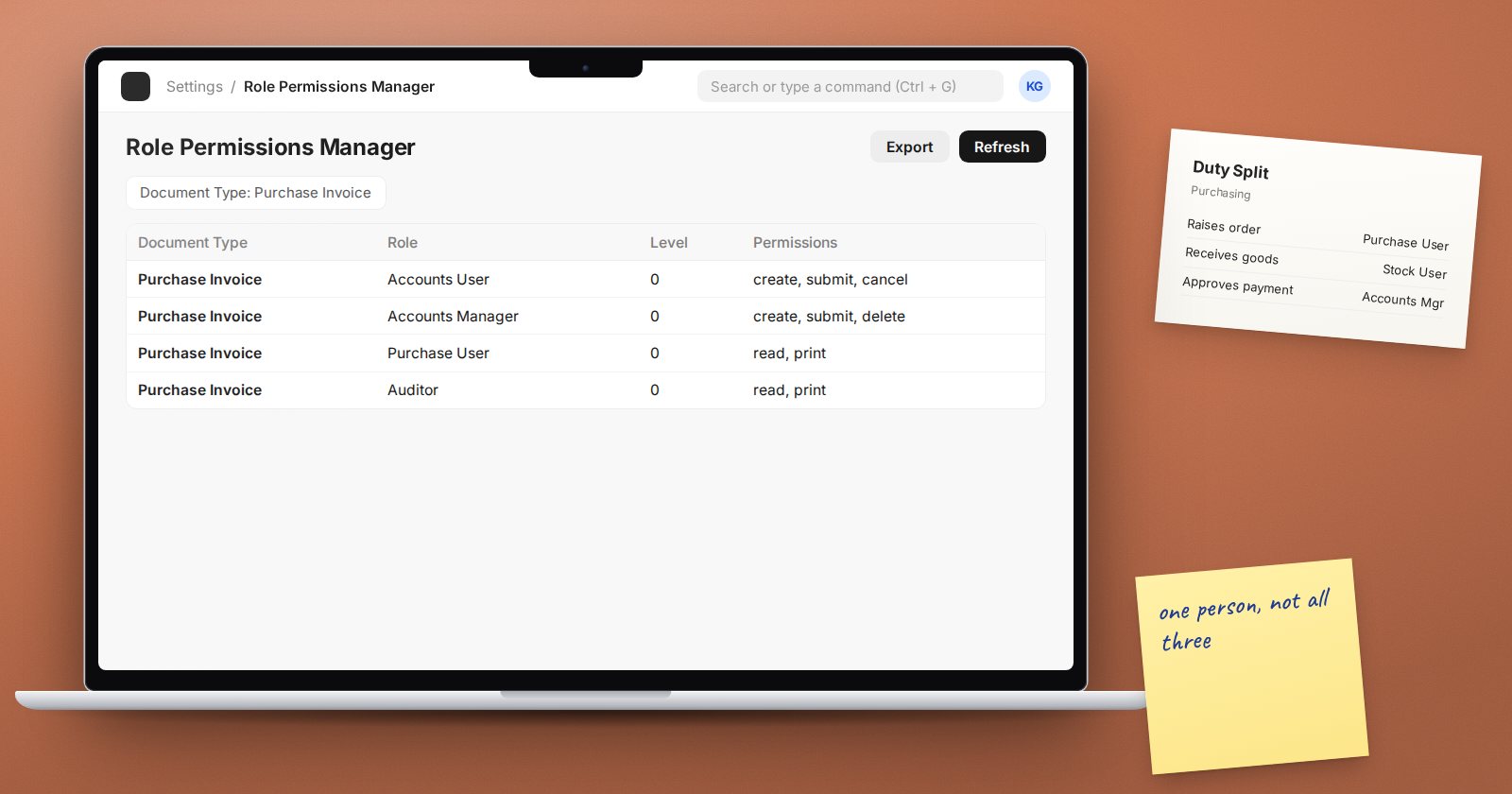
Segregation of duties means no single person can both carry out and hide a mistake or a fraud. In an ERP system, the same principle applies to roles: the person who can create a supplier should not also be the person who approves paying them. ERPNext gives you the tools; deciding how to split the work is a governance decision.
The basic idea
Most business processes have four kinds of step:
- Authorise - approve that something should happen.
- Record - enter it in the system.
- Hold - have custody of the asset: cash, stock, the bank login.
- Check - reconcile and review afterwards.
When one person controls two or more of these for the same process, errors and fraud can go unnoticed. The aim is to split them across people wherever the team size allows.
Pairs to keep apart in ERPNext
These are common conflicts to look for. Your auditors may add others for your industry.
- Creating or editing suppliers (including bank details) and approving or making supplier payments.
- Raising purchase orders and receiving the goods for them.
- Recording customer receipts and reconciling the bank account.
- Doing stock counts and posting stock reconciliation adjustments.
- Preparing payroll and approving payroll or changing salary structures.
- Changing item prices or discounts and making sales at those prices.
- System Manager rights and day-to-day finance transactions. Anyone who can change permissions can give themselves any other access.
Map duties to roles
Start with a simple matrix: processes down the side, people across the top, and mark who does which step. Then look at ERPNext roles:
- Give each job a Role Profile containing only the roles that job needs.
- Use approval steps, such as workflows, where a document needs someone else to approve it before submission.
- Check override settings. For example, Accounts Settings has fields naming the role allowed to bypass credit limits and the role allowed to over-bill. Make sure these roles sit with the right people, not with everyone.
The User Doctype Permissions report shows what one user can do across document types. Run it for the people in finance and stores to confirm the roles behave as your matrix intends.
When the team is too small
A business with two people in the office cannot split every duty. That is normal. Use compensating controls instead:
- The owner or a director reviews the supplier payment list before each payment run.
- Someone who did not post the entries reviews the bank reconciliation each month.
- Changes to supplier bank details trigger a phone call to the supplier on a known number and a second person's approval.
- Track Changes on Supplier and Customer records keeps a history of who changed what. Someone reviews that history regularly.
- The Permission Log shows changes to users' roles. The owner reviews it after any access change.
Write the compensating controls down, with who does them and how often. A control that lives only in someone's head disappears when they go on leave.
Review it regularly
People change jobs and cover for each other on leave, and temporary access tends to stay. Fold the segregation of duties check into your quarterly user access review: for each conflicting pair, confirm no one holds both, or that a documented compensating control is in place.
Segregation of duties checklist
- [ ] Duty matrix drawn up for key processes
- [ ] Conflicting pairs identified with the business owners
- [ ] Role Profiles built per job, not per person
- [ ] Approval steps in place for high-risk documents
- [ ] Override roles in Accounts Settings reviewed
- [ ] System Manager separated from finance transactions
- [ ] Compensating controls written down where duties cannot be split
- [ ] Checked every quarter with the access review
Internal controls in the books are covered in our Accounting Professional course, and roles and approvals in ERPNext Administration Without Code.
