
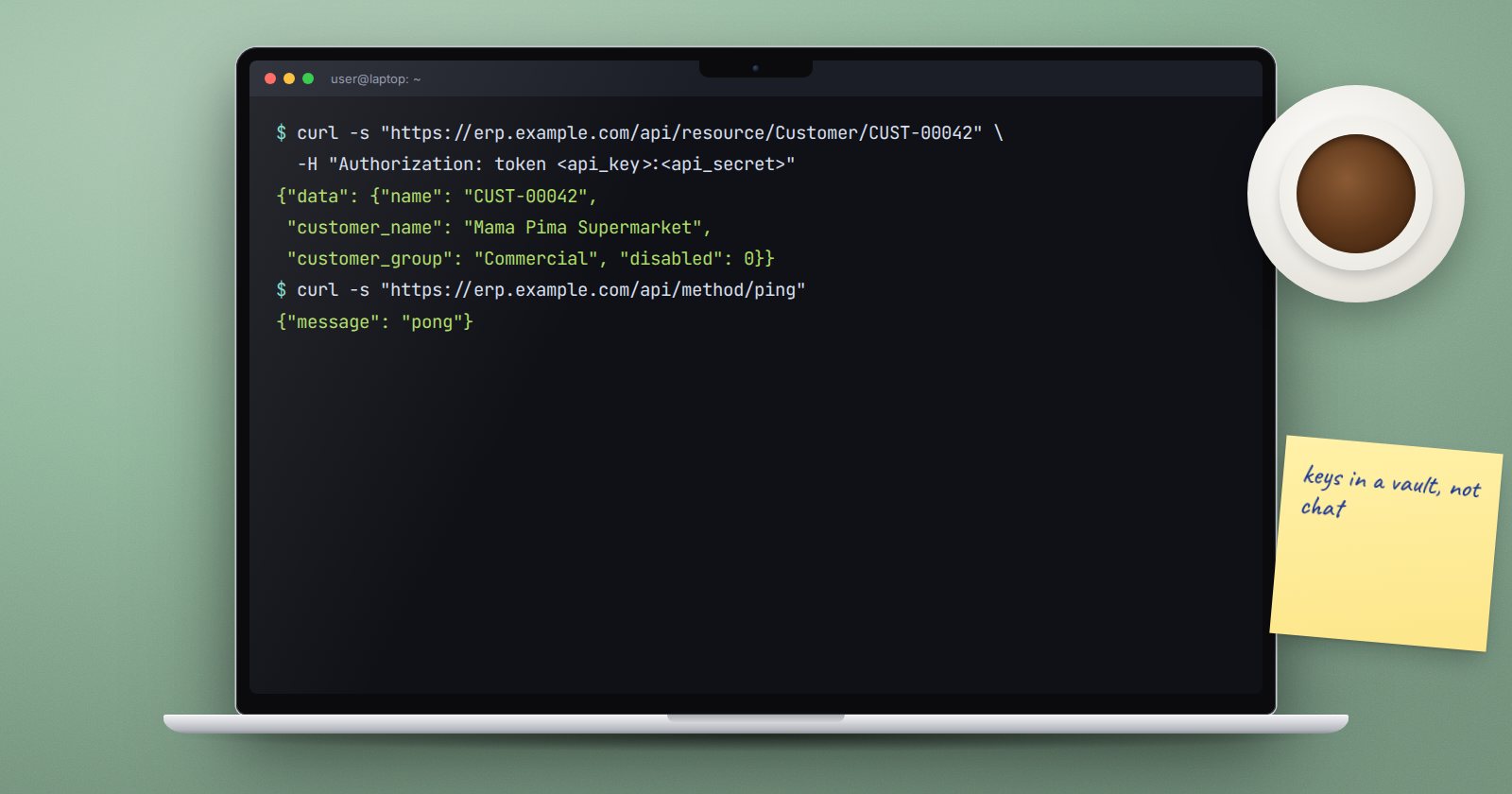
Every ERPNext site already has a full REST API. Integrations with a mobile app, an e-commerce shop or a bank feed usually need no new endpoints at all, just the right credentials and URLs. When they do need something custom, a whitelisted Python method in your app is the standard way.
Authenticate with a token
For server-to-server calls, use API keys:
- Create a dedicated user for the integration, such as
shop-integration@yourcompany.co.ke, with only the roles it needs. - Open that user, go to the API Access section and use Generate Keys. Only a System Manager can do this. Store the secret straight away in your integration's secret store.
- Send both on every request:
curl -s "https://erp.example.com/api/resource/Customer/CUST-00042" \
  -H "Authorization: token :"
The request runs as that user, with that user's roles and User Permissions. A dedicated, limited user means a leaked key can only do what that integration needed.
Documents through /api/resource
/api/resource/ maps to standard operations:
GET /api/resource/Sales Order- list records. Returnsnameonly and 20 rows unless you ask for more.GET /api/resource/Sales Order/- one full document.POST /api/resource/Sales Order- create, with the document as JSON in the body.PUT /api/resource/Sales Order/- update the fields you send.DELETE /api/resource/Sales Order/- delete.
Lists take fields, filters, order_by and limit_page_length as query parameters, with JSON values:
curl -s -G "https://erp.example.com/api/resource/Customer" \
  -H "Authorization: token :" \
  --data-urlencode 'fields=["name","customer_name","customer_group"]' \
  --data-urlencode 'filters=[["customer_group","=","Commercial"]]' \
  --data-urlencode 'limit_page_length=100'
Results come back as {"data": [...]}. Permissions are checked the same way as in the desk.
v16 also serves a newer API under /api/v2/, with routes such as /api/v2/document/. The original routes keep working, so check which one your client library expects.
Custom endpoints with frappe.whitelist
When the standard routes are not enough, write a function in your app and mark it with @frappe.whitelist():
import frappe


@frappe.whitelist(methods=["GET"])
def open_invoices(customer: str):
    frappe.has_permission("Customer", "read", doc=customer, throw=True)
    return frappe.get_list(
        "Sales Invoice",
        filters={"customer": customer, "docstatus": 1, "outstanding_amount": [">", 0]},
        fields=["name", "posting_date", "due_date", "outstanding_amount"],
        order_by="due_date asc",
    )
If this lives in upeo_custom/api.py, it is called at:
GET /api/method/upeo_custom.api.open_invoices?customer=CUST-00042
and returns {"message": [...]}.
Rules for whitelisted methods
- Check permissions yourself.
@frappe.whitelist()only means "a logged-in user may call this". The function decides what they may see.frappe.get_listapplies the caller's permissions;frappe.get_alldoes not, so do not returnget_allresults to callers. - Limit the HTTP method. By default a whitelisted function accepts GET, POST, PUT and DELETE. Pass
methods=["GET"]for reads andmethods=["POST"]for anything that changes data. - Be careful with
allow_guest=True. It opens the method to anyone on the internet. Validate every argument and never return private data. - Use type hints. They document the API and let the framework check argument types.
- Return plain data. Lists and dictionaries serialise cleanly.
Try it
- On a test site, create an integration user with the Sales User role and generate keys.
- Fetch one customer with curl using the token header.
- Add the
open_invoicesmethod to your app and call it. - Remove the user's read access to Customer and call it again. It should be refused.
Designing APIs that are safe to expose is a core part of ERPNext as a Platform.
