
A requirements workshop can produce a clear picture of how a business works, or a list of wishes nobody can build against. The difference is rarely the people in the room. It is the preparation, the questions and what gets written down before everyone leaves.
Plan one workshop per process, not per department
Departments overlap. Selling touches stores and accounts; buying touches stores, accounts and management approval. Plan workshops around end-to-end processes instead:
- Order to cash: quotation to customer receipt
- Procure to pay: request to supplier payment
- Stock movement and counting
- Month-end and reporting
- Payroll, if it is in scope
Each workshop needs the people who actually do the work, plus one person who can make decisions. Keep it to six or eight people. A room of twenty produces speeches, not answers.
Prepare before the room fills
- Collect real documents. Ask for a sample of each: a quotation, a delivery note, an invoice, a goods received note, a payment voucher. Real paper shows fields and approvals nobody mentions.
- Send a short agenda. Name the process, the time and what you need each person to bring.
- Prepare a demo company. Have ERPNext ready with sample items and customers so you can show the standard flow when questions come up.
- Draft the questions. A list stops the session drifting into complaints about the old system.
Questions that get real answers
Abstract questions get abstract answers. "What are your requirements for sales?" invites a wish list. Ask about the last real case instead:
- "Walk me through the last order you received, from the phone call to the payment."
- "Who approved it, and how did you know they had?"
- "What happens when the customer takes only part of the order?"
- "What goes wrong most often?"
- "Which report do you open every Monday, and what do you look for?"
Then ask about volumes and exceptions: how many invoices a month, how many items, how many branches, how returns and credit notes happen, what happens when stock is short. Exceptions are where most configuration effort hides.
Show, do not just ask
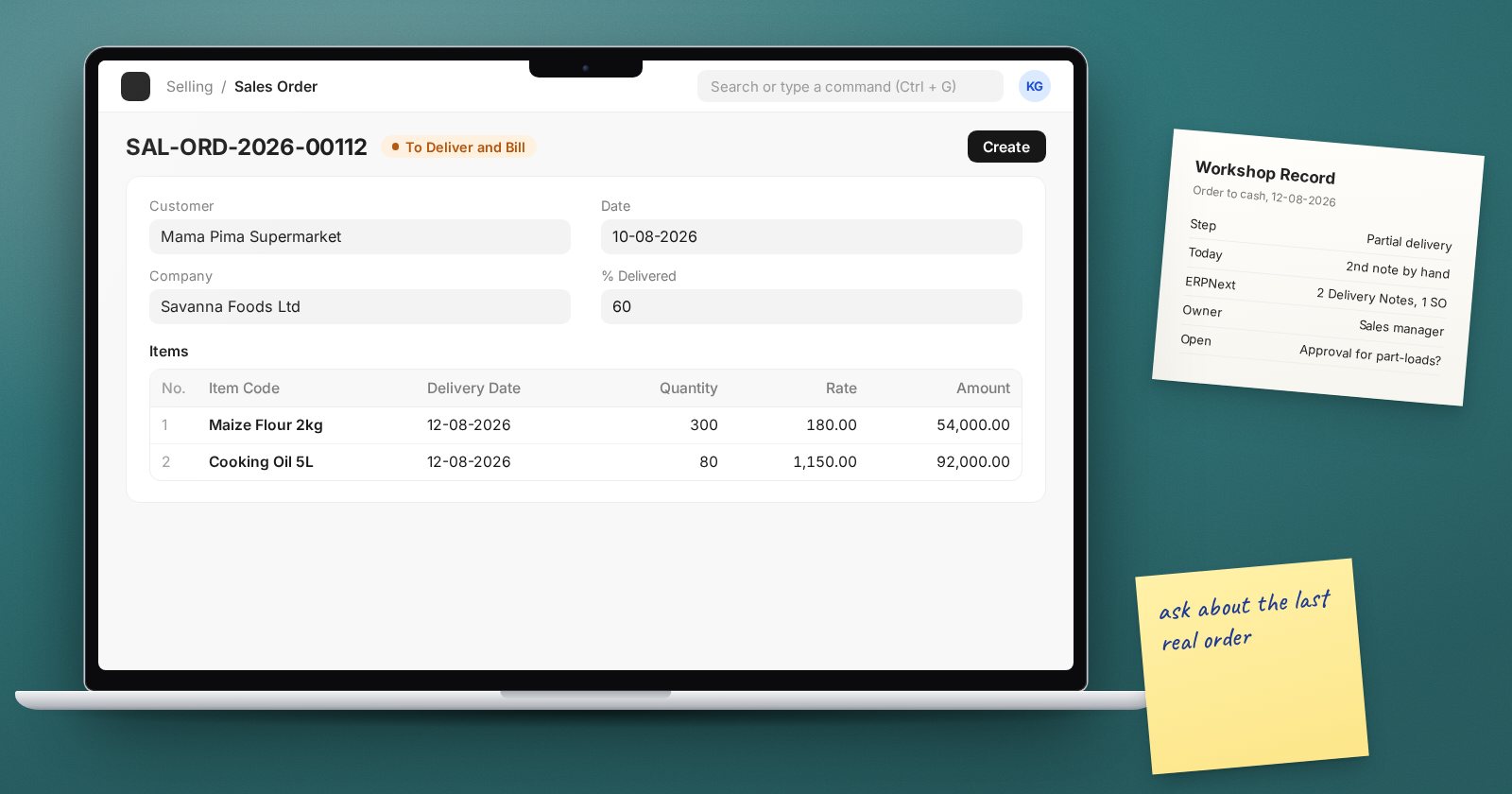
When the team describes a step, show the matching ERPNext document. If they describe an order that is delivered in parts and invoiced once, show a Sales Order, two Delivery Notes and a Sales Invoice made from them. People react better to a screen than to a question, and you learn quickly where the standard flow fits and where it does not.
Be careful not to promise. "We will look at that" is better than "yes, ERPNext does that" until you have checked the detail.
Record decisions, not conversations
Minutes that read like a transcript are useless a month later. For each workshop, record:
| Item | Example |
|---|---|
| Process step | Partial delivery against an order |
| Current practice | Storekeeper writes a second delivery note by hand |
| ERPNext approach | Several Delivery Notes against one Sales Order |
| Decision owner | Sales manager |
| Open questions | Do part-deliveries need approval? |
Send the summary within two days and ask for corrections. A silent week is not agreement, so follow up by name.
Common traps
- Only managers attend. They describe the policy; the clerks know the practice.
- Designing in the room. Note the need and solve it later, calmly.
- Ignoring the reports. Ask what people need to see before you design what they enter.
- Running out of time. Park side topics on a visible list and return to them.
Before you close each workshop
- Every step of the process walked through with a real example
- Exceptions and volumes noted
- Owners named for each open question
- Date agreed for the written summary
Workshops feed directly into process maps and the fit-gap analysis. The ERPNext Implementation Consultant course practises this sequence on a realistic business from first meeting to go-live.
