
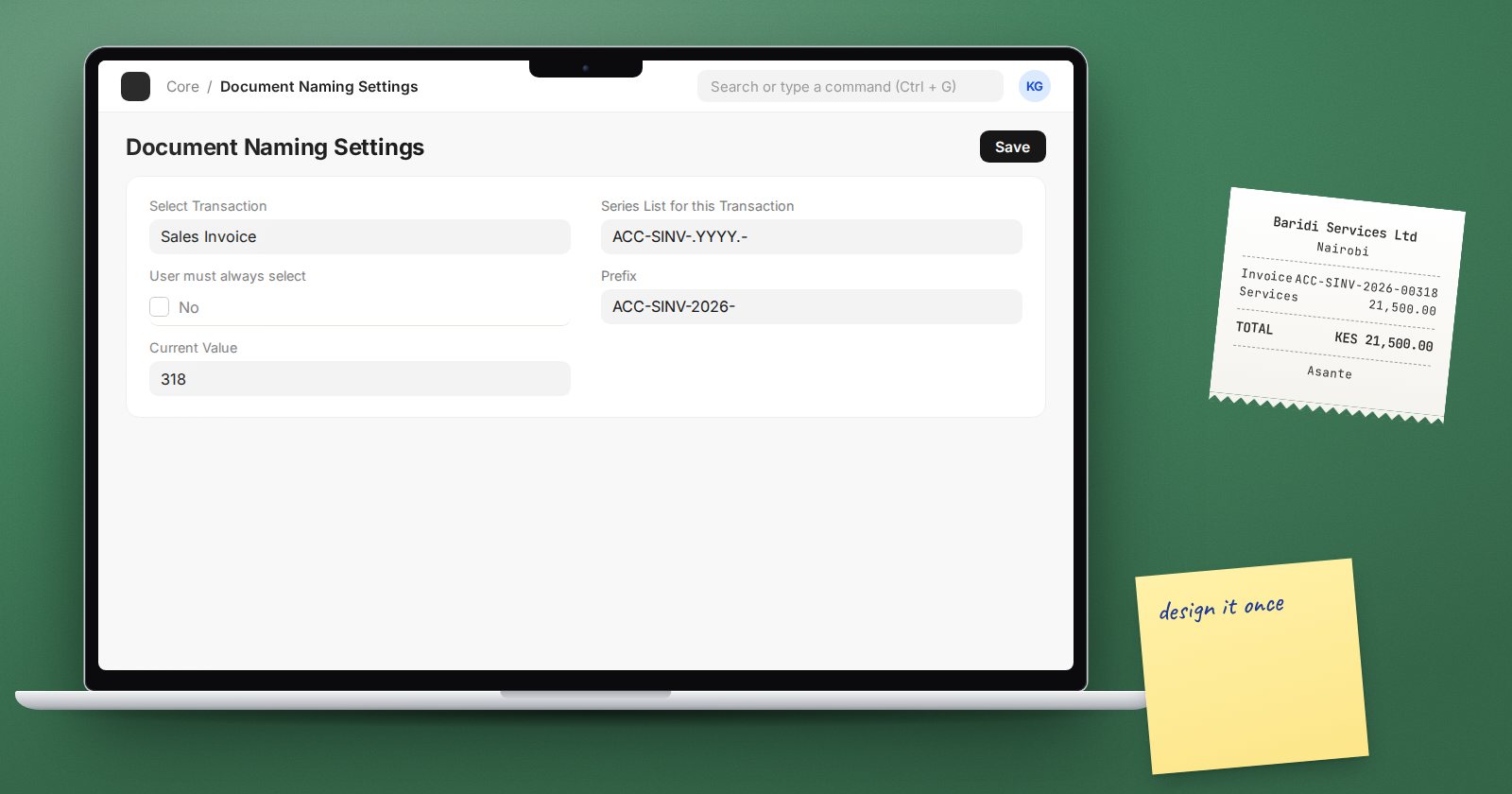
Document numbers end up on invoices, delivery notes, tax returns and bank references. Changing them after go-live is painful, so it pays to design them once, early. ERPNext gives you a lot of control through naming series.
How a naming series is read
Sales Invoice ships with the series ACC-SINV-.YYYY.-. ERPNext splits a series on the dots and builds the name piece by piece:
ACC-SINV-is plain text, copied as is.YYYYbecomes the four-digit year.-is plain text again.
If the series has no hashes, ERPNext adds a five-digit counter for you, so the first invoice is ACC-SINV-2026-00001. Add your own hashes to control the width: INV-.YYYY.-.#### gives INV-2026-0001.
The tokens you can use
From Frappe:
YY,YYYY,MM,DD- parts of the date.JJJ- day of the year,WW- week number.- A fieldname, such as
.branch.or{branch}, inserts that field's value from the document.
ERPNext adds:
FY- the name of the fiscal year the document's date falls in.ABBR- the company's abbreviation, useful when one site runs several companies.
So .ABBR.-SINV-.FY.-.##### produces numbers that show the company and fiscal year at a glance.
Counters and why numbers reset
The counter belongs to the prefix, meaning everything before the hashes after tokens are filled in. With INV-.YYYY.-.####, the prefix in 2026 is INV-2026-. On 1 January 2027 the prefix becomes INV-2027-, a new counter starts, and numbering begins again at 0001. If you want numbering to restart each year, put the year in the series. If you want it to run on forever, leave the year out.
By default, date tokens use today's date. If staff often post invoices for an earlier date, tick Use Posting Datetime for Naming Documents in Global Defaults so the number follows the posting date instead.
Where to manage series
Open Document Naming Settings:
- Select Transaction - choose the DocType.
- Series List for this Transaction - one series per line. The first line is the default. Tick User must always select if users should pick one each time.
- Update Series Number - pick a prefix and set its current value. Use this when migrating from another system so ERPNext continues from the last old number.
Each series can belong to one DocType only. ERPNext refuses to save a series already used by another DocType.
Amended documents
When you cancel and amend a document, the default is Amend Counter: ACC-SINV-2026-00012 becomes ACC-SINV-2026-00012-1. You can switch to Default Naming in Document Naming Settings, globally or per DocType, if your auditors want amendments to take a fresh number.
Document Naming Rules for special cases
A Document Naming Rule gives a DocType a different prefix when conditions match, such as export invoices or a branch. It has a Prefix, Digits, its own counter, conditions on document fields, and a Priority. Rules are checked before the naming series, so when a rule matches, it decides the name.
Mistakes to avoid
- Changing the series in the middle of a fiscal year without telling accounts.
- Lowering a series' current value. Numbers already used will clash.
- Using a free-text field as a token when users can leave it empty.
Try it
- On a test site, add
.ABBR.-SINV-.FY.-.#####as a series for Sales Invoice. - Create two invoices and check the names.
- Use Update Series Number to start the prefix at 500 and create another.
- Cancel and amend an invoice to see the amendment naming.
Numbering is one of the first design decisions in ERPNext Administration Without Code, before any live data goes in.
