
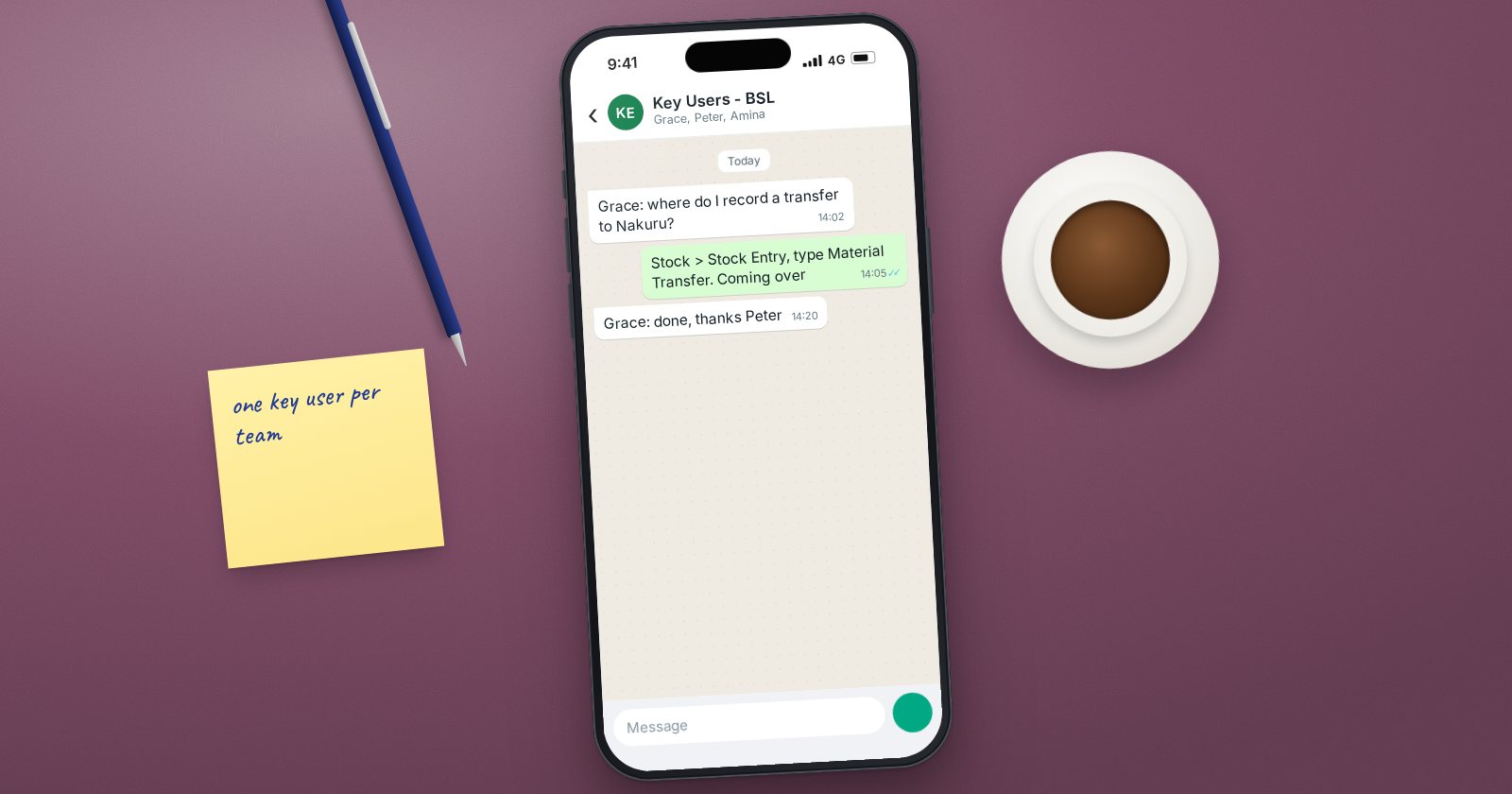
Every ERPNext implementation eventually ends, but the business keeps using the system for years. What happens after the consultants leave depends largely on the people inside the business who understand the system well. These are key users, sometimes called super users or champions, and building them deliberately is one of the best investments a project can make.
What a key user does
A key user is a member of a department who knows that department's part of ERPNext more deeply than their colleagues. They:
- Answer routine questions from colleagues
- Spot mistakes and bad habits early
- Train new staff in their department
- Test changes and new versions before they reach everyone
- Collect improvement ideas and raise them through the right channel
- Act as the link between their department and whoever supports the system
They are not system administrators and do not need technical skills. They are experienced users who others trust.
Choosing key users
Look for people who:
- Know the work well. Respected for their knowledge of the department's processes.
- Are patient explainers. Colleagues already go to them with questions.
- Are comfortable with computers, though not necessarily technical.
- Will stay. Avoid choosing someone who is about to move on.
- Have time, or can be given it.
Avoid choosing purely by seniority. A department head may be too busy, and staff may hesitate to ask them basic questions.
When to involve them
As early as possible. Ideally key users take part in process mapping workshops, help with data cleaning, and test the system during UAT. By go-live they have seen the design develop and understand why things work as they do, not just which buttons to press.
How to train them
Key users need more than standard role training.
- Deeper process training. Not just the normal path but exceptions: returns, cancellations, corrections and amendments.
- Why, not only how. What each document does to stock and the ledger, so they can spot when something looks wrong.
- Finding answers. How to read a document's connections, check the General Ledger, use report filters and look at a document's history.
- Training others. A short session on how to teach colleagues, with a role guide they can use.
- Escalation. When to solve something themselves and when to log an issue.
If they will create users or adjust permissions, that is administrator work and needs separate training and the right role. Most key users do not need it.
Giving them time and recognition
The most common failure is adding the key user role on top of a full workload. They quickly burn out or stop helping. Agree with their manager how much time they can spend on it, particularly around go-live and month-end.
Recognise the role formally. Include it in their job description or objectives. A key user who feels valued will keep the system healthy for years.
Key users after go-live
- Hold a short regular meeting with all key users to share issues and tips
- Let them test new features and upgrades in a test copy first
- Ask them to review role guides at least once a year
- Make them part of onboarding for every new employee in their department
- Plan a backup key user for each department, so knowledge does not rest on one person
Checklist
- One key user, and a backup, named for each department
- Key users involved from process mapping onwards
- Deeper training completed, including exceptions and corrections
- Time allocation agreed with their managers
- Escalation route clear
- Regular key user meeting scheduled after go-live
Key users who understand the system's settings make better decisions about requests. ERPNext Administration Without Code is a good next step for those who want to grow into the internal system owner role.
