
When you apply for an ERPNext role, or approach your first client, the question behind every conversation is simple: can this person actually implement? A CV lists what you have studied. A portfolio shows what you can do. It is especially useful when you are new and do not yet have a long list of projects.
What makes a good portfolio piece
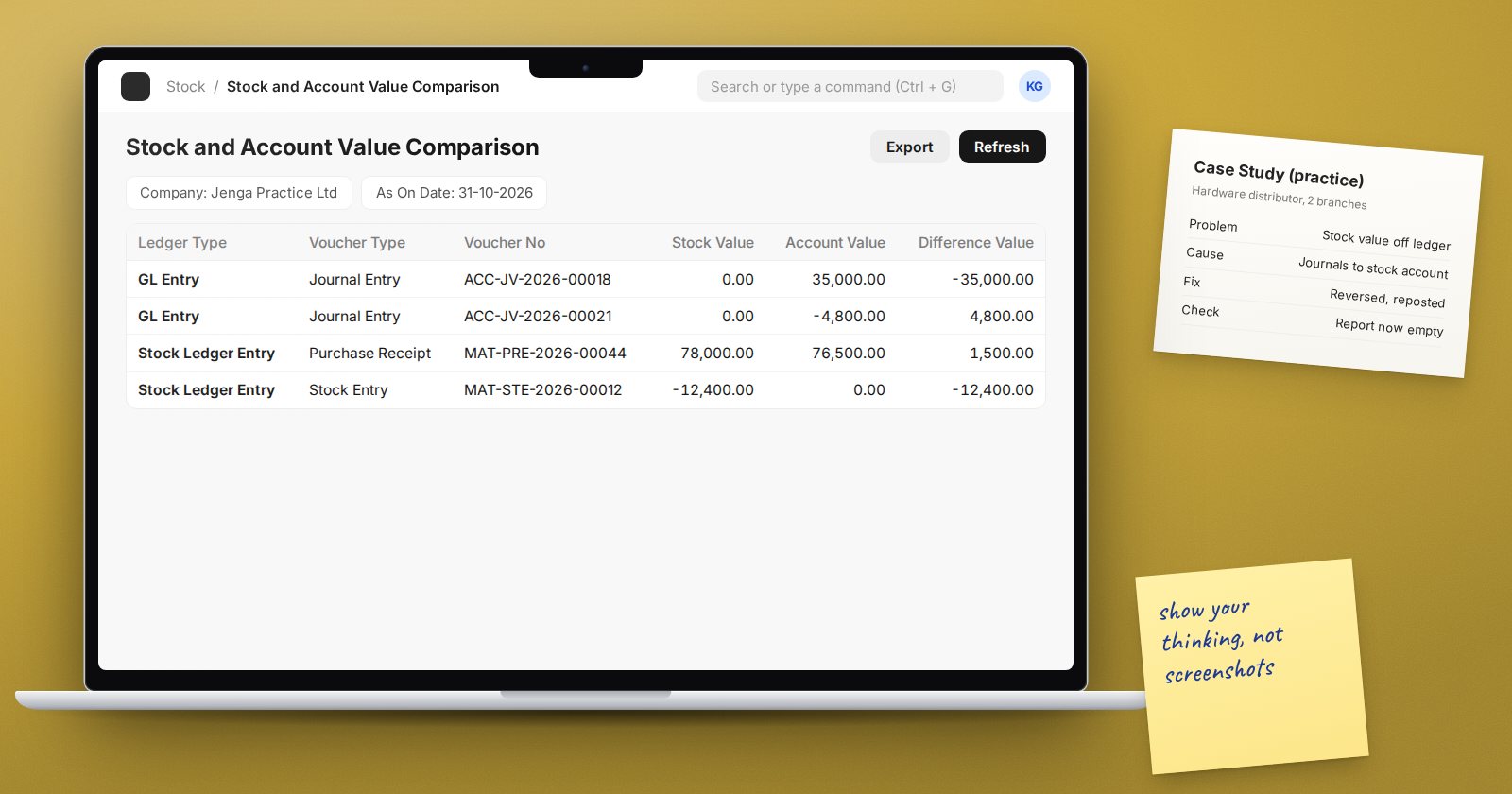
A strong piece shows your thinking, not just screenshots. Each one should answer:
- What was the business situation?
- What did you decide, and why?
- What did you produce?
- How did you check it worked?
Three or four well-presented pieces are better than a dozen thin ones.
Pieces you can build without a client
1. A full practice implementation
Invent a realistic business, such as a hardware distributor with two branches or a small food processor. Clearly label it as a practice case. Then write up:
- A one-page scope: companies, branches, modules, what is out of scope
- Two or three process maps, current and future, in ERPNext document terms
- A short fit-gap table with your decisions and reasons
- Key configuration choices: chart of accounts, warehouses, item groups, roles
This single case can feed most of the other pieces below.
2. Data migration pack
Show the import templates you designed, the import order you chose and how you dealt with errors. Include a short note on opening balances: how you used the Opening Invoice Creation Tool and an opening stock entry, and how you reconciled the result.
3. A training guide
Write a short guide for one role, such as a storekeeper or accounts assistant. Keep it practical: numbered steps for the five most common tasks, with annotated screenshots from your practice company. Hiring managers and clients value people who can explain clearly.
4. UAT scripts
Write test scenarios for one process, including exceptions such as returns and partial deliveries. Show the expected result and where to check it.
5. A problem you solved
Describe a tricky issue you traced to its root cause in your practice system, for example a stock value that did not match the ledger. Explain how you found it and how you fixed it. This shows the problem-solving that consultants use every day.
Pieces from real work
If you already work with ERPNext, real projects make the strongest pieces. Be careful:
- Never include client data, names, figures or screenshots that identify a business without written permission
- Describe the situation in general terms and focus on your approach
- Do not overstate your part. Say clearly what you did and what others did
How to present it
- A simple, tidy document or web page with one section per piece
- A short introduction: who you are, your background and the roles you want
- Each piece with a summary first, and detail available for those who want it
- Course certificates listed with the course names, not presented as something larger
Keep it current. Replace weaker pieces as you gain experience.
Using it in conversations
In an interview or a sales meeting, do not just send a link. Pick one piece that matches the employer's or client's situation and walk them through it. Explain the decisions you made and what you would do differently now. That conversation often matters more than the document itself.
Checklist
- One full practice implementation, clearly labelled as practice
- A data migration pack with templates and reconciliation notes
- A role-based training guide
- UAT scripts that include exceptions
- One problem-solving write-up
- No identifiable client data without permission
- A short introduction and an honest list of courses completed
The ERPNext Implementation Consultant course works through the same stages a portfolio should show, which makes it a natural source of practice material.
