
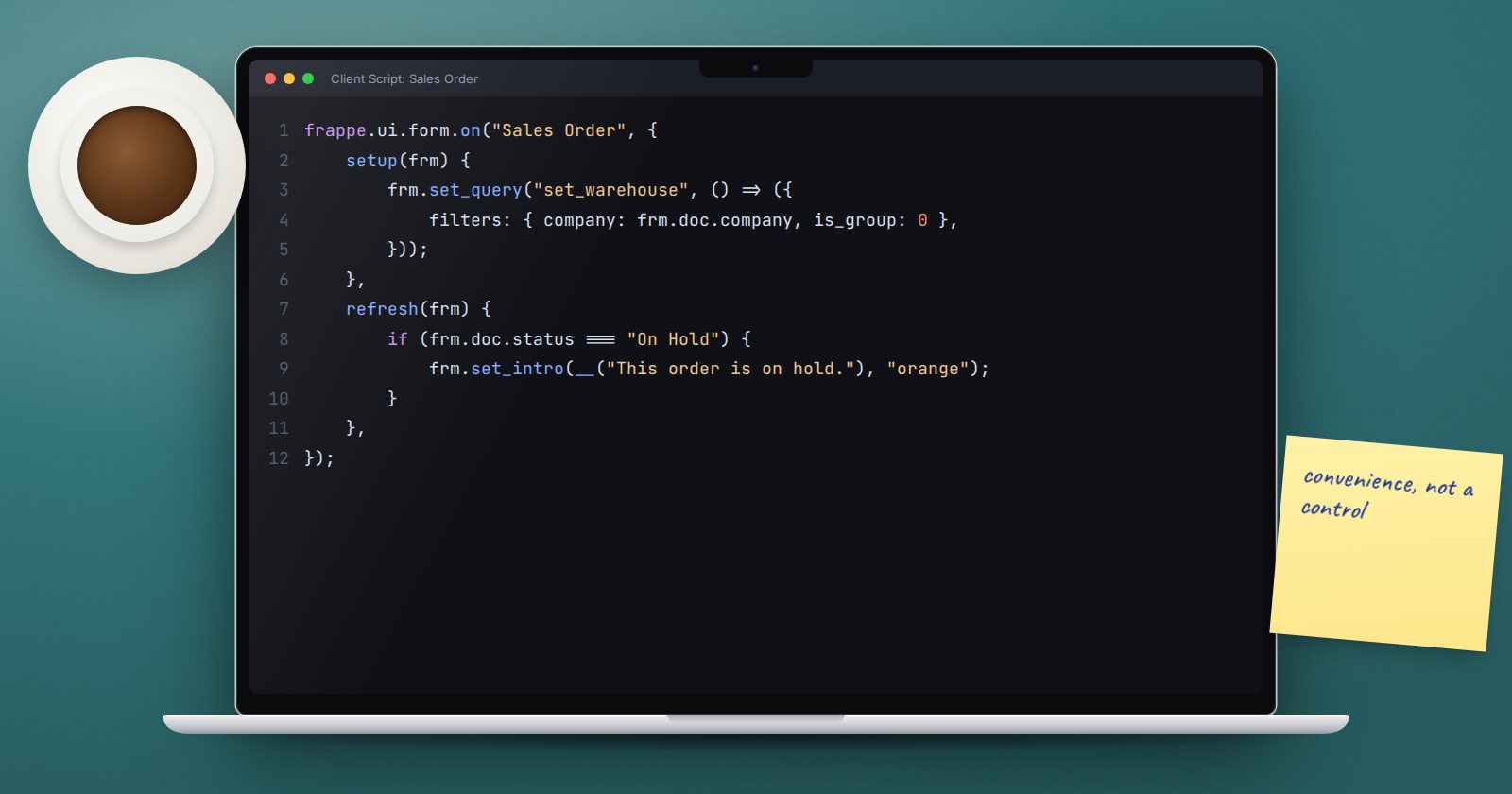
Users judge ERPNext by its forms. A link field that offers 300 warehouses when only five apply, or a form that never mentions an order is on hold, costs time every day. Client Scripts let you shape form behaviour in the browser, from the desk.
Where they live
Search for "New Client Script". Choose the DocType, set Apply To to Form (or List for list view behaviour), tick Enabled, and write JavaScript in the Script field. Saved scripts load the next time the form is opened; reload the page to see changes.
Every script uses the same pattern: frappe.ui.form.on(doctype, { event: handler }).
Filter a link field
Show only warehouses that belong to the order's company and are not groups:
frappe.ui.form.on("Sales Order", {
    setup(frm) {
        frm.set_query("set_warehouse", () => ({
            filters: { company: frm.doc.company, is_group: 0 },
        }));
    },
});
setup runs once when the form is created, which is the right place for queries. The function form means the company is read at the moment the user opens the dropdown, not when the page loaded.
React to the document's state
refresh runs every time the form is shown or reloaded:
frappe.ui.form.on("Sales Order", {
    refresh(frm) {
        if (frm.doc.status === "On Hold") {
            frm.set_intro(__("This order is on hold. Check with accounts before delivery."), "orange");
        }
        if (frm.doc.docstatus === 1 && frm.doc.per_delivered < 100) {
            frm.add_custom_button(__("Delivery Status"), () => {
                frappe.msgprint(__("Delivered: {0}%", [frm.doc.per_delivered]));
            });
        }
    },
});
Wrap user-facing text in __() so it can be translated.
React to a field change
A handler named after a field runs when that field changes:
frappe.ui.form.on("Sales Order", {
    customer(frm) {
        if (!frm.doc.customer) return;
        frappe.db.get_value("Customer", frm.doc.customer, "customer_group").then((r) => {
            if (r.message && r.message.customer_group === "Government") {
                frappe.show_alert({ message: __("Remember the PO number"), indicator: "blue" });
            }
        });
    },
});
frappe.db.get_value returns a promise. Do not block the form waiting for it.
Child table rows
For a table row, register the child DocType. The handler receives the row's DocType and name:
frappe.ui.form.on("Sales Order Item", {
    discount_percentage(frm, cdt, cdn) {
        const row = locals[cdt][cdn];
        if (row.discount_percentage > 10) {
            frappe.msgprint(__("Row {0}: discount above 10% needs approval.", [row.idx]));
        }
    },
});
A client script is not a control
Everything in a client script runs in the user's browser. It can be skipped by the REST API, by Data Import, or by anyone who opens the browser console. Use client scripts for convenience: filters, hints, buttons, defaults. Put rules that must hold, such as "no discount above 10% without approval", in a server-side validate hook or Server Script. A good pattern is to do both: a friendly warning in the browser and a firm check on the server.
Common mistakes
- Forgetting to tick Enabled. The script saves but never runs.
- Setting values in
refresh. It runs on every load, so the form can show as unsaved each time it opens. Set values in field handlers instead. - Several scripts for one DocType. They all run, oldest first, and logic split across them is hard to follow. Keep one script per DocType and view.
- Assuming fields exist. A renamed custom field silently breaks the script. Check the browser console after changes.
Moving to an app
When a script grows or several sites need it, move it into a custom app's doctype_js hook so it is versioned with the rest of your code.
Try it
- On a test site, create a Client Script for Sales Order with the
set_queryexample. - Open a sales order and check the Set Source Warehouse dropdown.
- Add the
refreshand child table handlers and test them. - Then add the same discount rule as a server-side check and try to bypass the browser warning with Data Import.
Client scripts and their server-side partners are covered in ERPNext as a Platform.
