
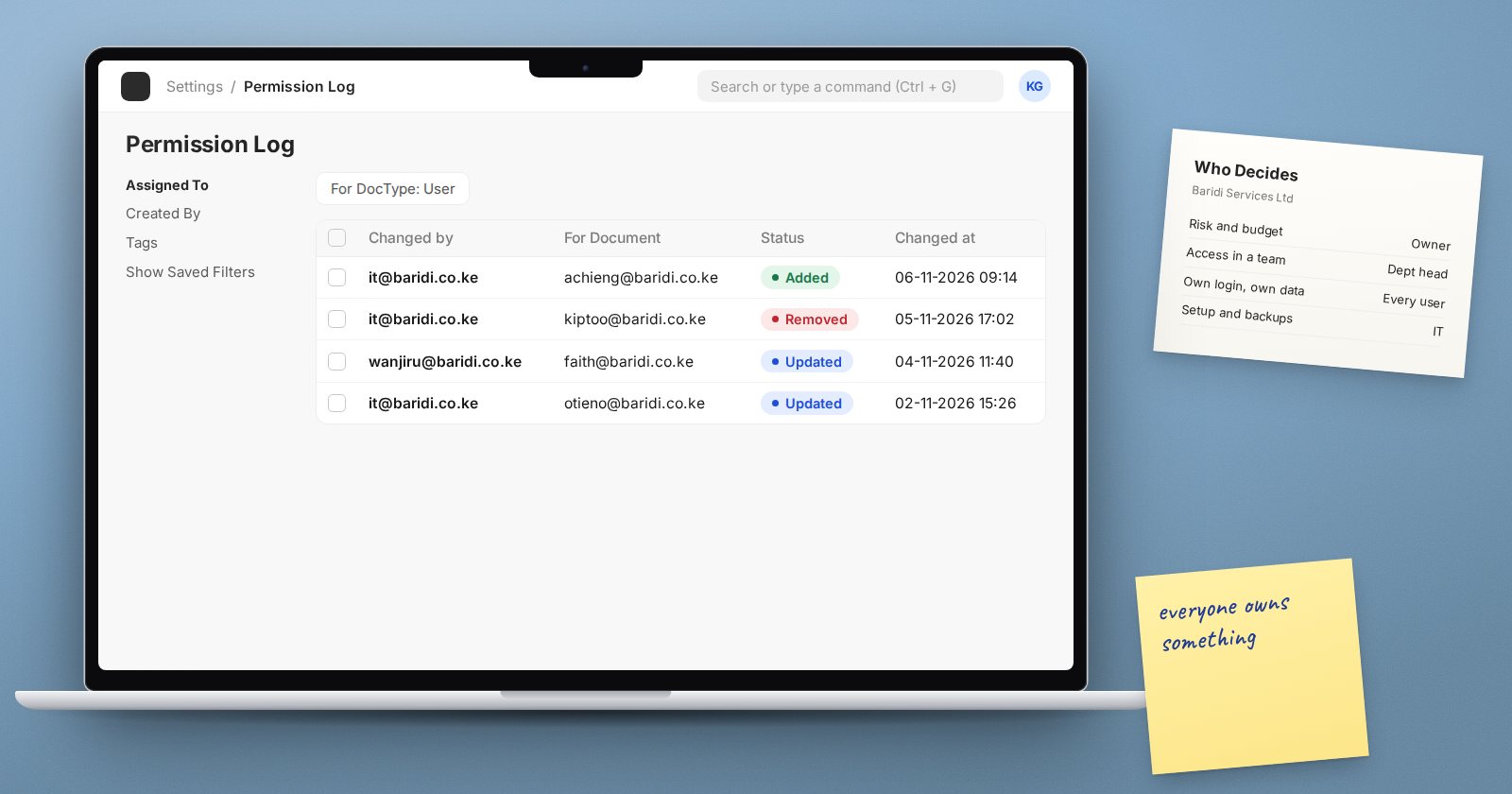
When something goes wrong with a business system, such as a leaked password, a fraudulent supplier payment or a lost backup, the first question is often "what was IT doing?" It is the wrong question. Most of the decisions that prevent these problems are not technical. They are made, or not made, by owners, managers and ordinary users every day.
What digital governance actually means
Digital governance is the set of decisions and responsibilities about your systems and data:
- who is allowed to do what
- who approves access, and who reviews it
- what data you collect, and how long you keep it
- what happens when something goes wrong, and who decides
IT carries out many of these decisions: it creates the user, sets the role, configures the backup. But IT cannot decide on its own whether the new accountant should approve payments, or how long payroll data must be kept. Those are business decisions.
The owner and the board
Leadership sets the tone and the boundaries:
- Decide how much risk the business accepts: how much data it can afford to lose, how long it can run without the system.
- Name an owner for each major area: finance data, HR data, stock data.
- Fund the basics: offsite backups, a test server, training.
- Ask for evidence, not reassurance: "when did we last test a restore?" is a better question than "are we backed up?"
Department heads and process owners
Managers know what each job needs, so they own access in their area:
- Approve each person's access when they join, change role or leave, and tell the administrator the same day.
- Take part in the quarterly access review and sign off their department.
- Decide which duties must be split between people, and what compensating checks apply where they cannot be.
- Make sure their team follows the agreed process, such as verifying supplier bank changes by phone.
Every user
Every person with an ERPNext login is part of governance:
- Use your own account. Never share a password or let a colleague "just quickly" use your login. Shared logins make the audit trail point at the wrong person.
- Protect your password and your 2FA codes. No one legitimate needs them.
- Lock your screen when you step away.
- Export and share data only when the job needs it, and delete local copies afterwards.
- Report mistakes and suspicious messages quickly. Speed limits damage.
IT and the administrator
IT's job is to implement and evidence the decisions:
- configure roles, password policy, two-factor authentication and logging as agreed
- run backups, test restores and keep servers patched
- produce the reports others need for reviews: user lists, last logins, permission changes
- raise concerns early, in business language
ERPNext supports all of this with records that show who did what: document version history, Activity Log for logins, Access Log for exports and downloads, and Permission Log for access changes. Those records only mean something if every person has their own account and managers actually look at them.
Making it real
Governance fails when it is a policy document nobody reads. It works when it is a few regular habits:
- a one-page access policy that managers have actually signed
- a joiner, mover and leaver process linked to HR
- a quarterly access review, owned by department heads
- a yearly restore drill, reported to leadership
- short, regular security reminders for all staff, with blame-free reporting
Everyone's checklist
- [ ] Leadership has named owners for finance, HR and stock data
- [ ] Recovery targets agreed by the business, not only IT
- [ ] Managers approve access changes and review them quarterly
- [ ] Every user has a personal login; no shared accounts
- [ ] Staff know how to report mistakes and suspicious messages
- [ ] IT provides evidence: access reports, restore results, patch status
- [ ] Governance habits reviewed once a year
Helping a client's leadership take on these roles is part of what we teach in the ERPNext Implementation Consultant course.
