
A DocType is the heart of everything in Frappe. It defines a database table, a form, a list, permissions and the Python class that holds the business rules. Getting the first design right saves migrations later.
Before you click New
Decide three things on paper:
- What one record means. "One site visit by one technician on one day" is clear. "Visits" is not.
- How records are named. Users will search and quote these names.
- Whether it is submittable. If the record must be locked once confirmed, like an invoice, it needs Submit and Cancel.
Create it in your app
With developer mode on, create a new DocType, and set Module to a module of your custom app. Leave Custom? unticked. On save, Frappe writes these into your_app//doctype/site_visit/:
site_visit.json- fields, permissions and settings,site_visit.py- the controller class,site_visit.js- form scripts,test_site_visit.py- a test class to fill in.
These files are the source of truth. Commit them. Other sites get the DocType when they run bench migrate.
A DocType with Custom? ticked lives only in the database of the site where it was made. That is fine for a quick admin need on one site, but it is not part of your app and will not travel.
Fields
For a Site Visit you might add:
customer- Link to Customer, mandatory, In List View,visit_date- Date, mandatory,technician- Link to Employee,status- Select with options Planned, Completed, Cancelled,notes- Text Editor.
Use Link fields for anything that refers to another record, not Data fields. Links give you validation, search, dashboards and User Permission support for free.
Naming
The Naming Rule options include Set by user, Autoincrement, By fieldname, By "Naming Series" field, Expression, Random, UUID, and By script. For transactions, an expression such as SV-.YYYY.-.##### gives readable, ordered names. For master data with a natural unique value, By fieldname is clearer.
The controller
The generated Python file holds a class that extends Document. You add methods with names Frappe calls at set points in the document's life:
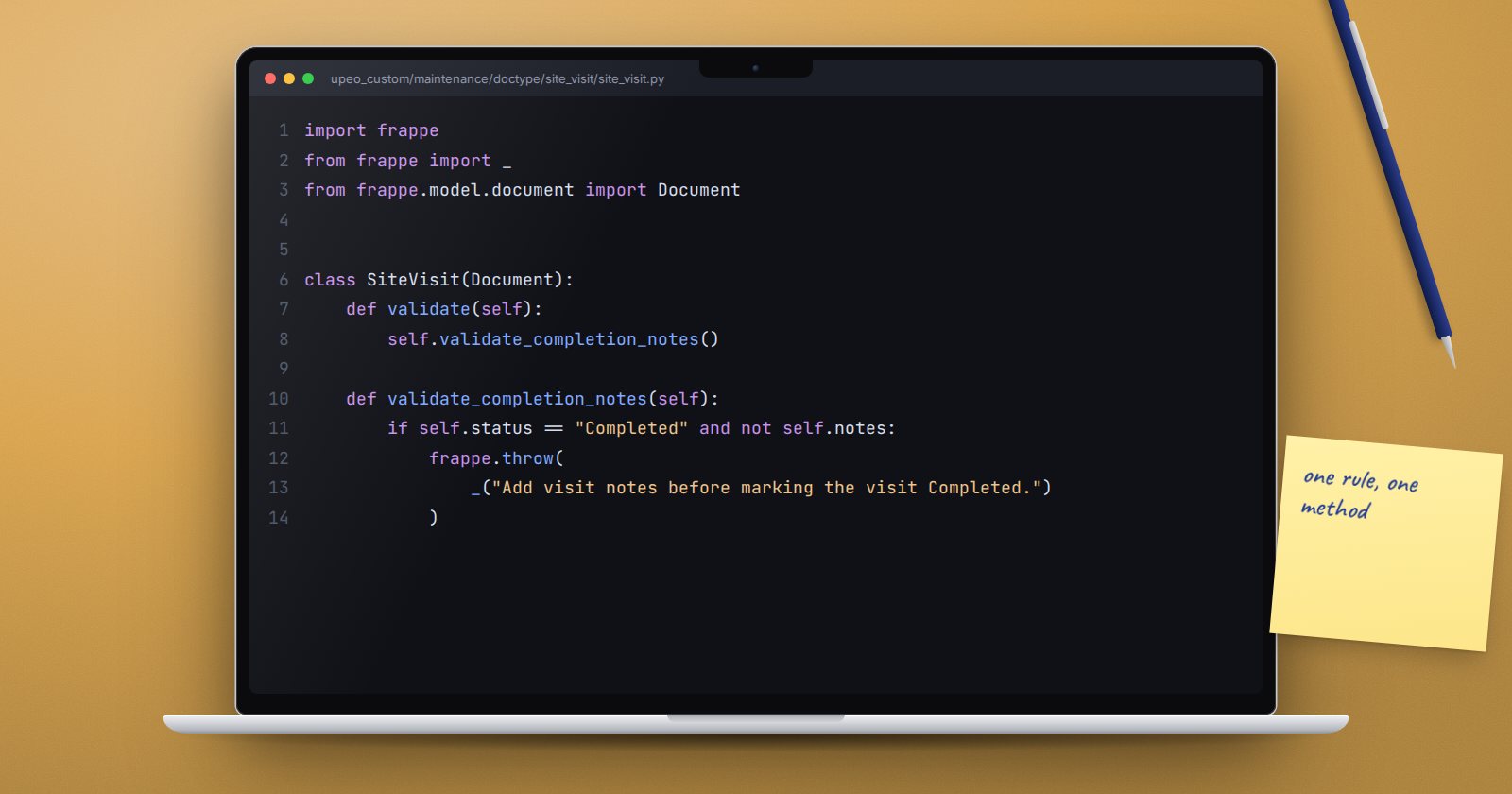
import frappe
from frappe import _
from frappe.model.document import Document


class SiteVisit(Document):
    def validate(self):
        self.validate_completion_notes()

    def validate_completion_notes(self):
        if self.status == "Completed" and not self.notes:
            frappe.throw(_("Add visit notes before marking the visit Completed."))
Keep each method small and named for the rule it enforces. validate then reads like a checklist.
Which method to use
On save, Frappe runs before_validate, then validate, then before_save, writes to the database, then runs on_update. On submit it runs validate and before_submit, then after writing, on_update and on_submit. On cancel it runs before_cancel and on_cancel. New records also get before_insert and after_insert.
Use them like this:
- validate - checks and calculated fields. Anything that should stop a bad save.
- onupdate / onsubmit - side effects that need the record saved, such as creating a linked document.
- on_cancel - reverse those side effects.
Raising frappe.throw in any of these rolls back the whole save, so a half-finished change never reaches the database.
Permissions
Add permission rows in the DocType before you ship it. A DocType with only System Manager access looks fine in testing as Administrator, then nobody else can open it.
Try it
- In your custom app, create the Site Visit DocType with the fields above and an expression naming rule.
- Add the validation method and try to complete a visit without notes.
- Add permission rows for a role such as Maintenance User.
- Commit the DocType folder and run
bench migrateon a second site.
DocType design and controllers are the foundation of ERPNext as a Platform.
