
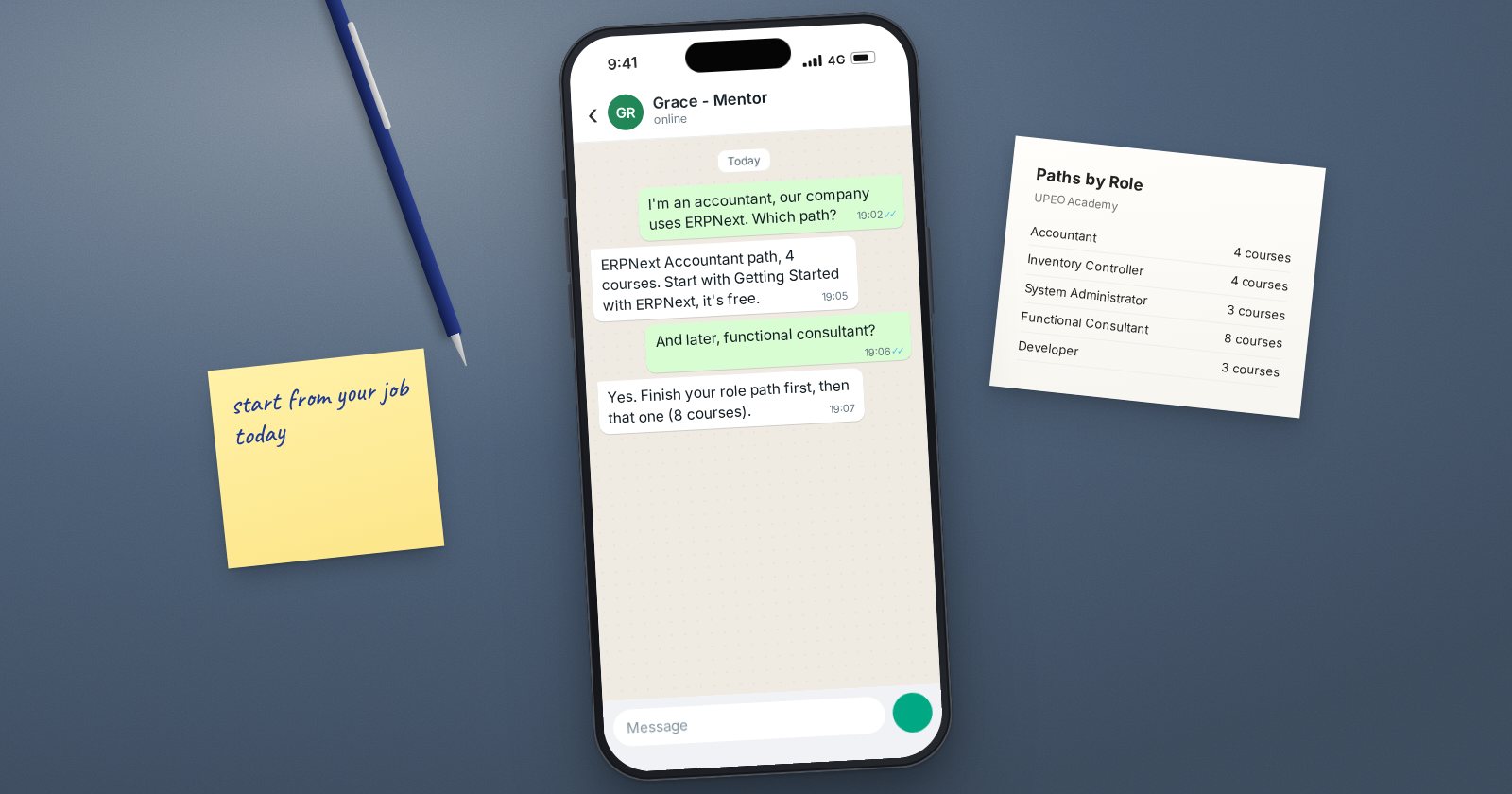
ERPNext is used by people in very different jobs. An accountant, a storekeeper and a payroll officer all log in to the same system, but they use different parts of it in different ways. Learning everything at once is slow and discouraging. Learning the part your job needs, in the right order, is far more effective.
UPEO Academy organises its courses into learning paths by job role for exactly this reason. This guide helps you pick one.
Start with your current job, not a job title
Ask yourself two questions:
- What do I do in ERPNext every day, or what will I do once it is live?
- Where do I want to be in a year?
If the answers are the same, choose the path that matches your current role and go deep. If they differ, start with your current role, since that is where you can practise every day, and then move towards the path for your target role.
The paths at a glance
Each path is an ordered set of courses for one role.
- ERPNext Accountant (Intermediate, 4 courses): record, reconcile, report and close the books.
- ERPNext Inventory Controller (Intermediate, 4 courses): receive, move, count and value stock.
- ERPNext Procurement Officer (Beginner, 3 courses): run purchasing from request to supplier payment.
- ERPNext Sales Professional (Intermediate, 4 courses): win customers, sell correctly and get paid.
- ERPNext Retail Supervisor (Beginner, 3 courses): sell at the counter and balance the till every day.
- ERPNext Production Controller (Intermediate, 4 courses): plan, produce and cost what you make.
- ERPNext HR & Payroll Officer (Intermediate, 4 courses): manage employees and pay them correctly.
- ERPNext Project Manager (Beginner, 3 courses): deliver projects and services on time and on budget.
- ERPNext System Administrator (Intermediate, 3 courses): set up, secure and adapt ERPNext without code.
- ERPNext Functional Consultant (Advanced, 8 courses): design, implement and support ERPNext for businesses.
- ERPNext Developer (Intermediate, 3 courses): from the Linux shell to building and scaling apps on ERPNext.
Matching common situations
"I am an accountant in a company that uses ERPNext." Take the ERPNext Accountant path. It builds directly on what you already know.
"I run the stores or warehouse." The Inventory Controller path covers daily stock work and the valuation side that finance will ask you about.
"I am the person everyone asks about ERPNext at work." The System Administrator path gives you users, permissions and settings, which is what that informal role usually needs.
"I want to implement ERPNext for other businesses." The Functional Consultant path is the longest because the role is the broadest. It covers foundations, master data, accounting, inventory, procurement, sales, administration and the implementation method.
"I want to build apps and integrations." The Developer path starts with Linux and goes through to building on the Frappe platform.
"I am a business owner." You do not need a full path. The free introductory course and the course for your weakest area, often accounting, will help you ask better questions of your team and partner.
Where everyone should start
Whatever path you choose, Getting Started with ERPNext is free and covers the desk, navigation, list and form views, and how documents move from draft to submitted. Customers, Suppliers & Items follows naturally, because clean master data underpins every role.
Tips for finishing a path
- Practise each lesson in a real or practice system the same day
- Set a fixed weekly time and protect it
- Keep notes of what each document does to stock and the ledger
- Finish one path before starting another
Checklist
- Current role and target role written down
- One path chosen to start with
- Free introductory course completed first
- Weekly study time booked
- A practice system available for hands-on work
You can compare every path, with its courses in order, on the learning paths page.
