
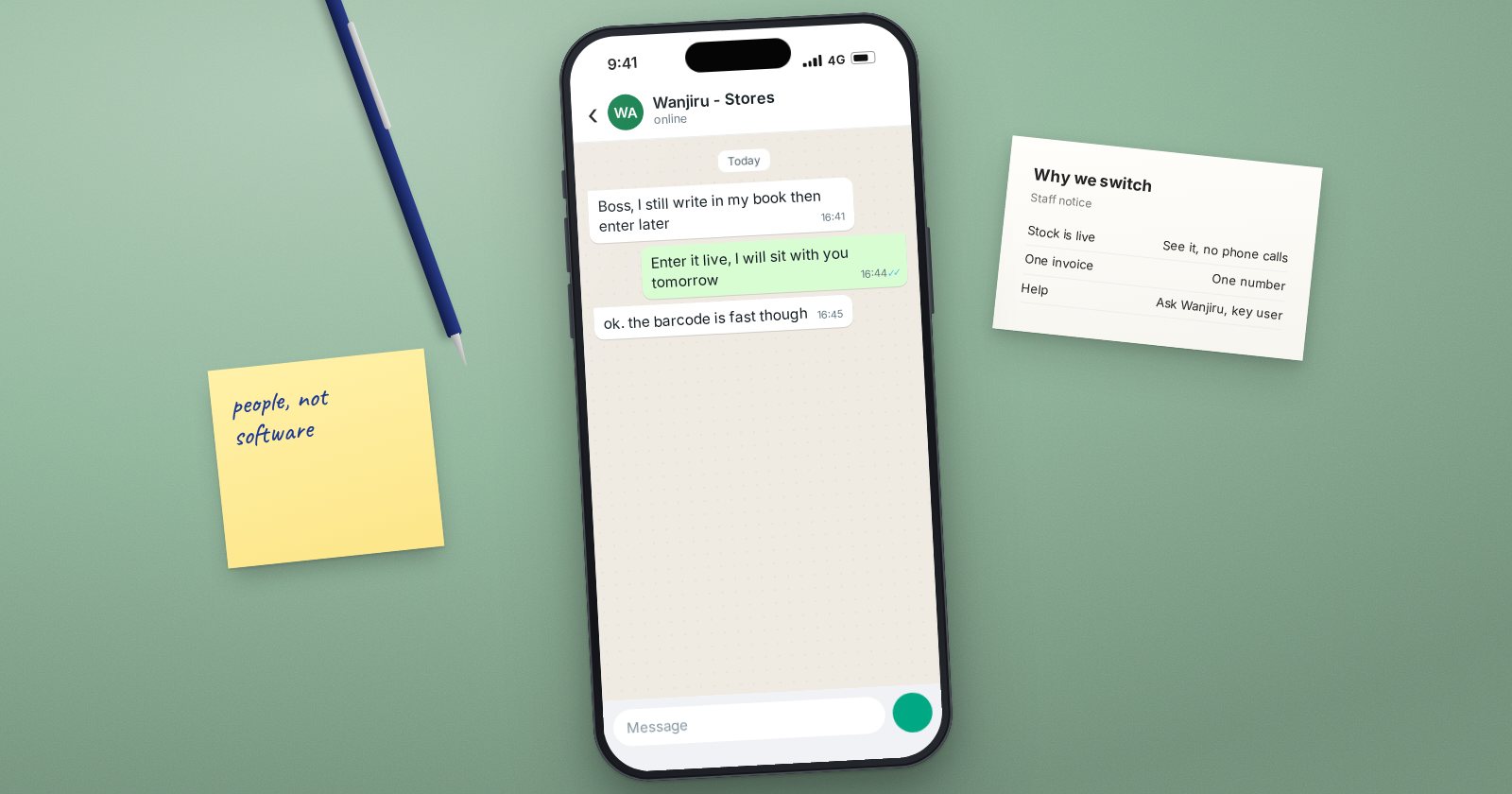
An ERPNext project can be configured perfectly and still fail if people do not use it the way it was designed. A new system changes daily routines, exposes old mistakes and shifts who controls information. People react to that, sometimes with enthusiasm and often with worry. Change management is the work of helping them through it.
It does not need a separate team or a thick document. It needs attention from the start of the project, not a few emails before go-live.
Why people resist
Resistance is rarely about the software. Common reasons include:
- Fear of looking incompetent. Experienced staff may be slow at first, and that is uncomfortable.
- Loss of control. A storekeeper who kept the only accurate stock list loses that position when the system holds it.
- More visibility. Mistakes and delays become easier to see.
- Extra work during the transition. People are asked to learn while still doing their full job.
- Bad past experiences. A previous system that was abandoned makes people sceptical.
Understanding the reason helps you choose the right response. Fear calls for practice and patience. Loss of control calls for a new, valued role.
Start with the leaders
The single biggest factor is visible support from the top. If the owner or managing director keeps asking for reports from the old spreadsheets, staff will keep maintaining them. Ask the sponsor to:
- Explain why the business is changing, in their own words, at the start.
- Ask for reports from ERPNext, and only from ERPNext, after go-live.
- Attend at least one training session and one go or no-go meeting.
Involve users early
People support what they help build. Bring the people who do the work into process mapping sessions and UAT. When a user's suggestion makes it into the design, tell them. These early participants often become your strongest advocates.
Pick and support key users
In each department, choose one person who is respected by colleagues and comfortable with technology. Train them first and more deeply. They answer routine questions, spot problems early and show others that the system can be learned. Give them time for this role; do not just add it to a full workload.
Make the system feel smaller
A new user facing every module at once will feel lost. Use Role Profiles so each person sees only the documents their role needs, and set up workspaces with shortcuts to their daily tasks. A simple screen lowers anxiety more than any presentation.
Communicate plainly and often
- What is changing, and when
- What it means for each department's daily work
- Where to get help
- What happens to the old system and when it stops
Short, regular updates work better than one long announcement.
Make the new way the only way
After go-live, close the old routes. Stop accepting paper requisitions if requests should be raised in the system. Stop printing old reports. Workarounds that are tolerated in the first month tend to become permanent.
At the same time, recognise progress. Thank teams that close their first month cleanly or reduce errors. People repeat what is noticed.
Checklist
- Sponsor has explained the reason for change
- Users involved in mapping and testing
- Key users chosen, trained and given time
- Role Profiles and workspaces keep screens simple
- Regular, plain communication about what changes and when
- Old routes closed after go-live
- Progress recognised publicly
Change management runs through every phase of a project, which is why it is woven into the ERPNext Implementation Consultant course rather than taught as an afterthought.
