
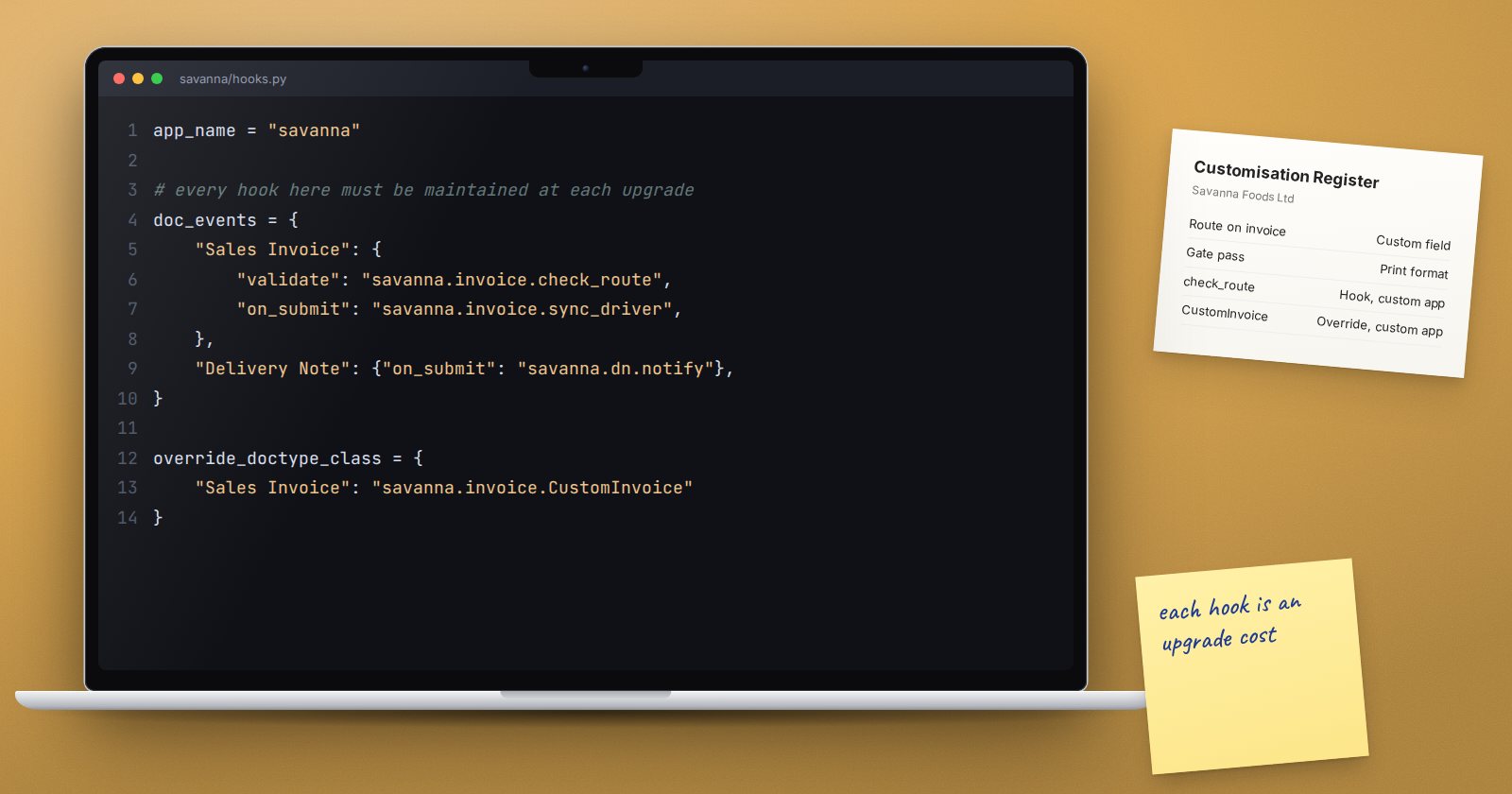
One of ERPNext's strengths is how easily it can be changed. Adding a field, adjusting a form, writing a small script or building a custom app are all within reach. That flexibility is also a risk. Every change has to be understood, tested, documented and carried through each upgrade. Projects that say yes to every request end up with a system that is slow to change, expensive to support and nervous about upgrading.
What counts as customisation
It helps to see the options as a ladder, from lightest to heaviest:
- Configuration. Settings, master data, naming series, price lists, tax templates, roles, permissions, workflows and notifications. Fully supported and carried through upgrades as data.
- Form changes without code. Custom fields and property changes made through Customize Form, such as making a field mandatory or hiding it.
- Print formats and reports. Custom layouts for documents and new reports built on existing data.
- Scripts. Client scripts in the browser and server scripts on the server. Server scripts are disabled by default and must be switched on in the site configuration.
- Custom app. New doctypes, logic and integrations in code, managed in version control by a developer.
Always try the lowest rung that meets the need. Each step up adds maintenance cost.
Why too much customisation hurts
- Upgrades get harder. Standard ERPNext changes between versions. Scripts and custom code that depend on particular fields or behaviour can break, and someone has to find and fix them.
- Support gets harder. A new consultant or support partner has to learn your changes before they can help. If nothing is documented, that takes a long time.
- Users get confused. Extra mandatory fields and pop-ups slow down data entry and lead to junk values just to get past validation.
- Standard features get bypassed. Custom logic that duplicates a standard feature means the two can disagree, and reports built on the standard feature become wrong.
Questions to ask before saying yes
- What problem does this solve, in business terms?
- How often does the situation happen?
- Is there a standard feature, setting or report that already covers it?
- Could the process change instead?
- Who will maintain this, and how will it be tested on upgrade?
- What happens if we do nothing for three months?
Many requests disappear on question three or four. Others turn out to be real needs that deserve to be built properly.
Areas to treat with extra care
- Accounting logic. Changing how documents post to the ledger is high risk. Prefer standard settings, accounting dimensions and cost centers.
- Stock valuation. Leave the valuation method and stock ledger logic alone.
- Core document flow. Removing standard steps, such as skipping a Delivery Note where stock moves, often breaks reports later.
- Mandatory fields. Make a field mandatory only if a decision or report truly depends on it.
Keep a customisation register
Record every change in one list: what it is, where it lives, why it was made, who approved it and how to test it. This register is the most valuable document you can hand to whoever supports the system next, and it makes upgrade testing far quicker.
Checklist
- Lowest rung of the ladder tried first
- Each change linked to a business reason and an approver
- No changes to core accounting or valuation logic without strong cause
- Mandatory fields kept to a minimum
- Server-side code kept in a custom app under version control where possible
- Customisation register up to date
- Upgrade test plan covers every custom item
Knowing what ERPNext can do through settings is the best defence against over-customisation. That is the focus of ERPNext Administration Without Code.
