
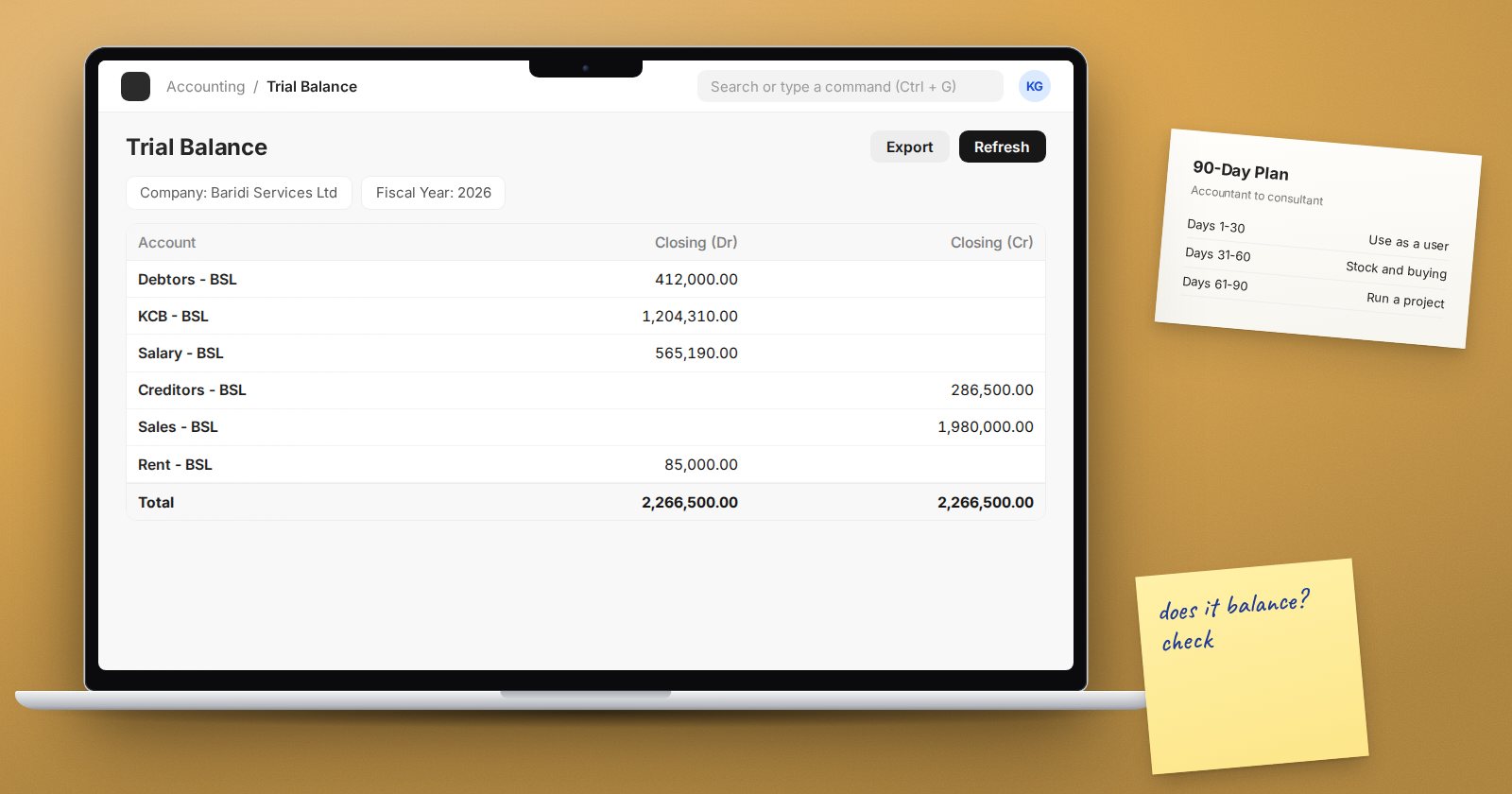
Accountants already hold the hardest part of ERP consulting: they understand how a business records money, and they know what a correct trial balance looks like. What they usually lack is the rest of the picture, such as how stock, buying and selling create those entries, and how to lead a project. Ninety days of steady, structured work is enough to build a solid base. It will not make you a senior consultant, but it will let you speak with confidence and start taking on real work.
Plan for about an hour on weekdays and a longer session at the weekend. Consistency matters more than long bursts.
Days 1-30: learn the system as a user
Your first goal is to be comfortable in ERPNext as an everyday user.
- Set up your own practice company. Run the setup wizard, choose a chart of accounts and set the financial year start date. Doing this yourself shows you choices that clients will face.
- Learn the desk. Workspaces, list views, filters, and how documents move from draft to submitted to cancelled.
- Post the transactions you already know. Sales and purchase invoices, payments, journal entries and bank entries. After each one, open the General Ledger and confirm the entry is what you expected.
- Read the core reports. Trial Balance, General Ledger, Accounts Receivable and Accounts Payable. Compare them to what you would produce manually.
By day 30, you should be able to explain to a colleague what each document posts and why.
Days 31-60: follow the money upstream
Most accounting problems in ERPNext start outside the accounts team. This month is about where the entries come from.
- Master data first. Learn how items, item groups, units of measure, customers, suppliers and warehouses are set up, and how a bad setting causes wrong postings later.
- Run a full buying cycle. Material Request, Purchase Order, Purchase Receipt, Purchase Invoice, Payment. Watch what each step does to stock and to the ledger.
- Run a full selling cycle. Quotation, Sales Order, Delivery Note, Sales Invoice, Payment.
- Practise opening balances. Use the Opening Invoice Creation Tool for unpaid customer and supplier invoices, and a Stock Reconciliation with the Opening Stock purpose for starting stock. Check that everything lands where you expect.
By day 60, you should be able to trace any figure on the balance sheet back to the document that created it.
Days 61-90: think like a consultant
Now shift from doing transactions to designing how a business will use the system.
- Learn the implementation method. Requirements gathering, process mapping, fit-gap, data migration, training, testing and go-live.
- Learn basic administration. Users, roles, permissions and simple customisation without code. Clients will expect you to handle these.
- Practise Data Import. Download a template, fill it, import it, read the error log and fix the failed rows.
- Run a mock project. Pick a realistic small business, write its requirements, map two or three processes, configure your practice company to match, load sample data and write a short training guide.
What you should have at day 90
- A practice company you configured from the start
- Notes tracing at least one sale and one purchase through to the ledger
- A written mock implementation: requirements, process maps, decisions and data templates
- Completed courses that show what you have studied
Courses that fit this plan
On UPEO Academy, a simple order is Getting Started with ERPNext (free), then Accounting Essentials and Customers, Suppliers & Items, followed by the procurement and sales essentials courses and finally ERPNext Implementation Consultant. The ERPNext Functional Consultant learning path puts these in order for you.
A word on expectations
Ninety days builds a foundation, not a career. Your accounting background will carry you a long way, but the confidence clients look for comes from working on real projects. Treat this plan as the step that gets you into that work, and keep learning once you are there.
